The people, the pipeline and the projects, in one place.
Nexus is a self-hosted HR, CRM & Sales and Project Management system. Employees, attendance, leave and payroll. Leads, deals, quotes, invoices, contracts and support tickets. Projects, tasks, sprints, time — and the invoice that comes out the other end. One install, one database, one login.
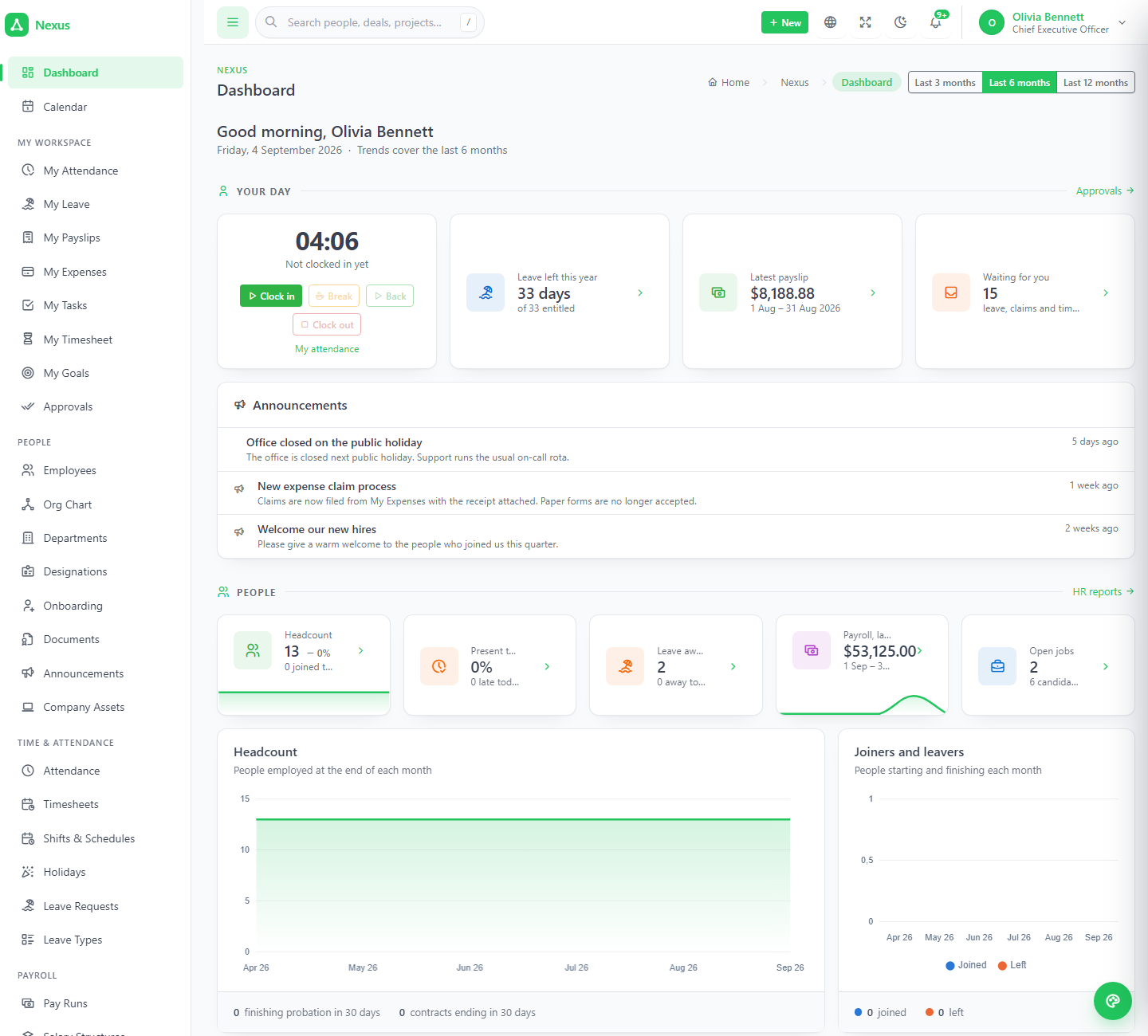
Three systems in one, sharing one directory of people.
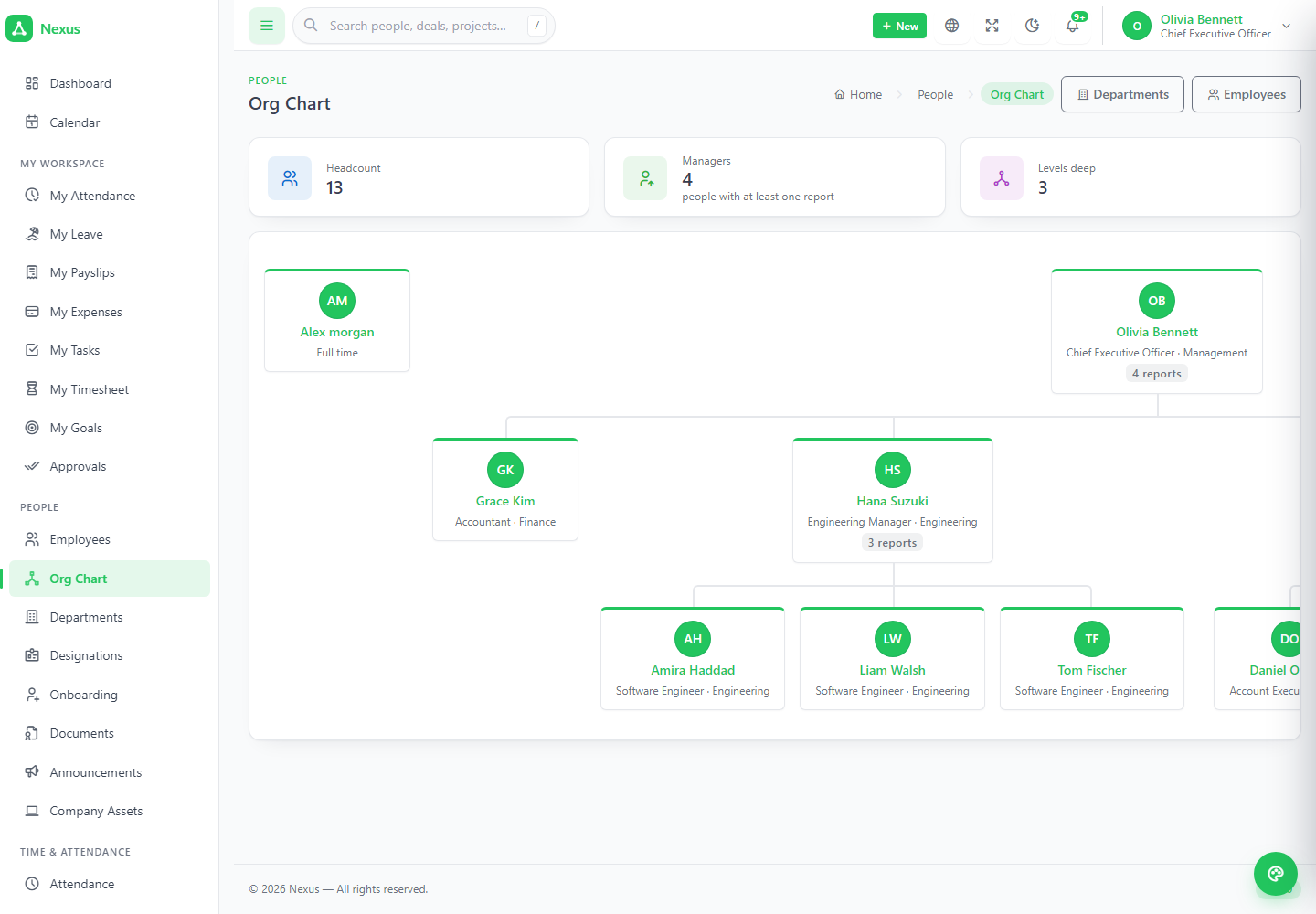
There is no separate "employee" record. The person who books leave is the same row as the person who owns the deal and the person assigned the task — which is why a developer's logged hours become a client invoice without anybody retyping a name.
HR
Employees, attendance, timesheets, leave, payroll, loans, expenses, recruitment, performance, self-service.
CRM & Sales
Leads, pipelines, contacts, campaigns, quotes, invoices, payments, contracts, tickets, knowledge base, client portal.
Projects
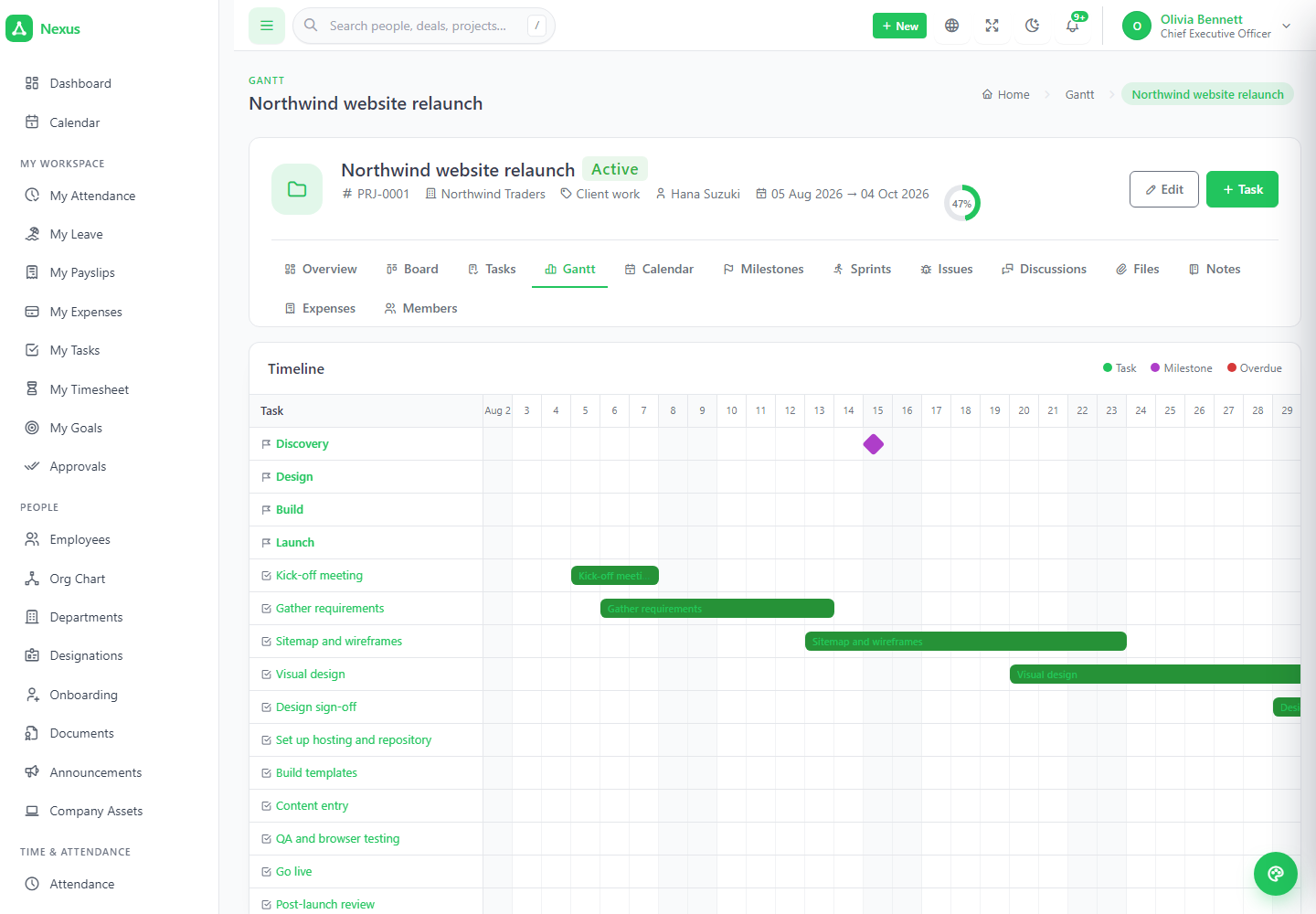
Projects, tasks in four views, milestones, sprints, issues, time tracking, workload, templates, invoice time.
Installs in a browser
A six-step wizard checks the server, tests the database, writes .env, migrates, seeds and creates your account. No SSH.
Runs on shared hosting
Nothing scheduled, nothing queued. No Redis, websockets or Node on the server. If it runs Laravel and MySQL, it runs Nexus.
Permissions are real
Twelve sections, seven starting roles, and the middleware on the route is the guard — not a hidden menu link.
Hired → clocked → paid → sold → delivered → invoiced.
The same person and the same company move through every module. Nothing is kept in step by hand.
Hire
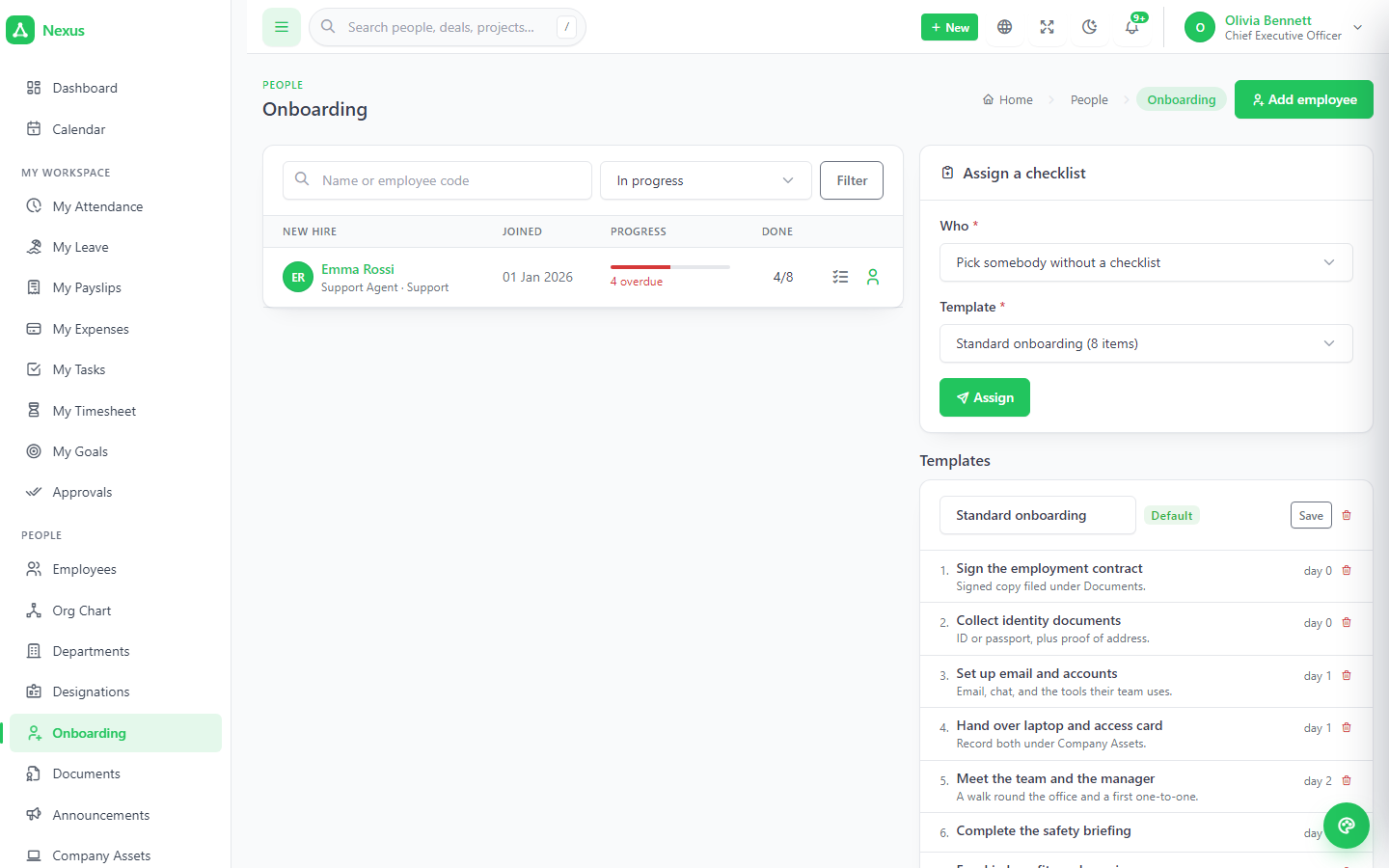
A candidate is converted; the account, employee code and onboarding checklist are created.
Clock & leave
Attendance from the clock, leave against a policy, timesheets built from the grid.
Pay
Pay runs read the clock: overtime, unpaid leave, reimbursements, loan instalments.
Sell
Leads convert to contacts, companies and deals; quotes become invoices.
Deliver & bill
Tracked, approved time becomes a draft invoice for the project's client.
1People, time and pay.
The employee record every other HR screen hangs off, a month-at-a-time attendance grid, leave that knows the policy, and payroll that reads the clock rather than a spreadsheet.
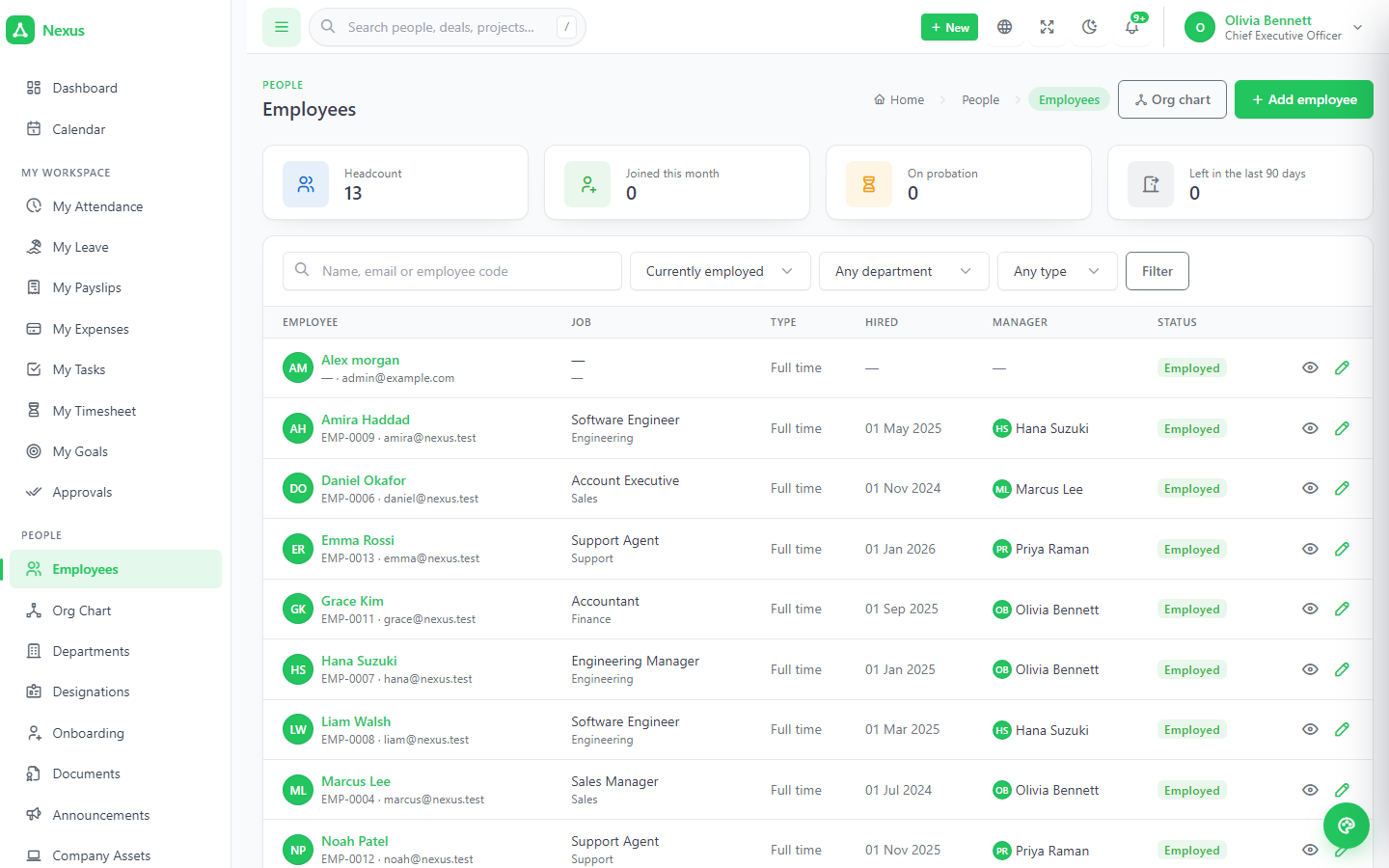
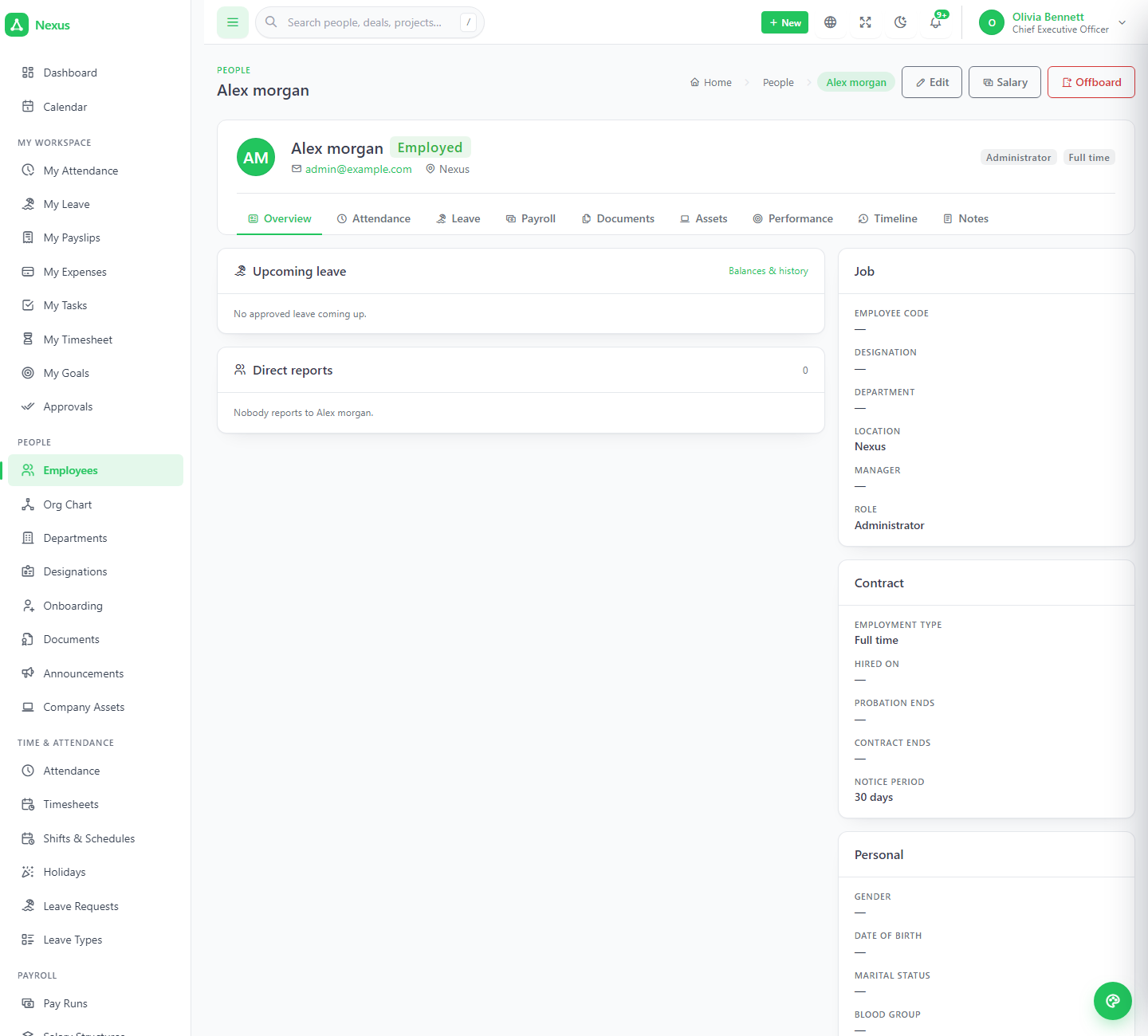
The directory, and the record with tabs.
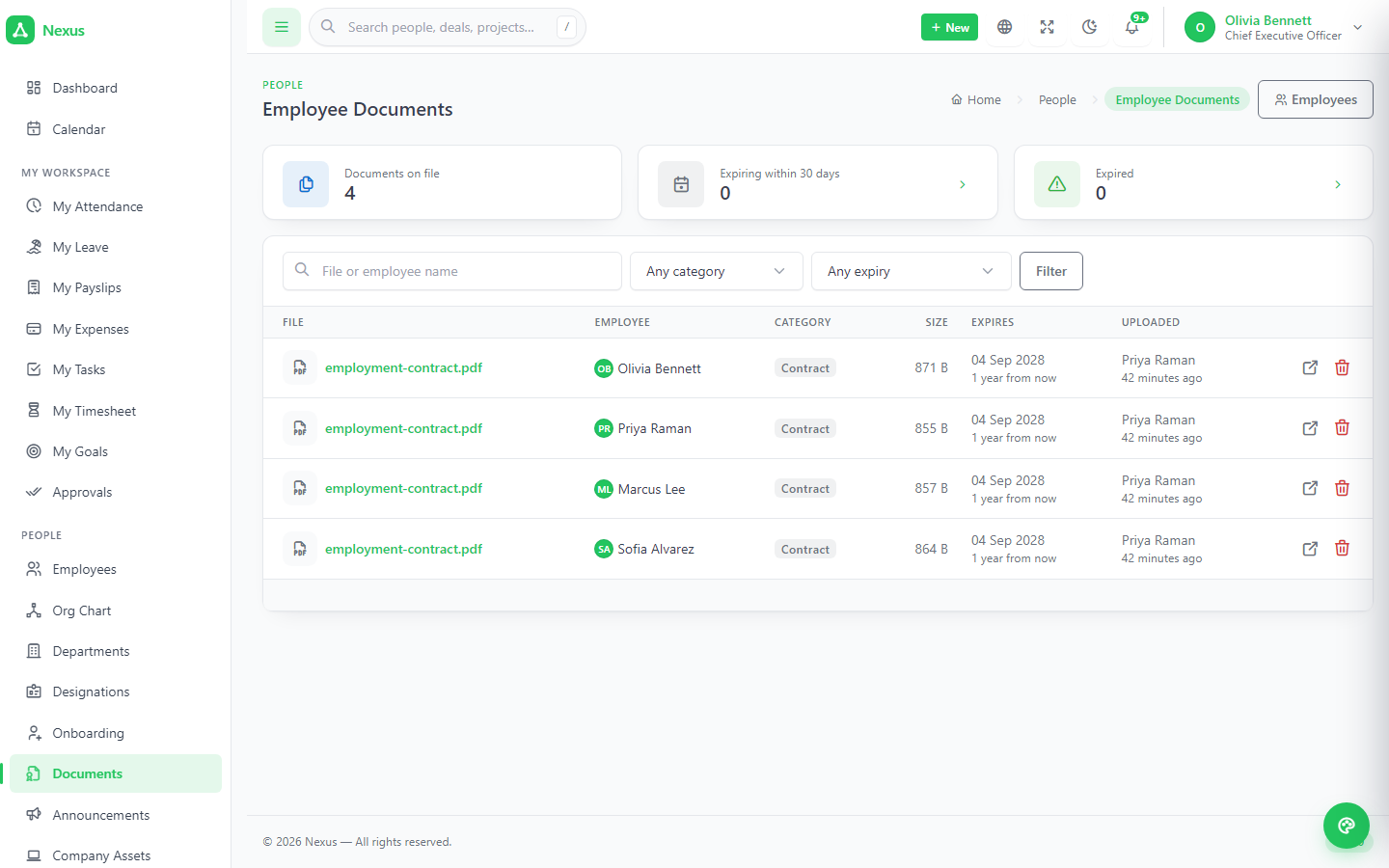
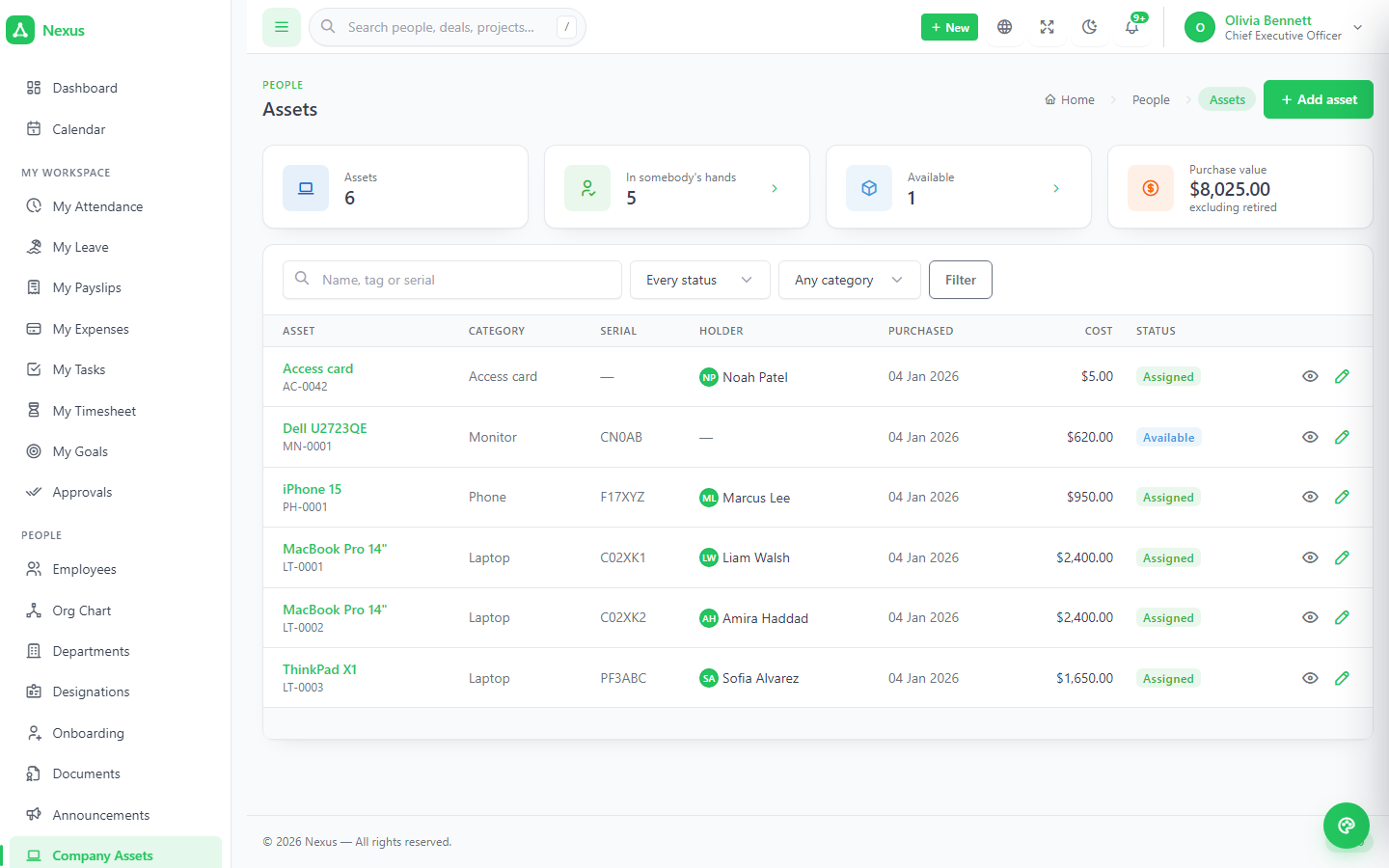
Manager, department, designation, location, hire date, employment type, probation, salary, contact and bank details. Profile, attendance, leave, documents, assets, salary, goals and reviews are tabs on the record — each the module's own data filtered to this person; there is no second copy anywhere.
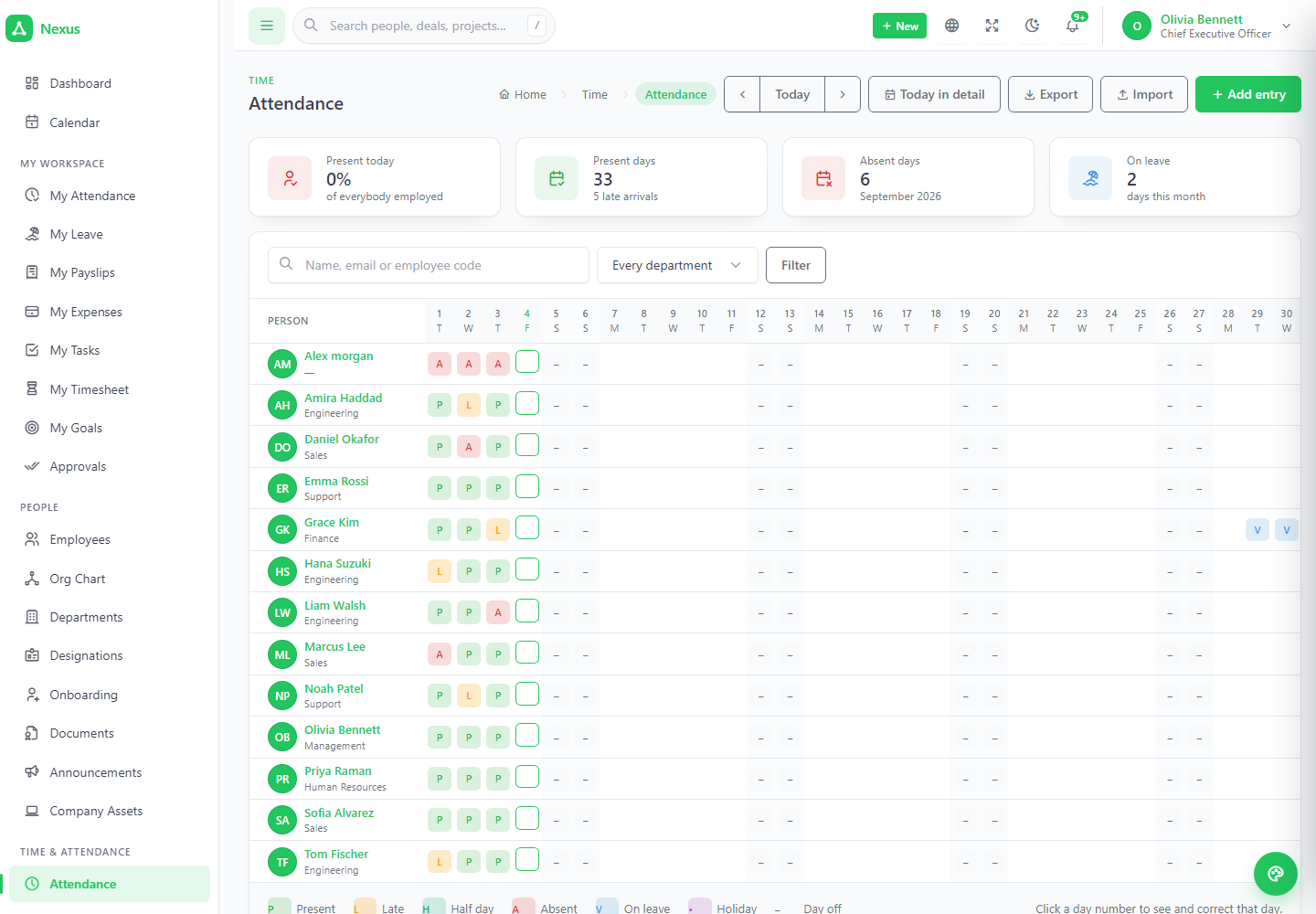
A month at a time, one coloured cell each.
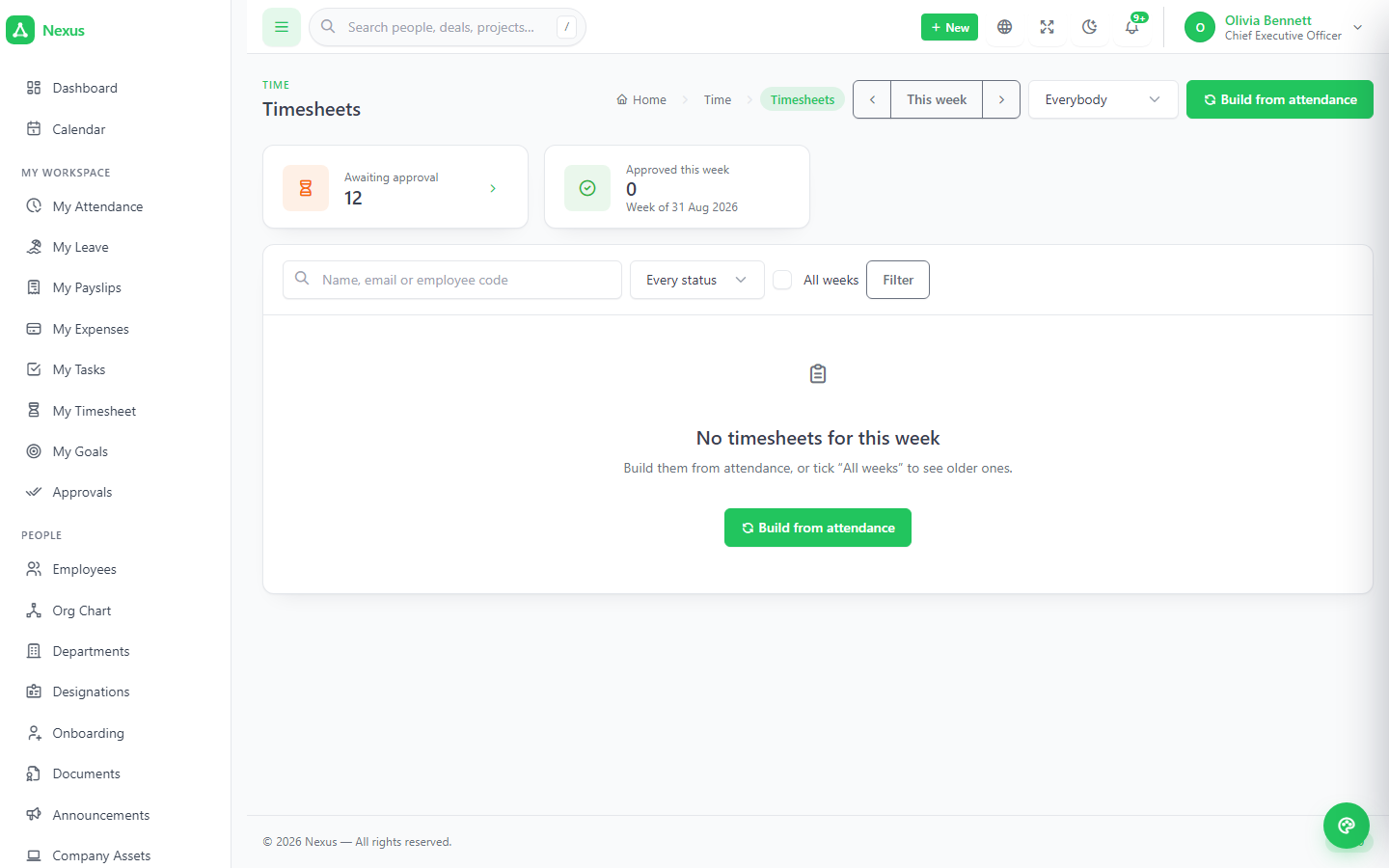
In, break start, break end, out — clocked, typed by HR, or posted by a device over the API, with every row recording where it came from. Status against the schedule: present, late, half day, absent, on leave, holiday. Weekly timesheets are built from the grid and move draft → submitted → approved; only approved sheets feed payroll.
- ✓CSV import from a biometric device or a spreadsheet, matched by employee code or email.
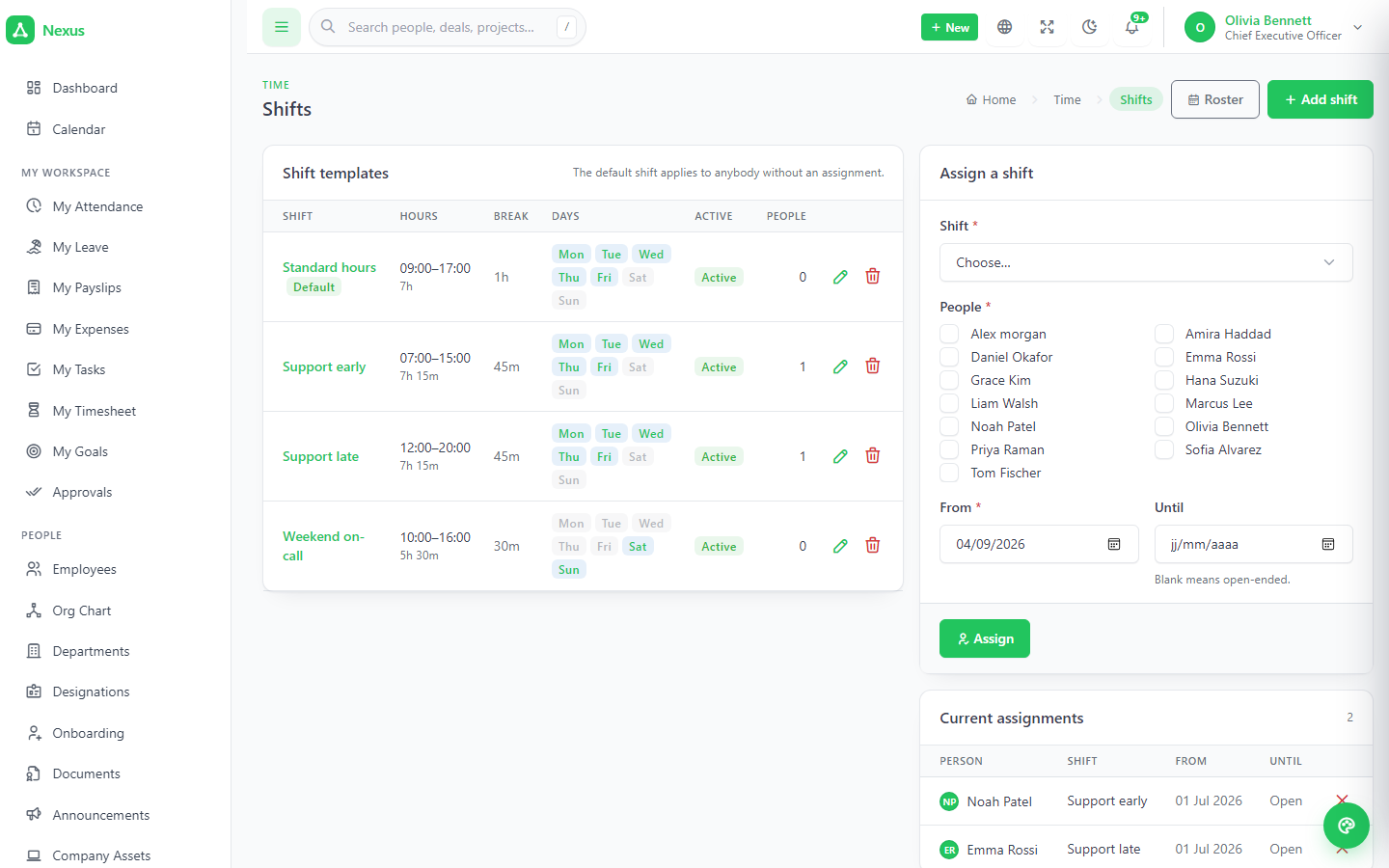
- ✓Shifts and rosters so a night-shift employee never looks permanently absent.
- ✓Holidays per location, subtracted everywhere it matters.
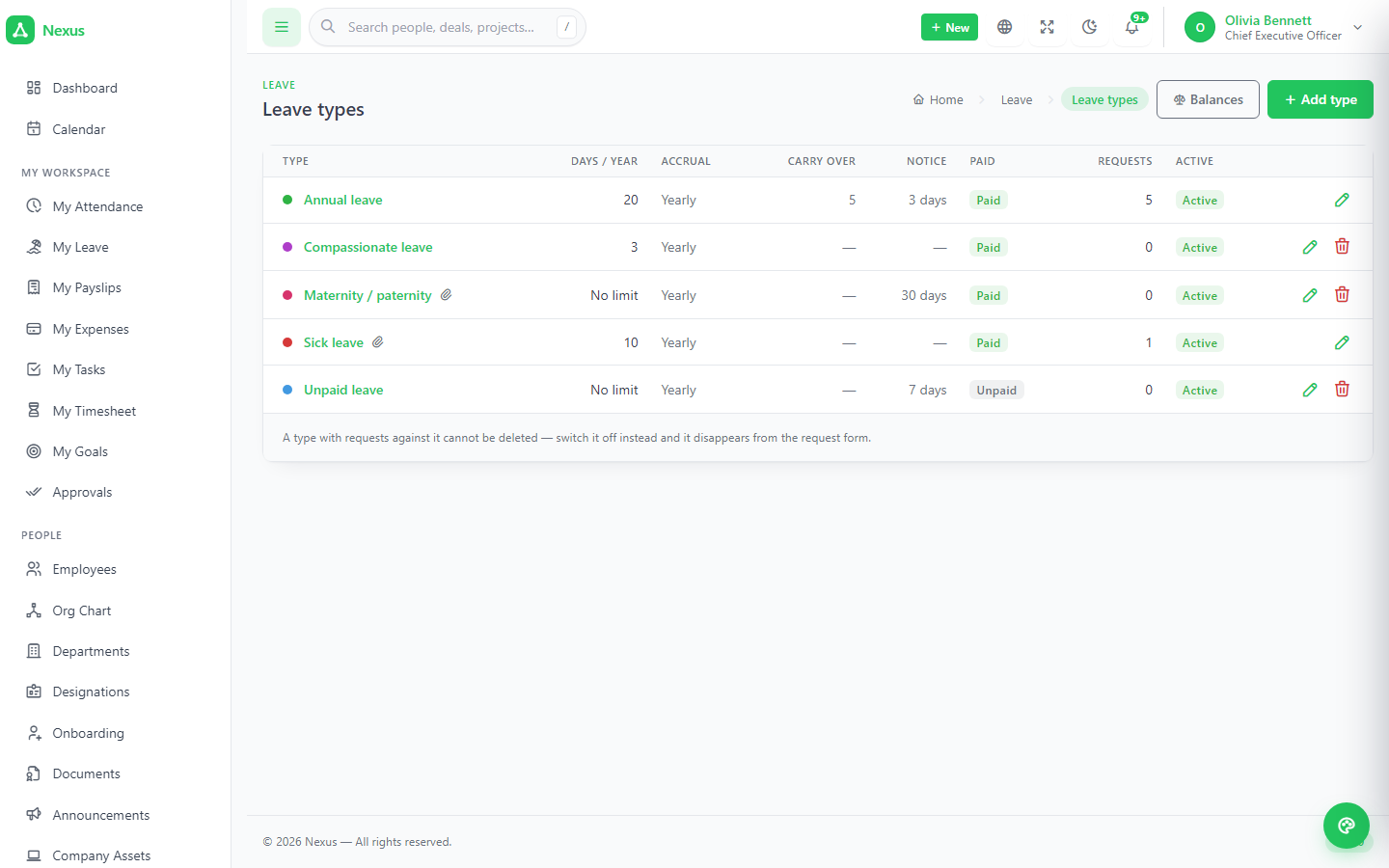
Leave types are the policy.
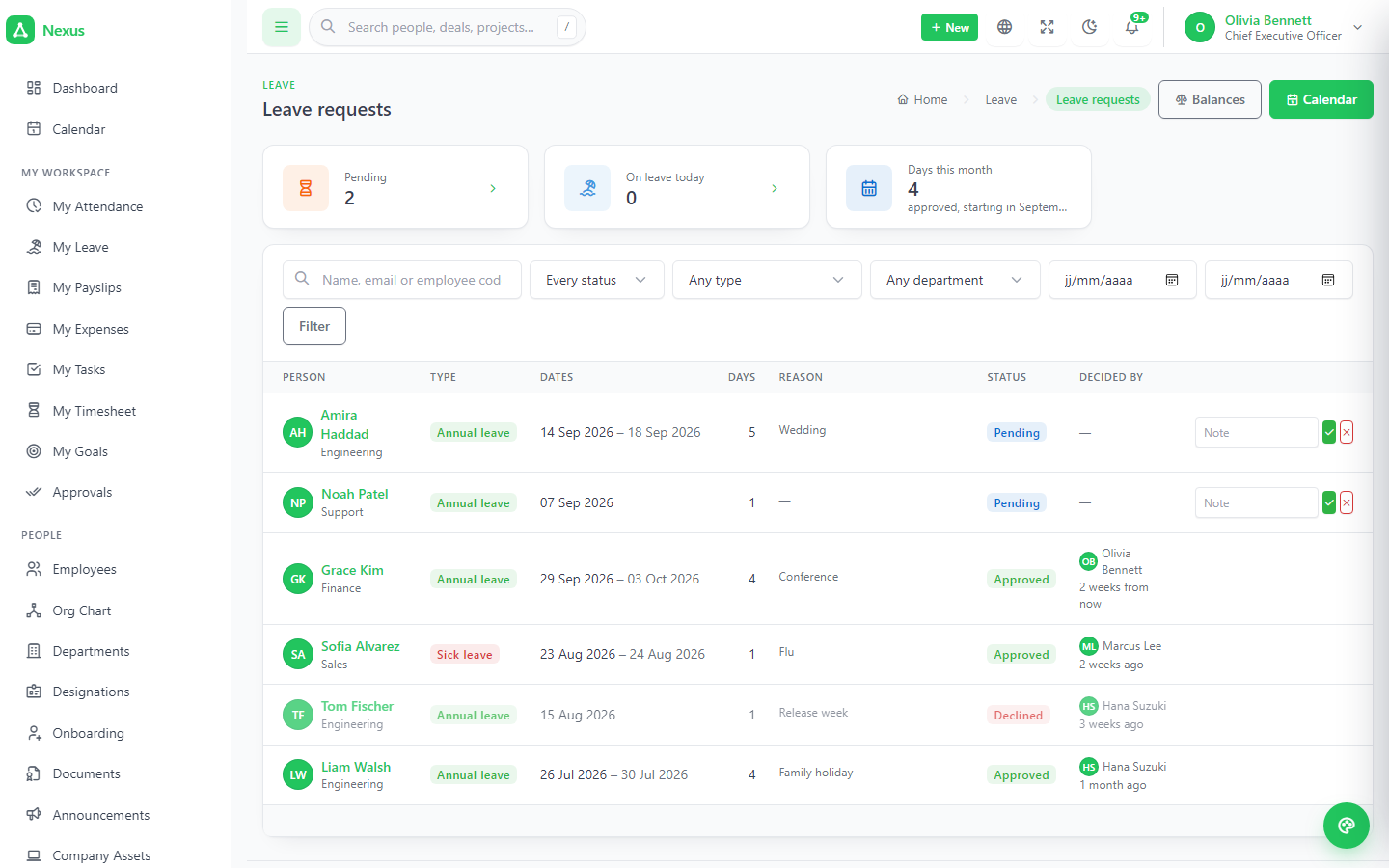
Days per year, paid or unpaid, monthly accrual or yearly allocation, carry-over, attachments, minimum notice. Requesting counts working days at that person's location, refuses what the balance will not cover, and approval moves the days, fills the grid and lands on the shared calendar.
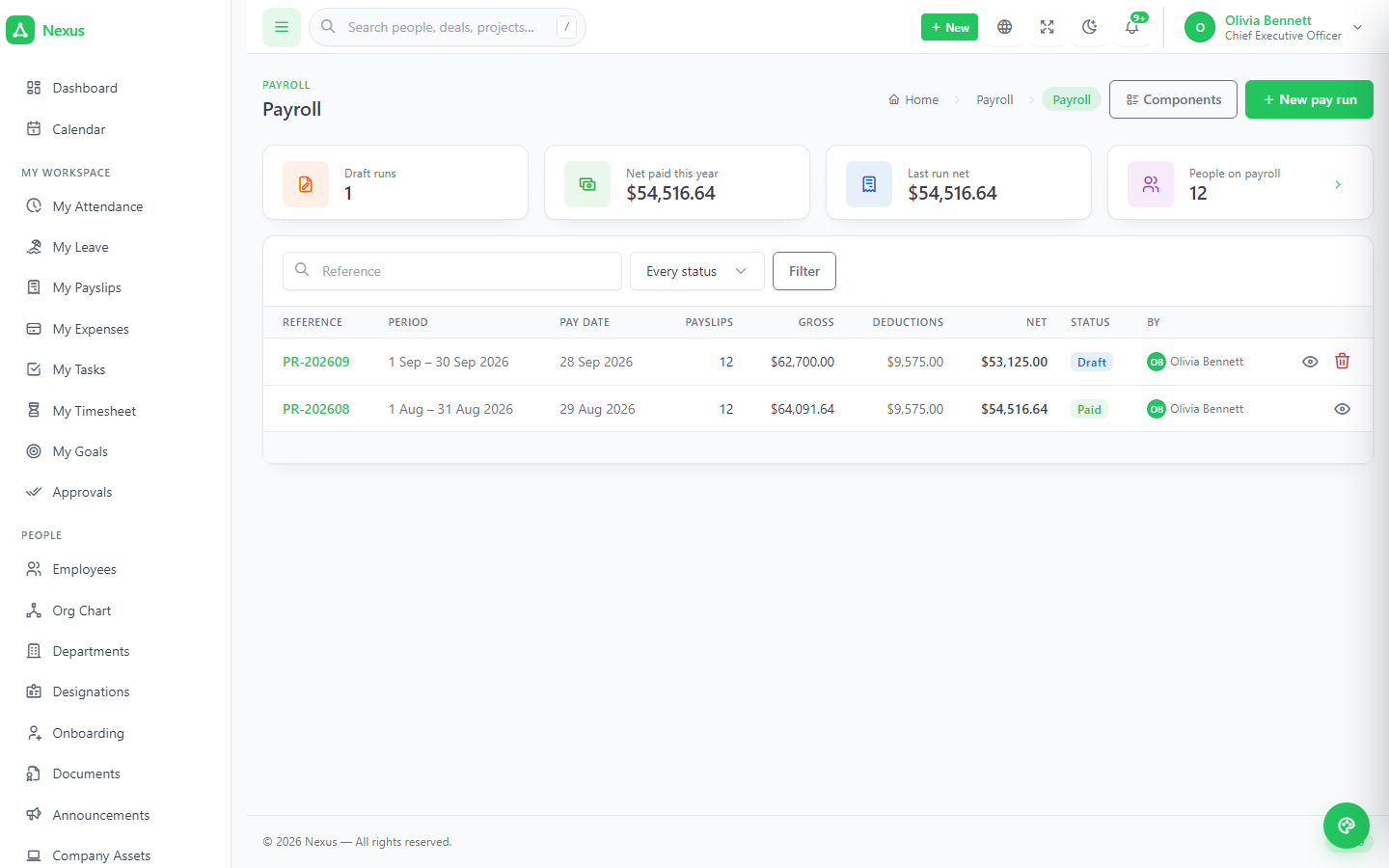
Real pay runs that read the clock.
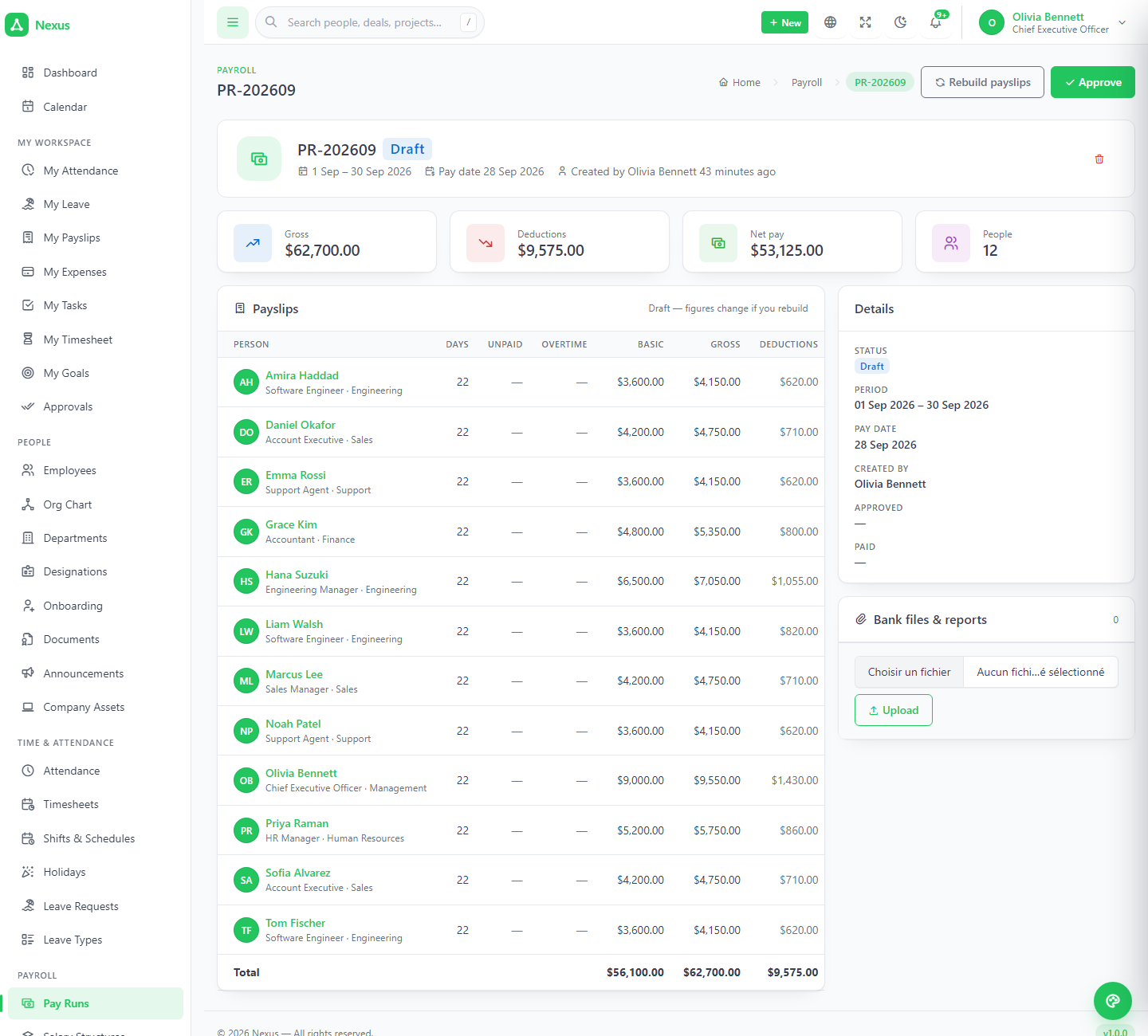
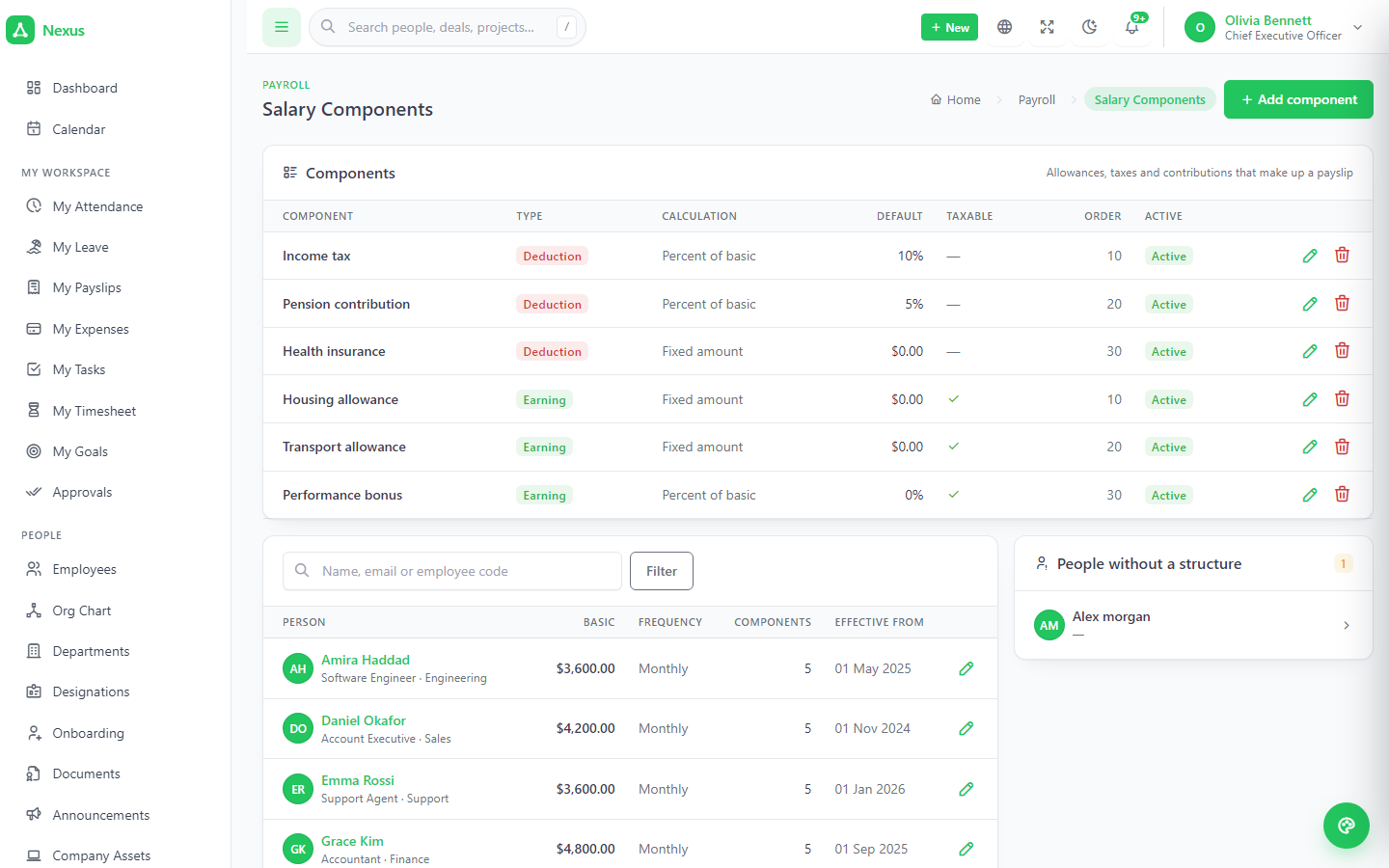
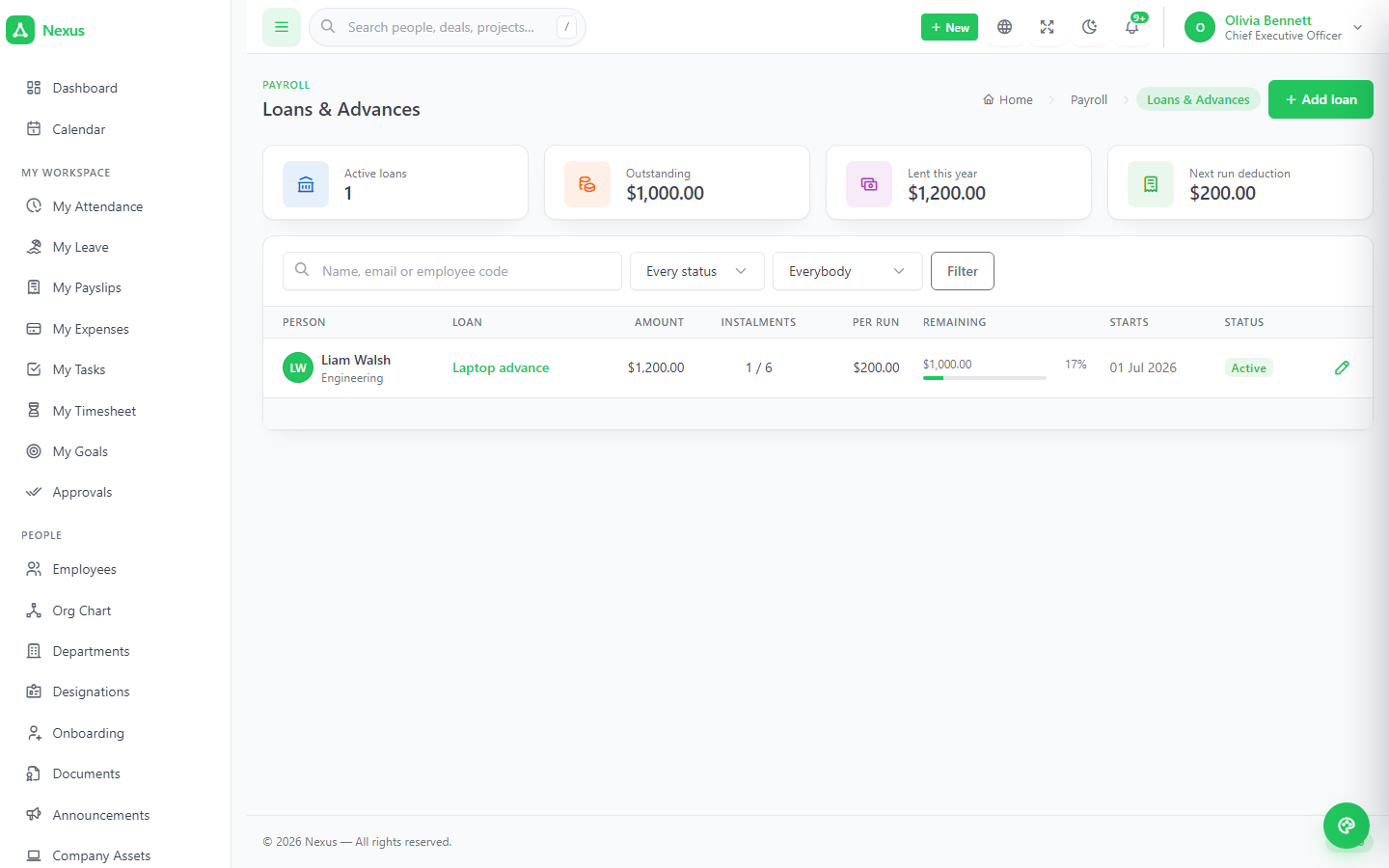
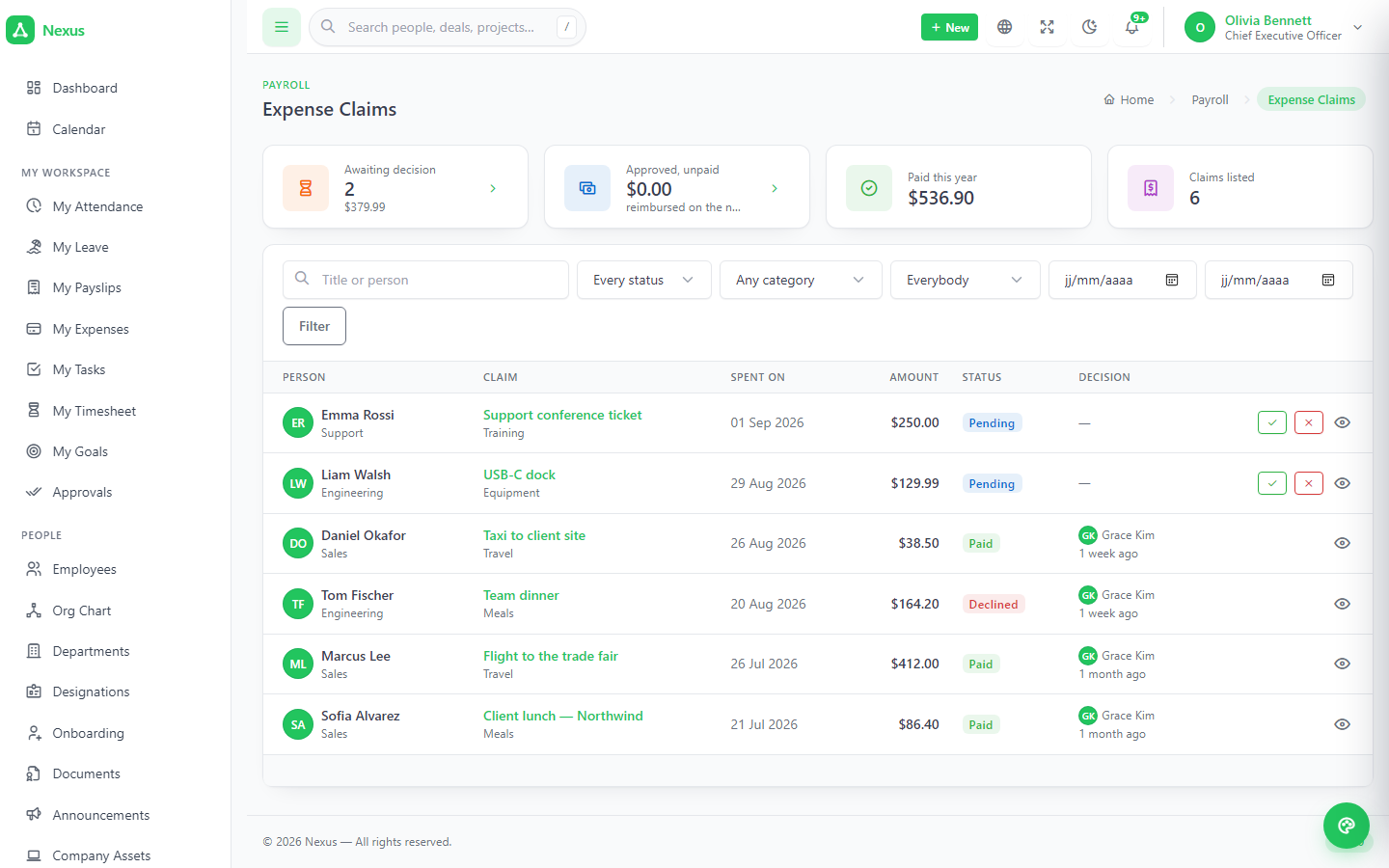
Salary components as fixed amounts or a percent of basic; a structure per person; a pay run per period that moves draft → approved → paid. Each payslip shows basic, components, overtime from approved timesheets, approved expense claims, unpaid leave and absence, and loan instalments — every line with where it came from. Regenerate a draft, approve to freeze, print A4 or email.
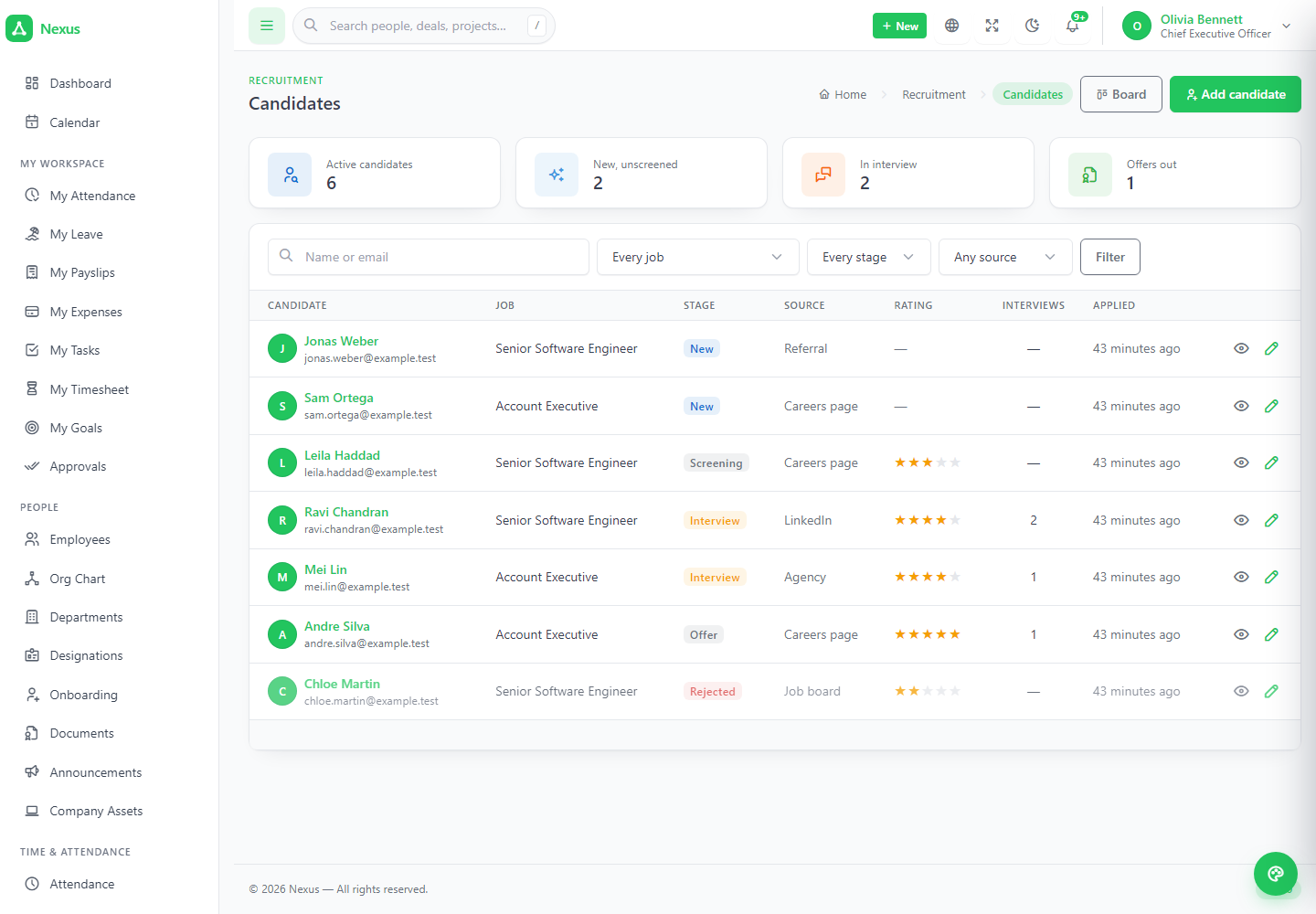
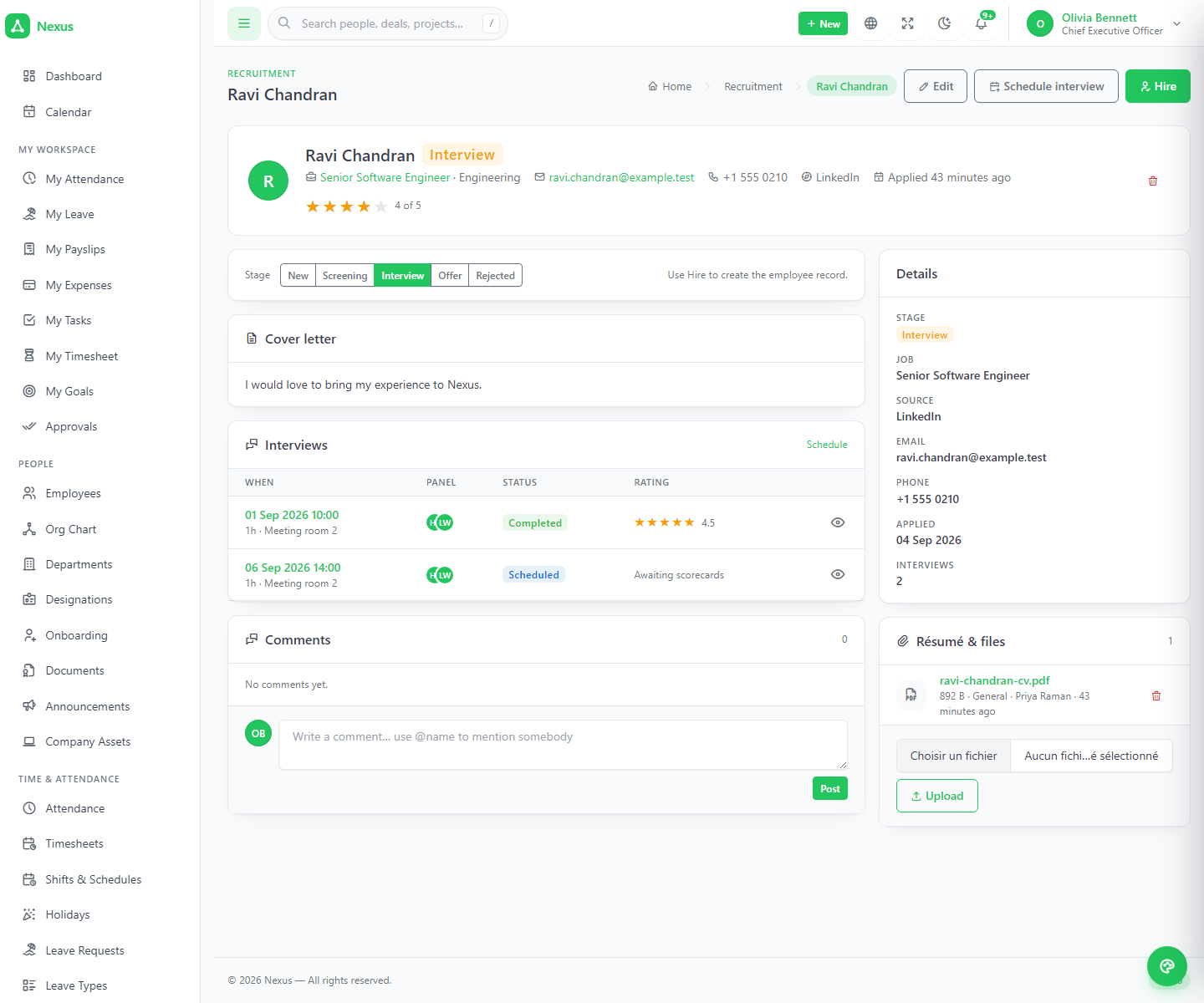
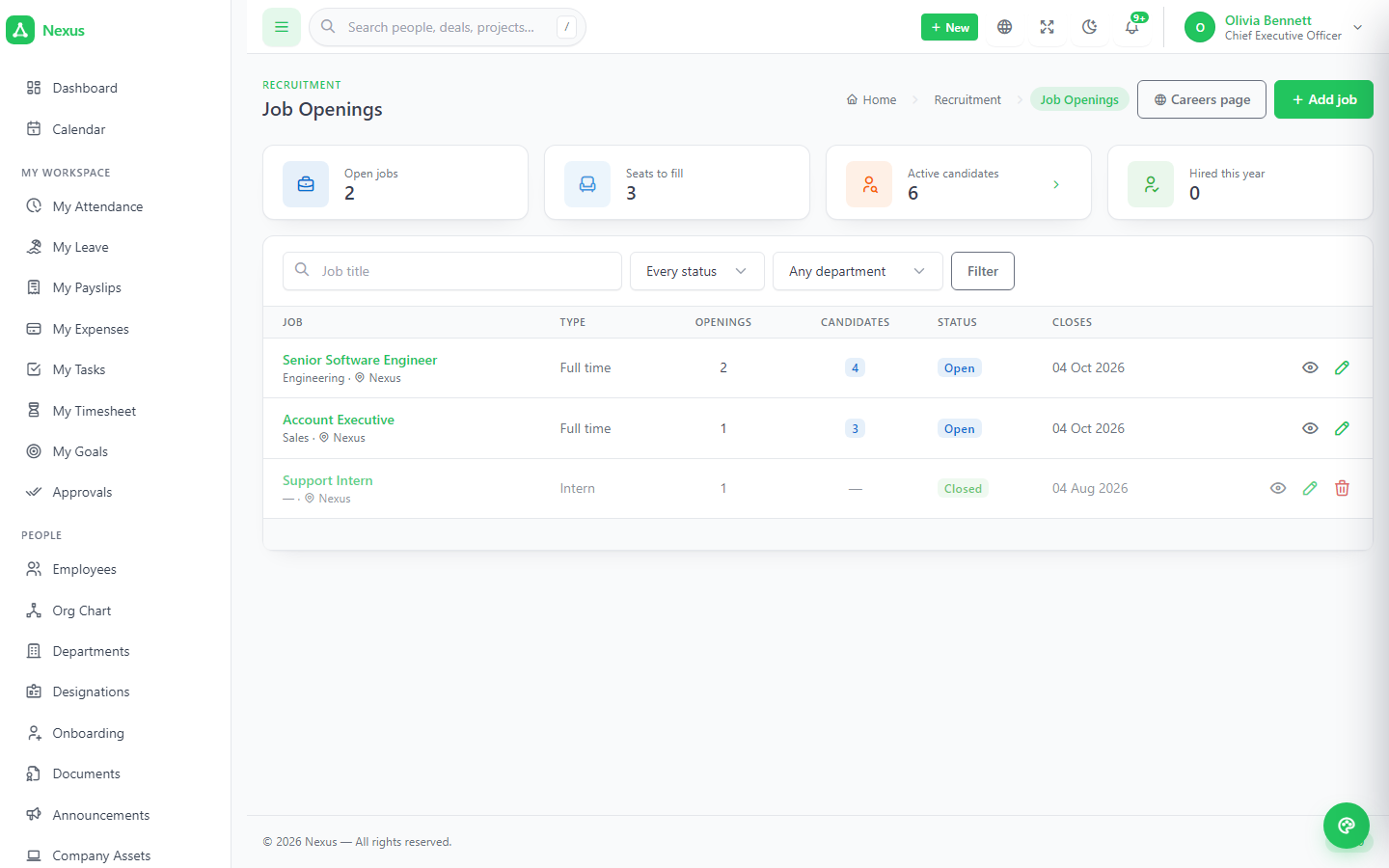
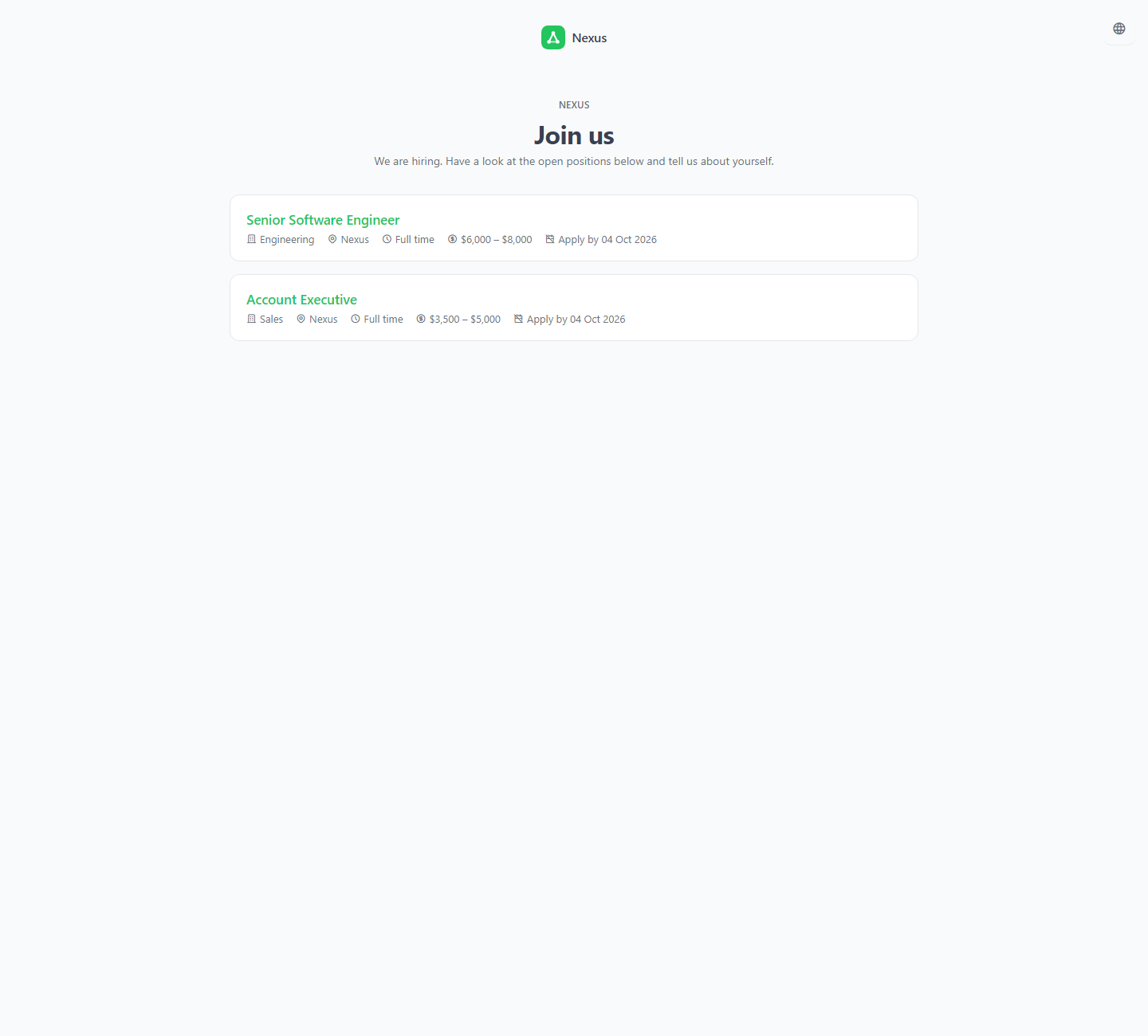
From a public careers page to a scored interview to a hire.
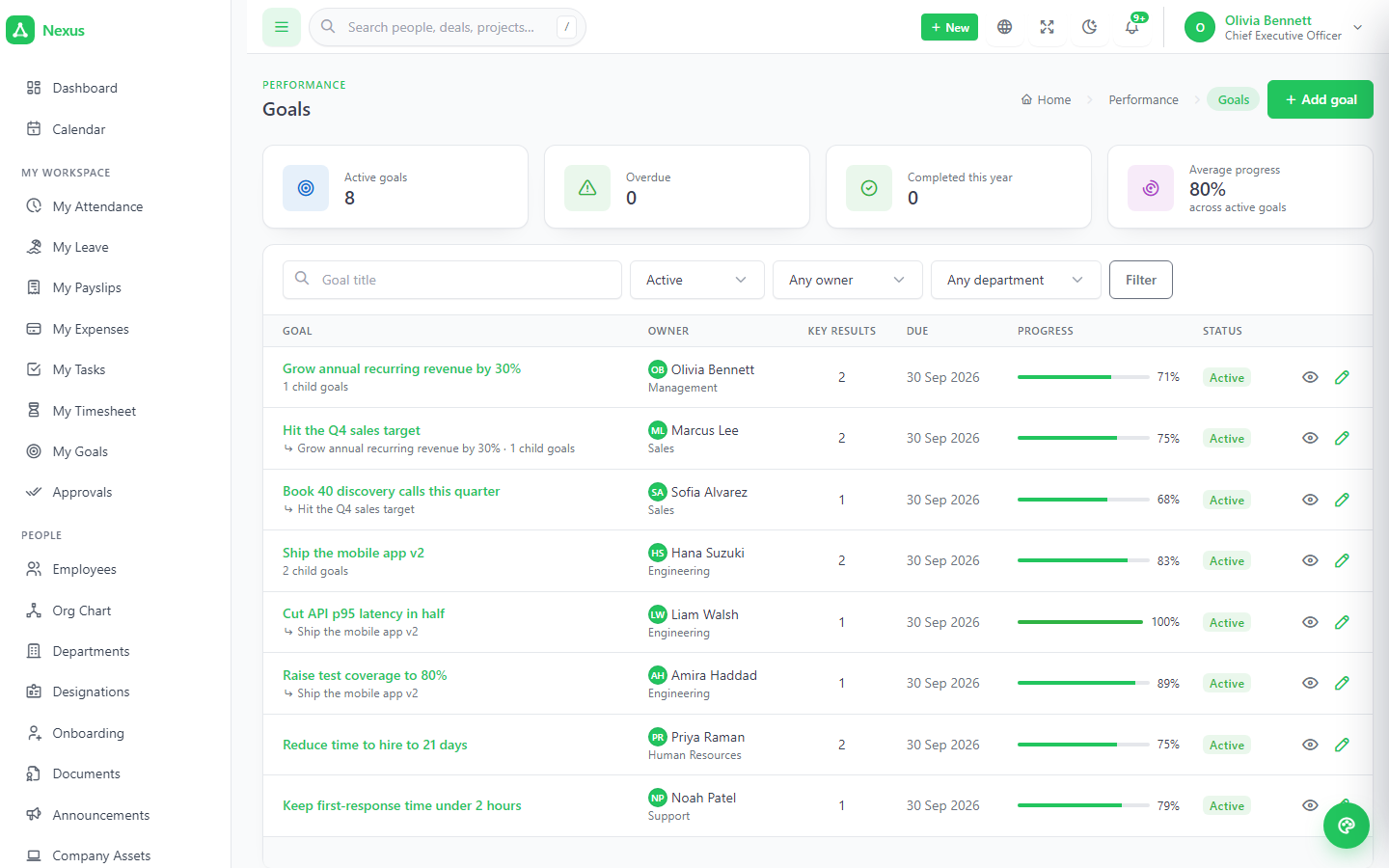
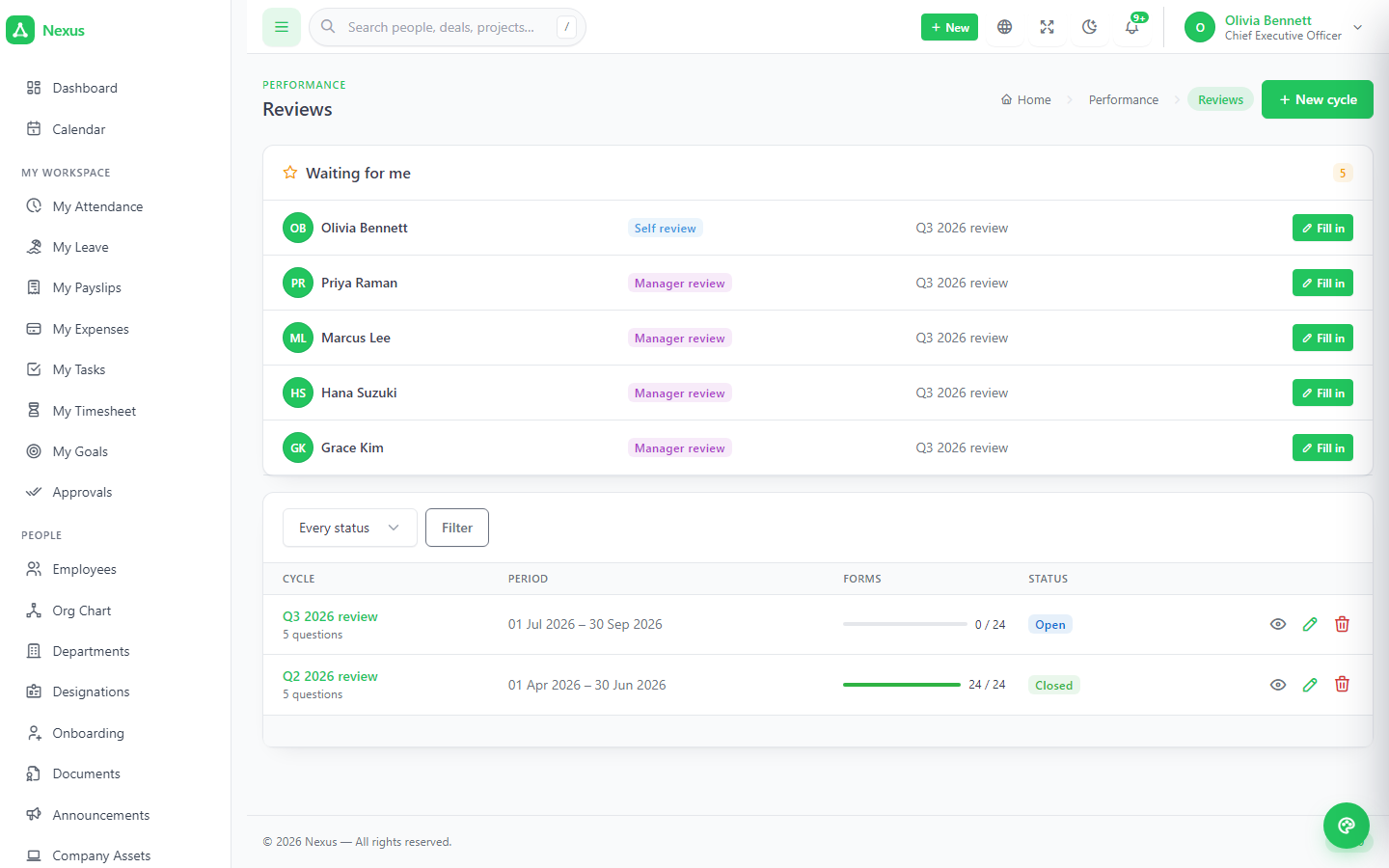
Job openings, a candidate kanban you drag, sources that show which channel produces hires, interviews with a panel and scored feedback per interviewer. Hire creates the account, the employee code and the onboarding checklist. Goals with key results, review cycles with self and manager scores, training with attendance, warnings with acknowledgement.
Everybody gets a workspace. Managers get a queue.
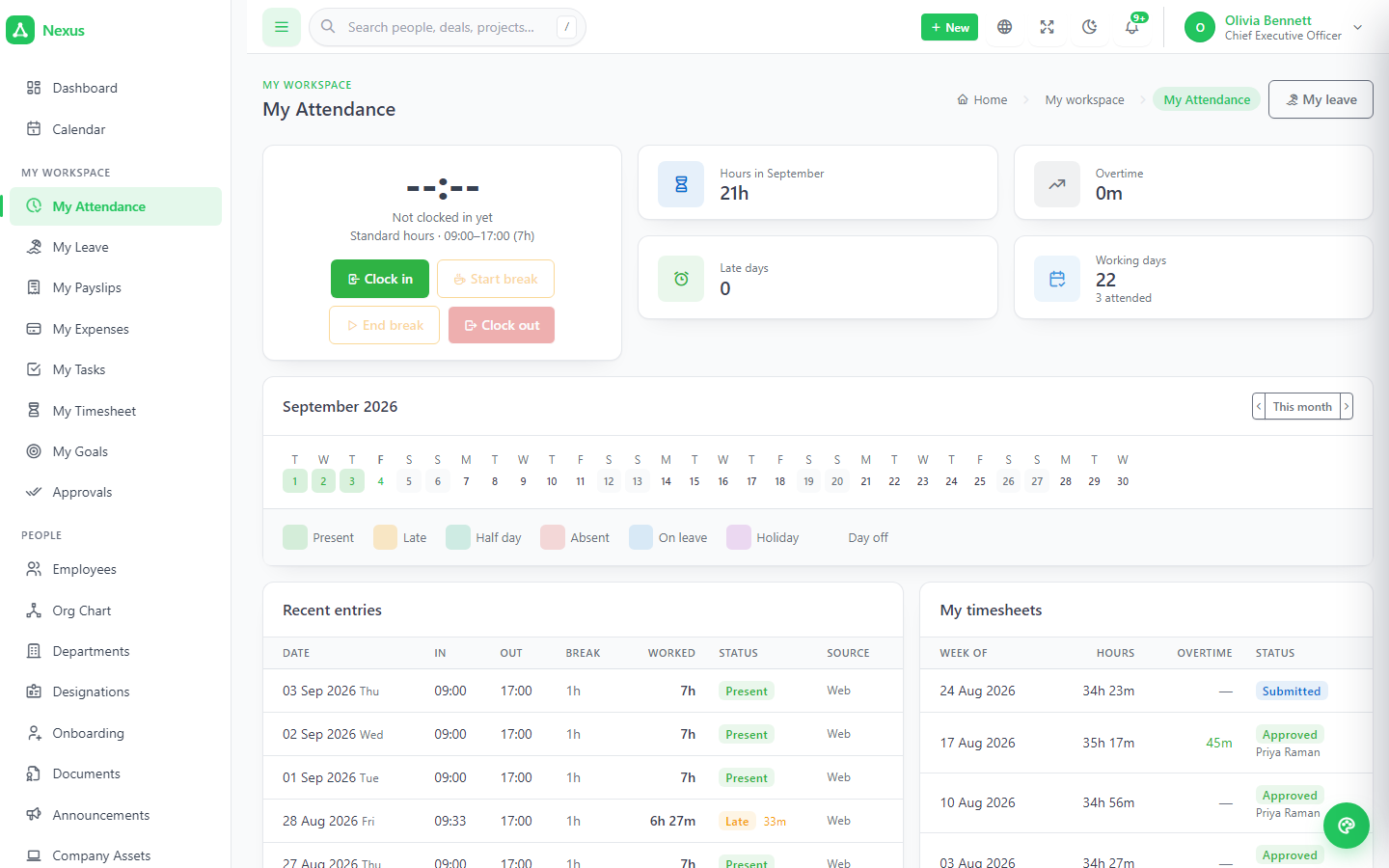
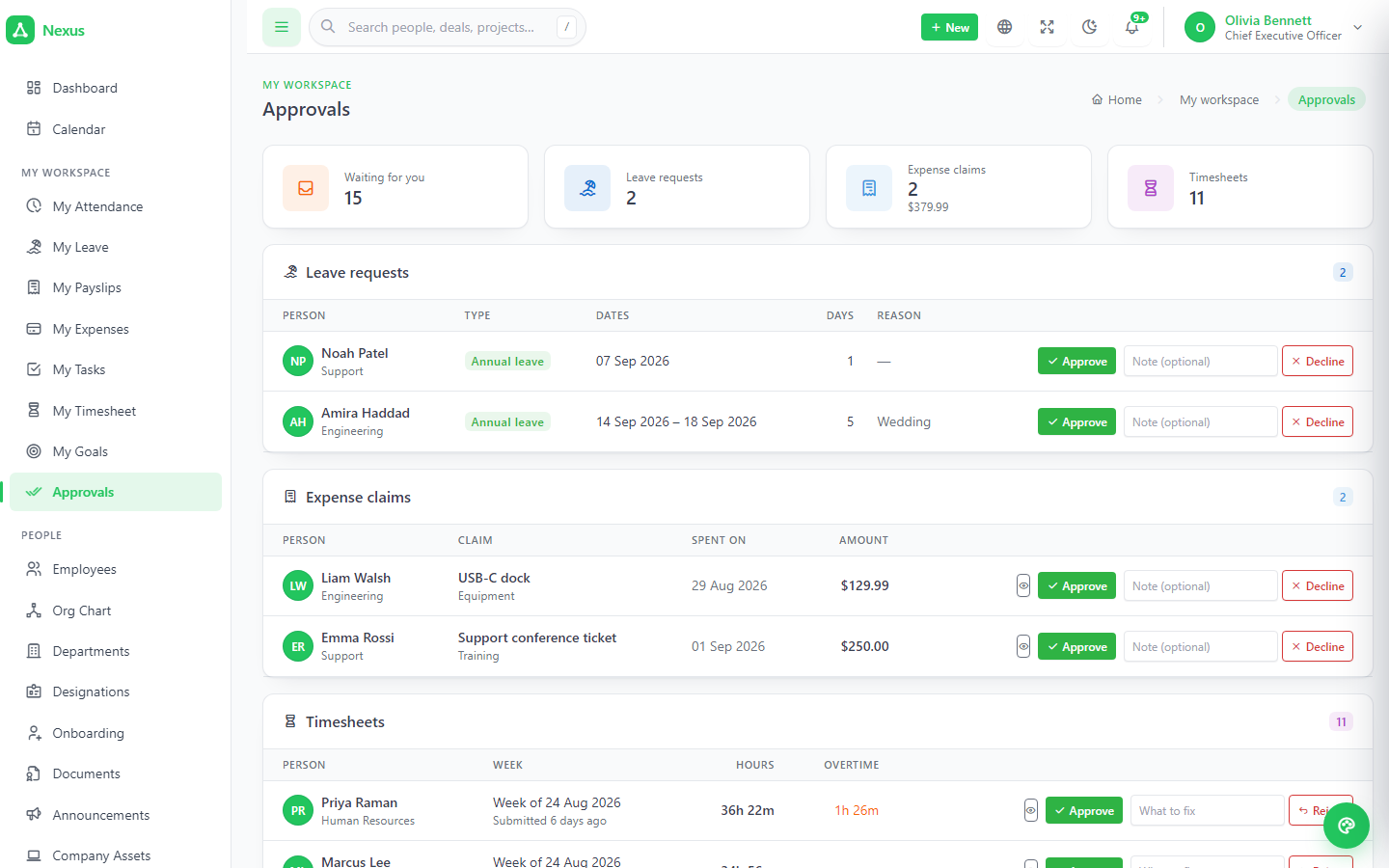
My attendance, leave, payslips, expenses, timesheet, tasks and goals — scoped to the signed-in person, no permission required. Anybody with people reporting to them gets an approvals queue for leave, timesheets and expense claims, without being handed the HR module.
2From a lead to a signed contract and a paid invoice.
Leads, weighted pipelines, contacts and companies, campaigns you can attribute revenue to, quotes and invoices with a line editor that agrees with the server, and a support desk with an SLA clock.
Pipelines with probabilities; a forecast that means something.
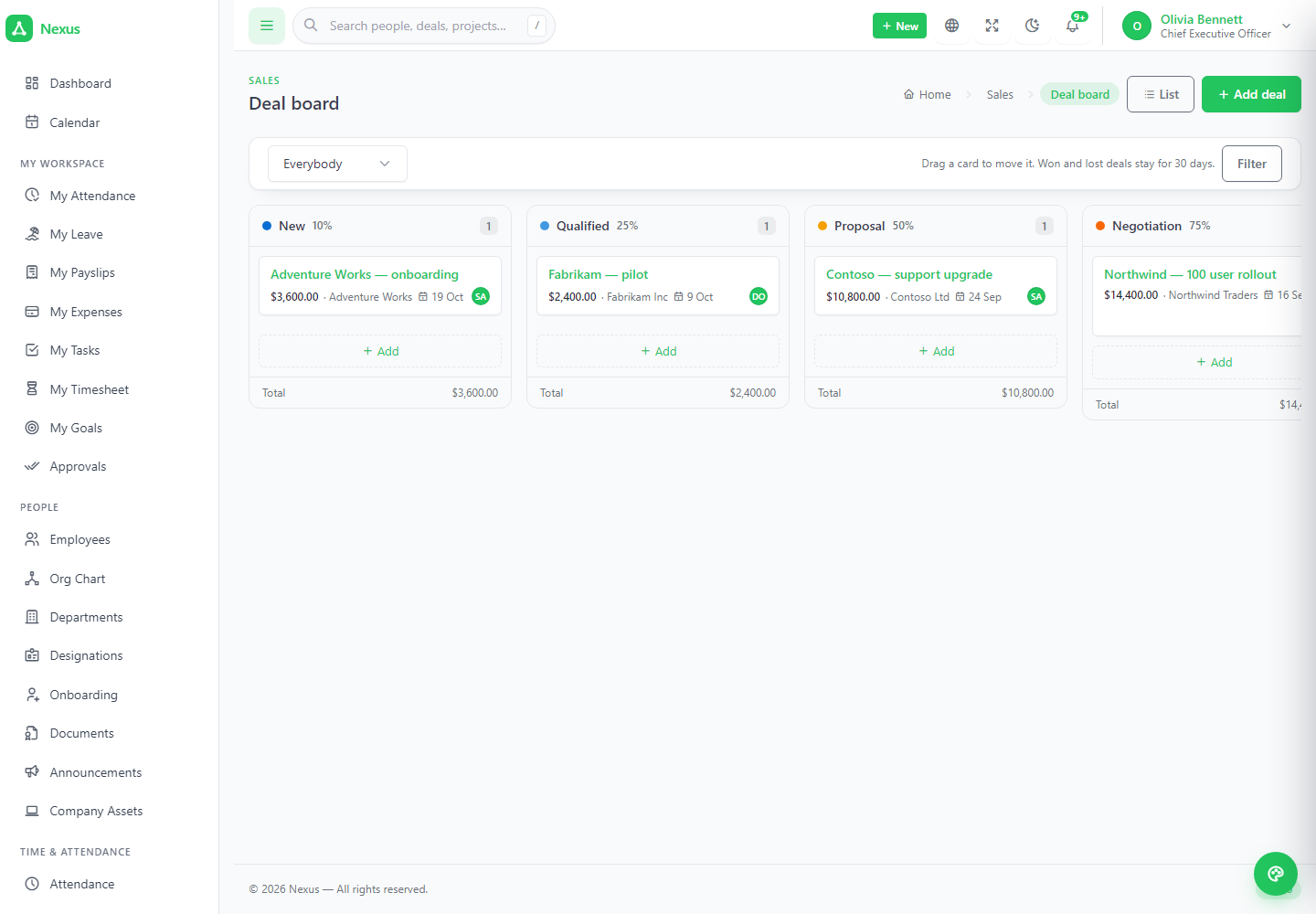
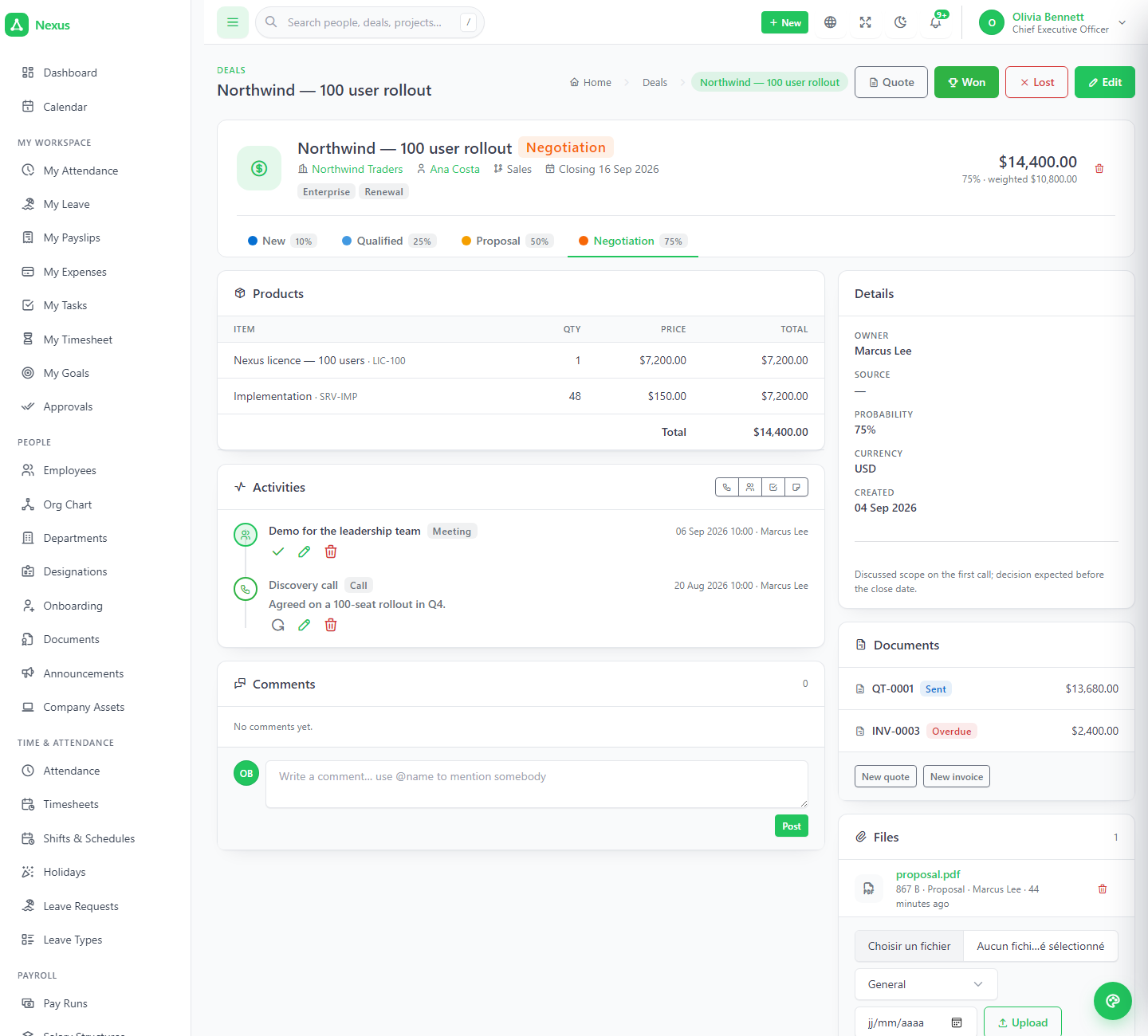
Stages carry a colour and a probability, so the weighted forecast is the sum of each open deal's value times its stage. The board is a kanban you drag with column totals; losing asks for a reason from your own list. A deal's page carries its activities, quotes, comments and files.
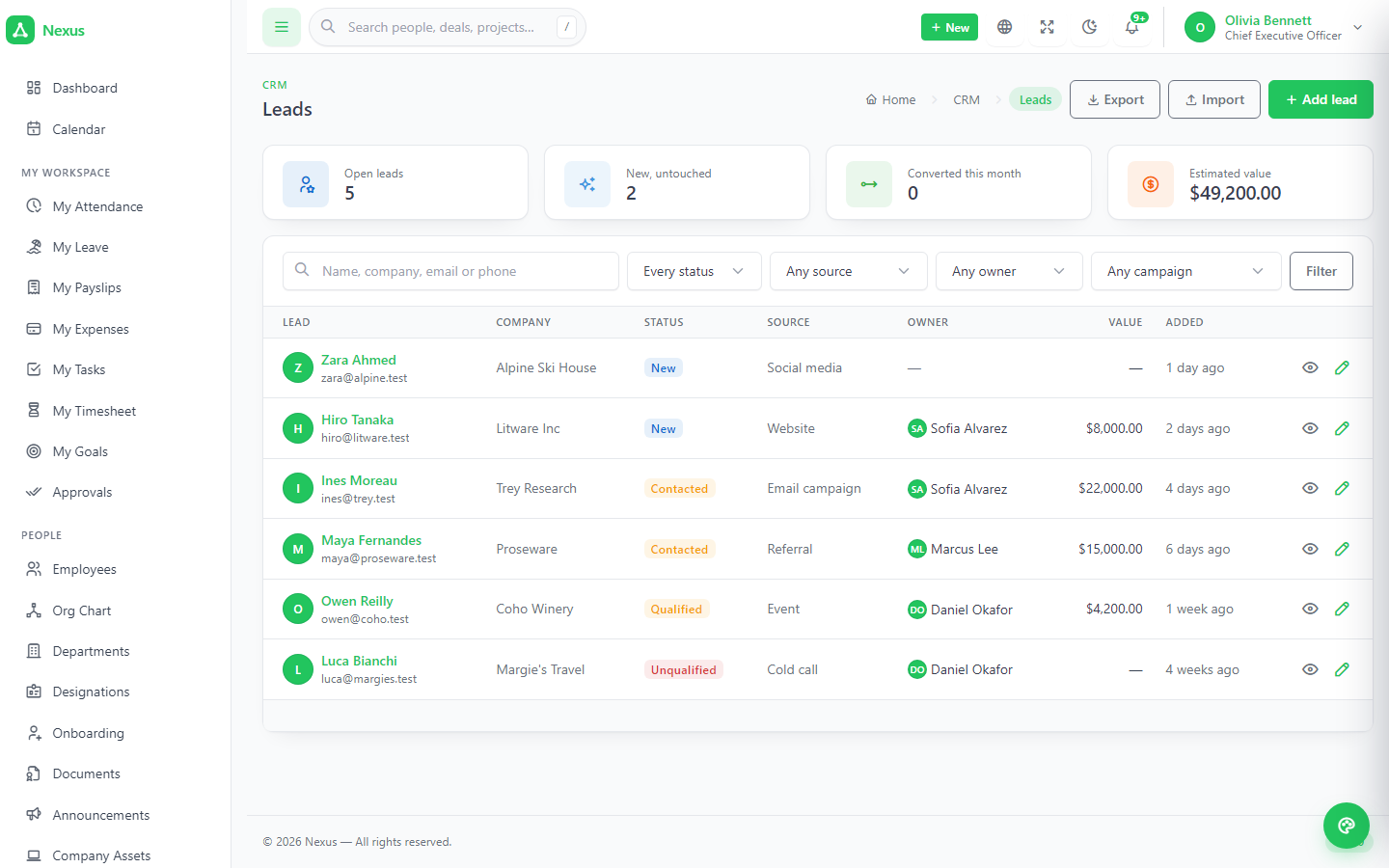
- ✓Convert a lead into a contact, a company and a deal in one step — the source survives into the reports.
- ✓CSV import and export for leads with an owner and a source for the whole file.
A company page that is a genuine account view.
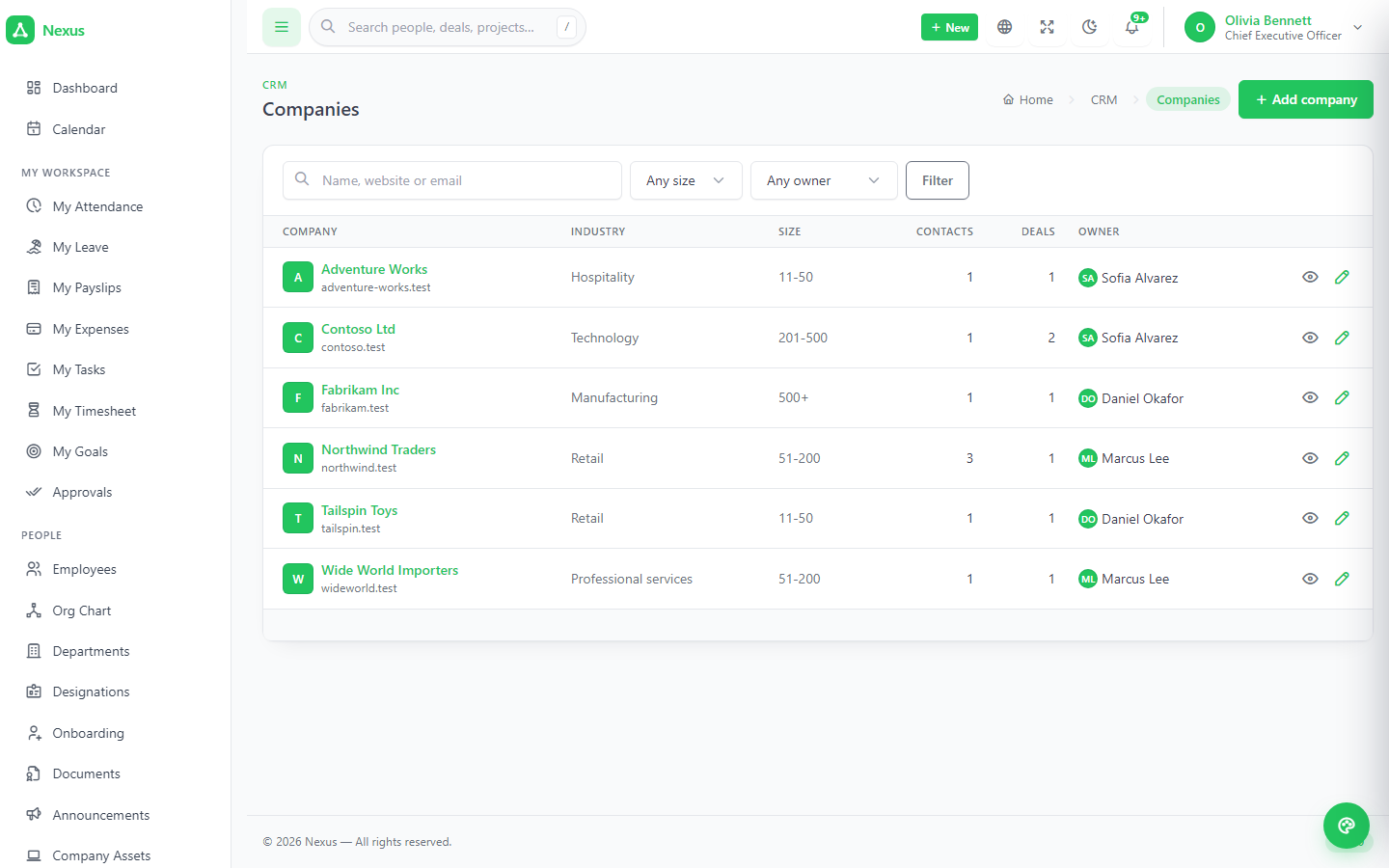
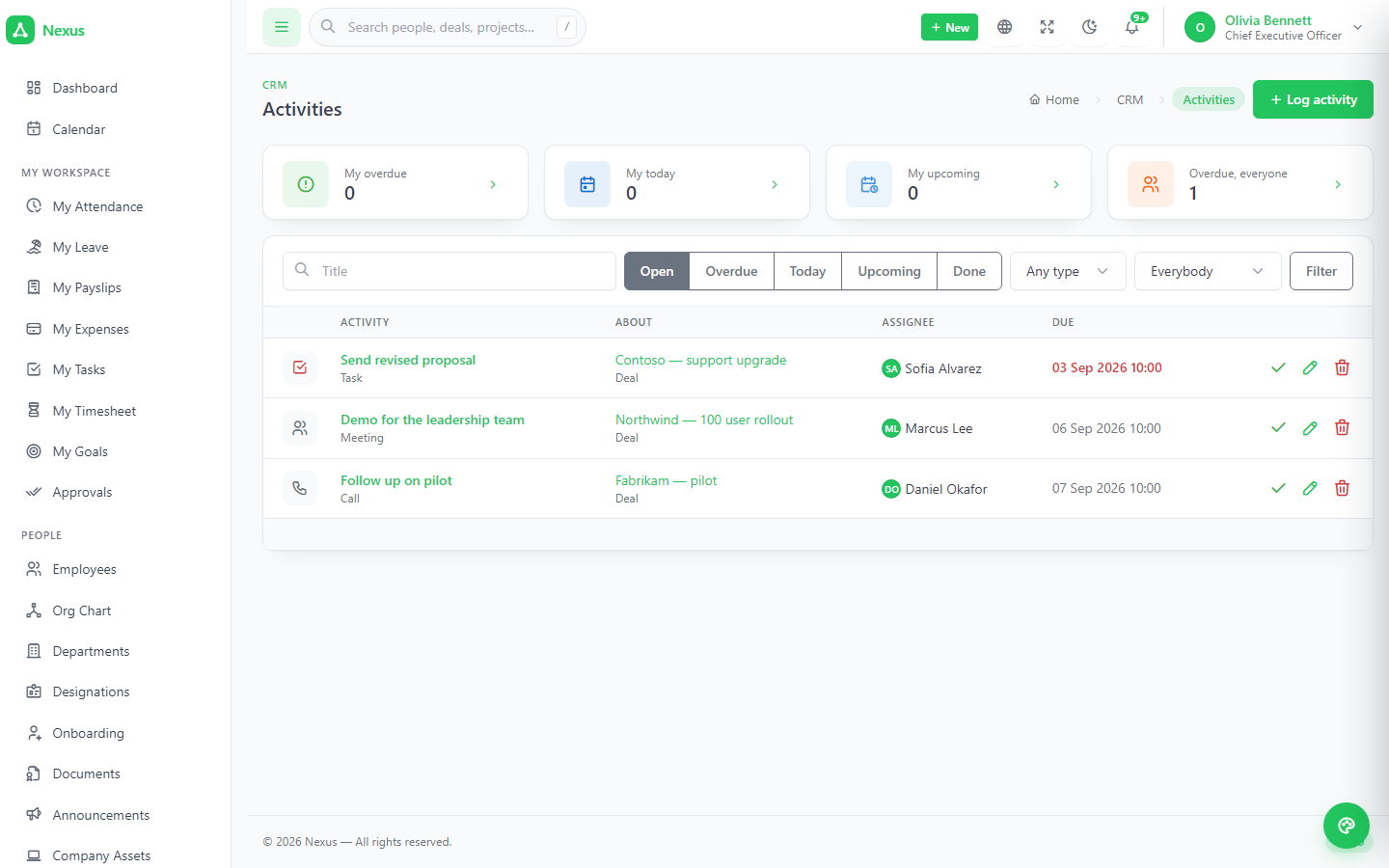
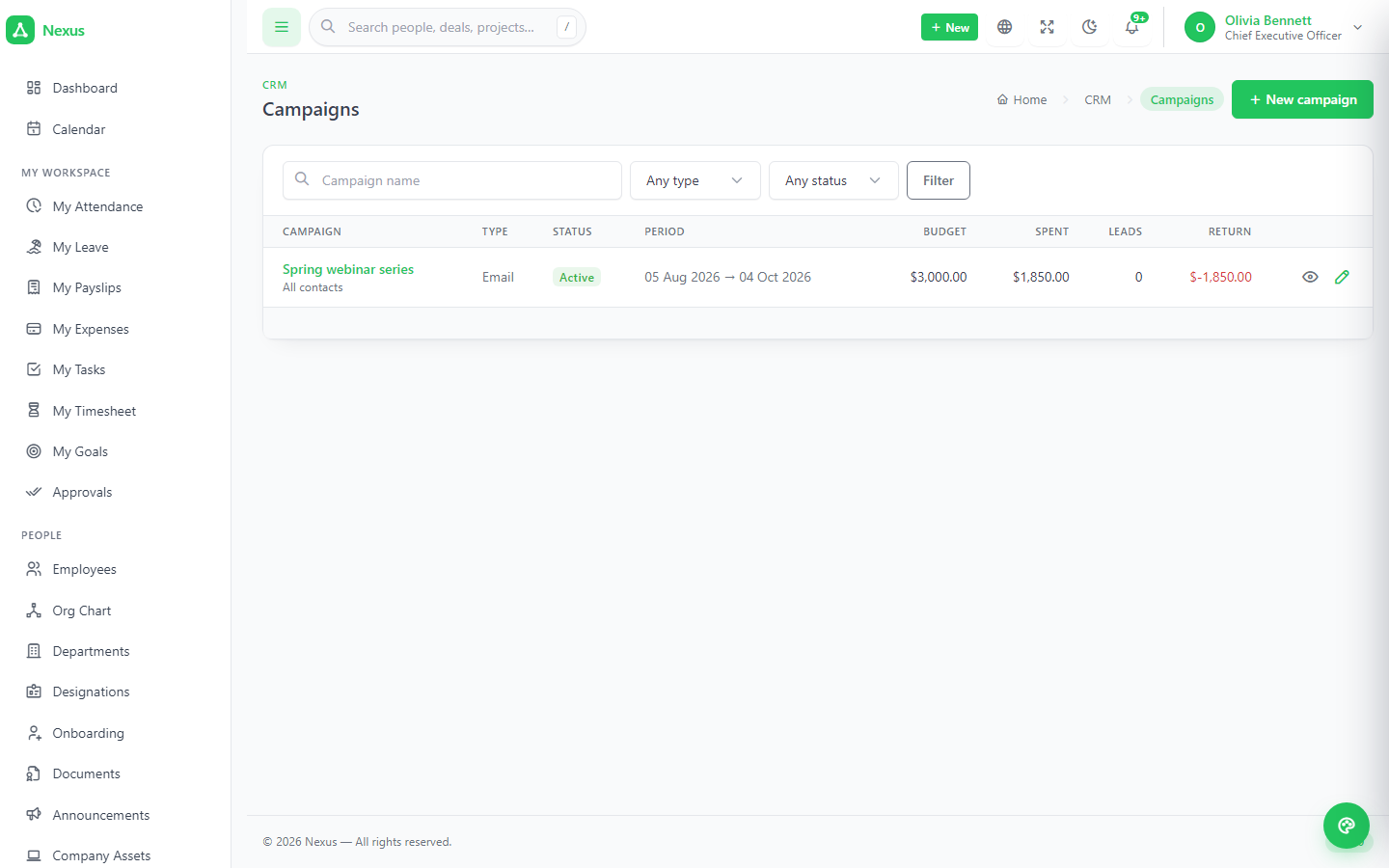
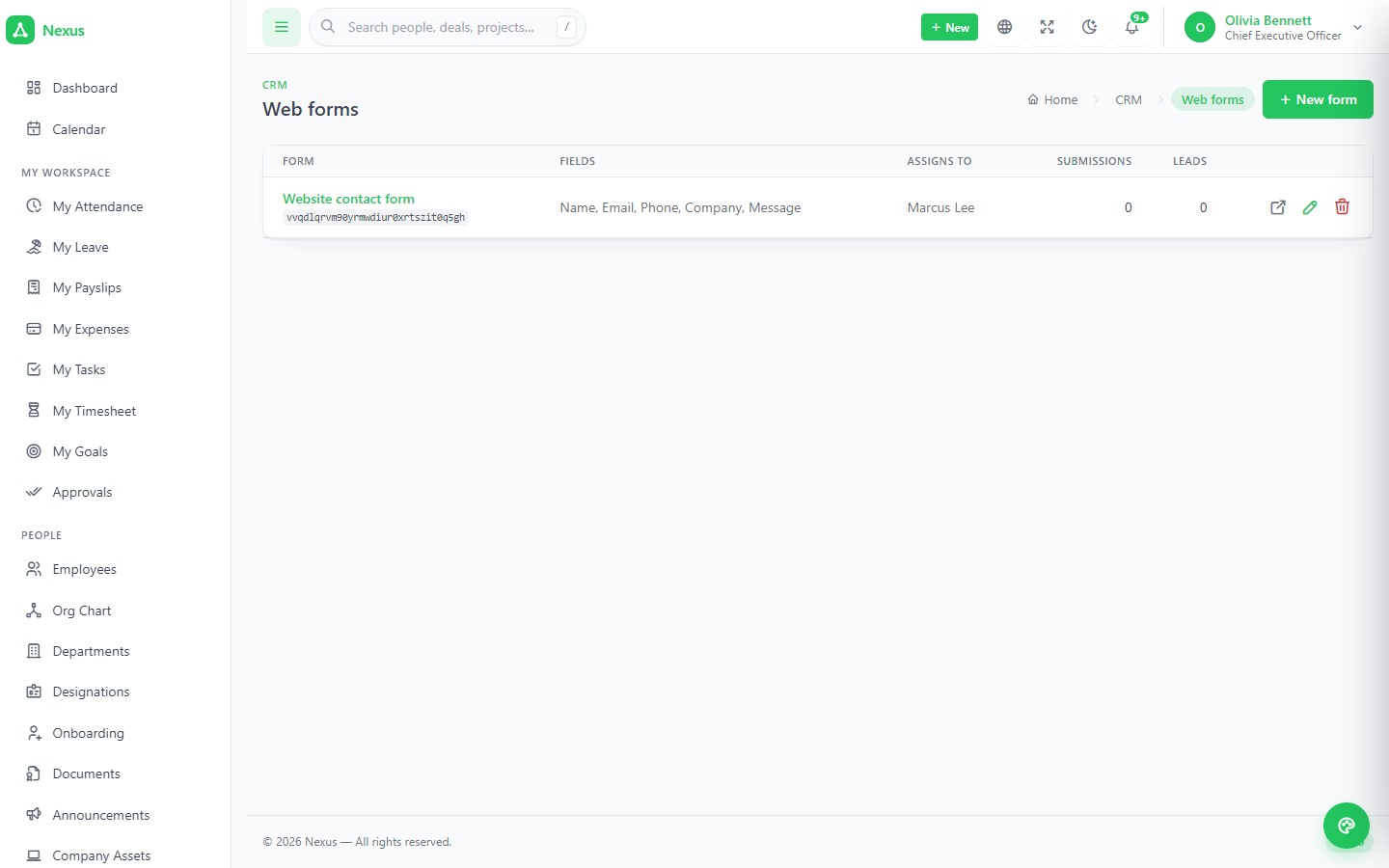
Deals, quotes, invoices, contracts and tickets all point at one or both, so everything sold, billed and asked is in one place. Calls, meetings, emails and to-dos with due dates feed the shared calendar. Campaigns show what they produced — leads, deals, revenue against spend. Email templates merge real data; web-to-lead forms get a public URL with an unguessable key.
A line editor that agrees with the server.
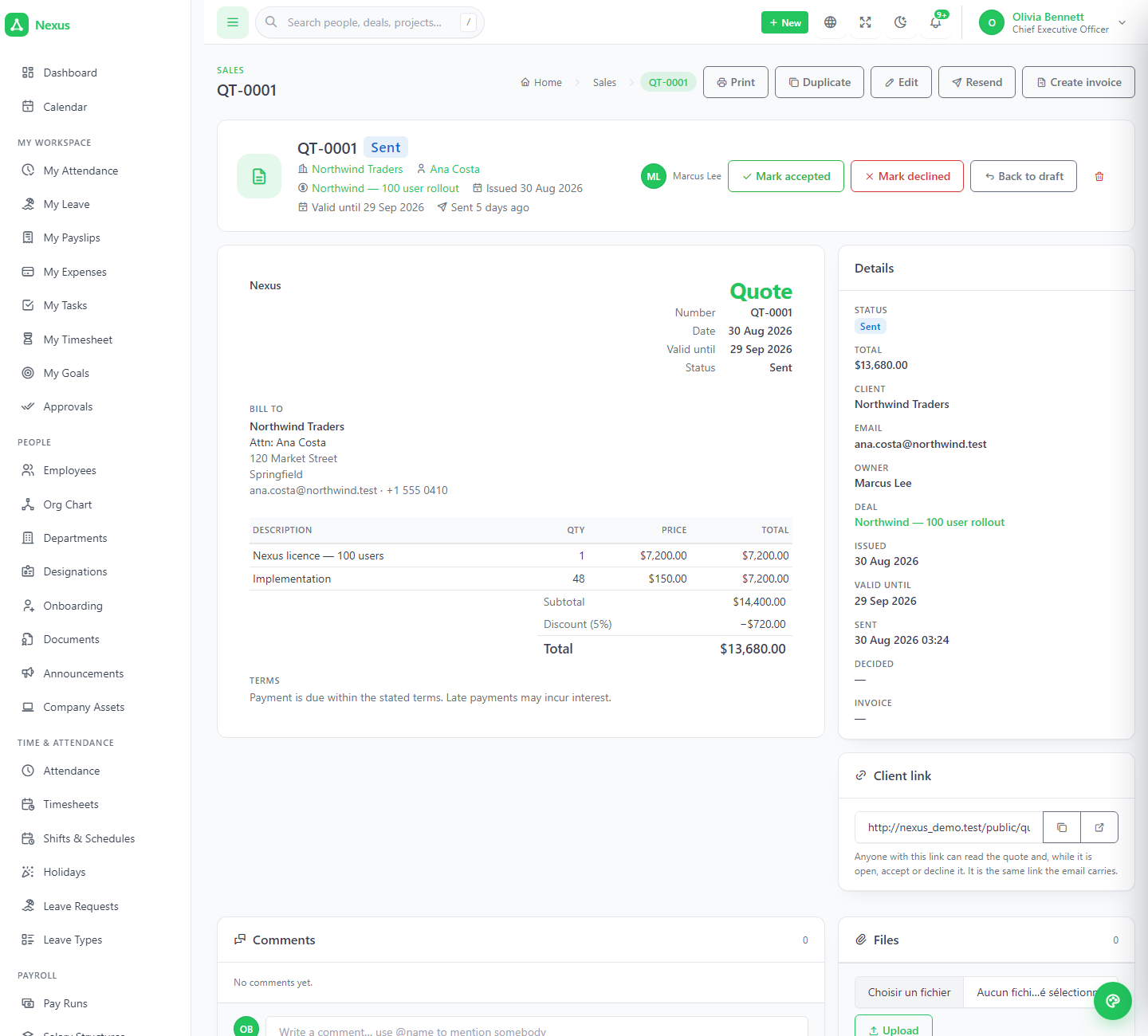
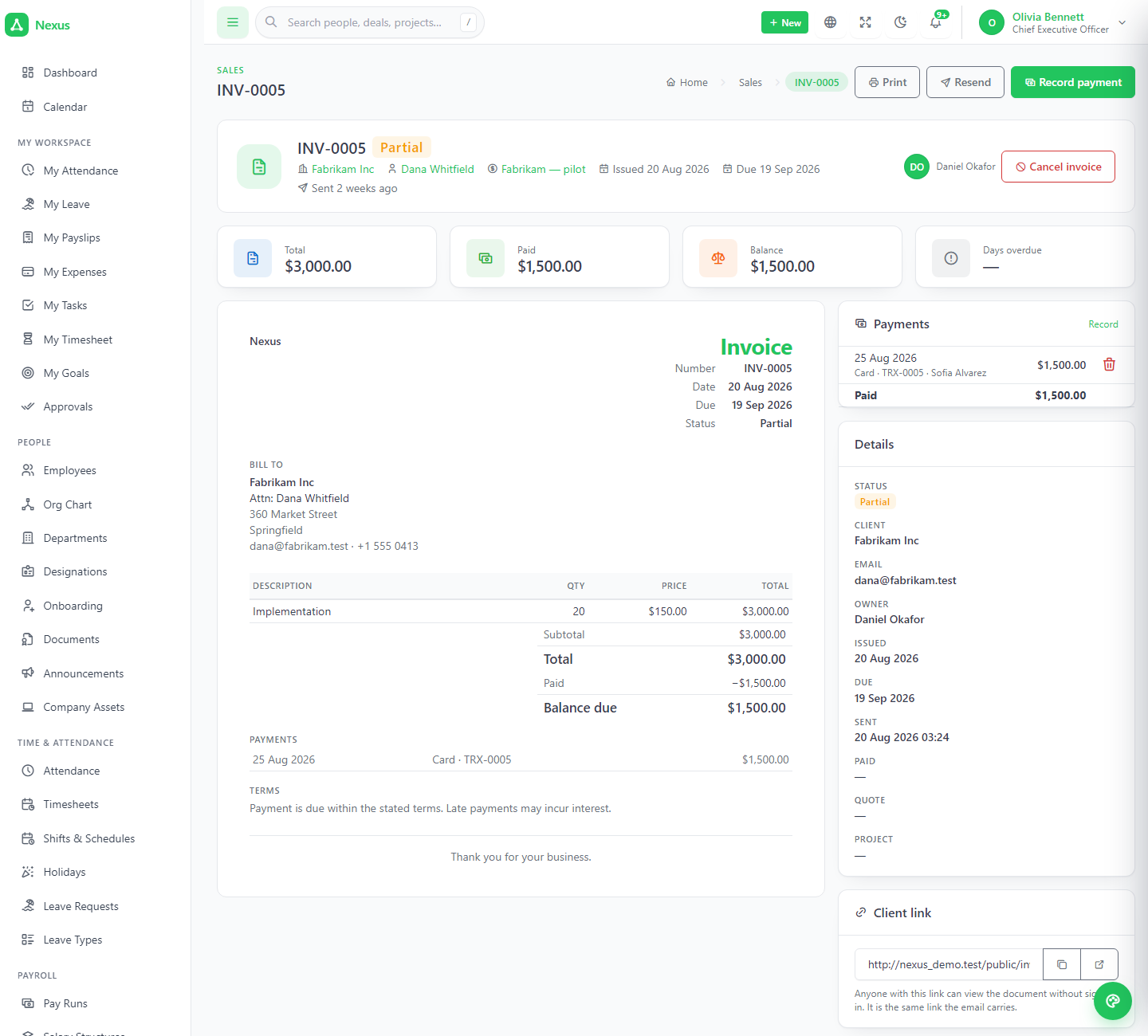
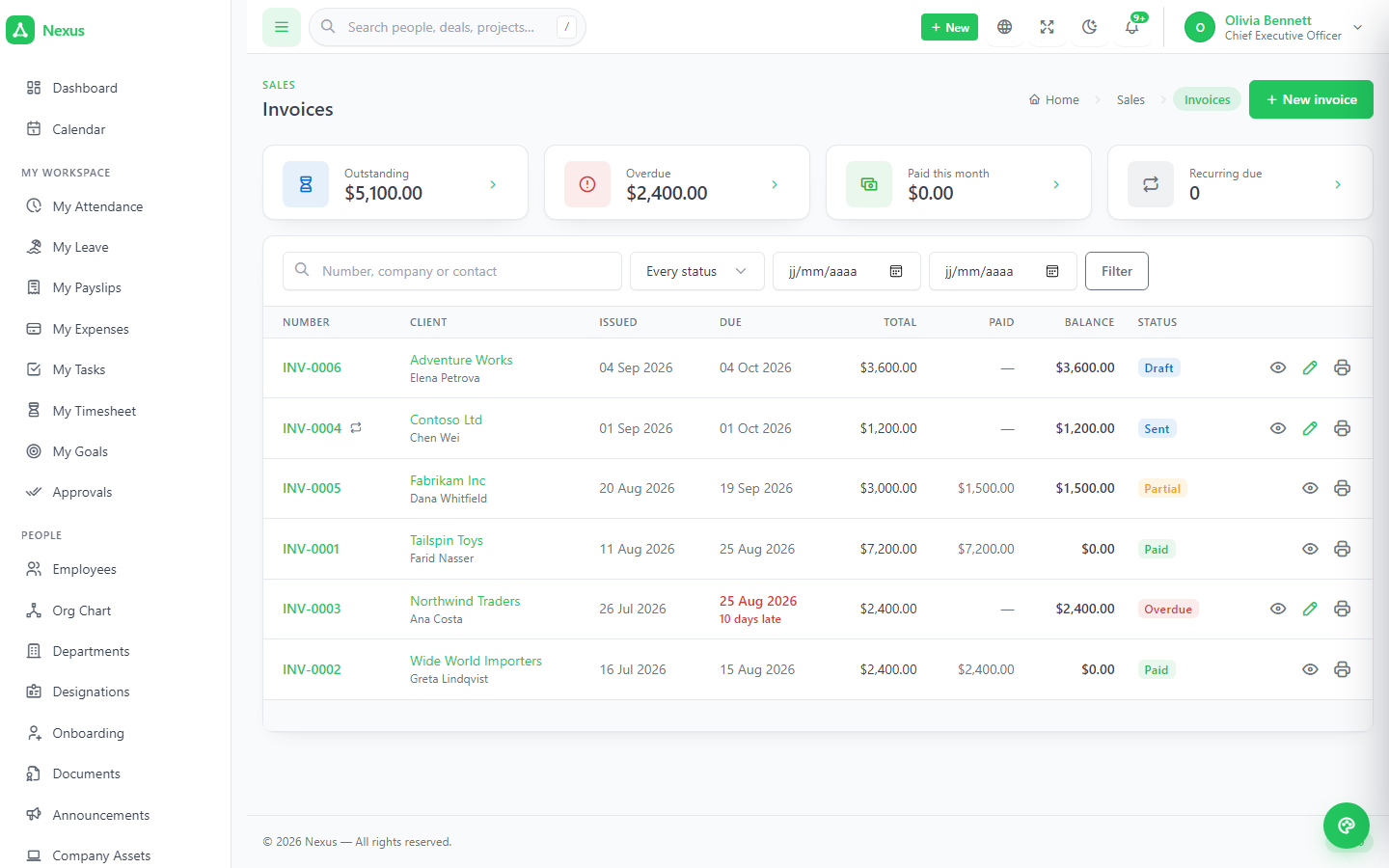
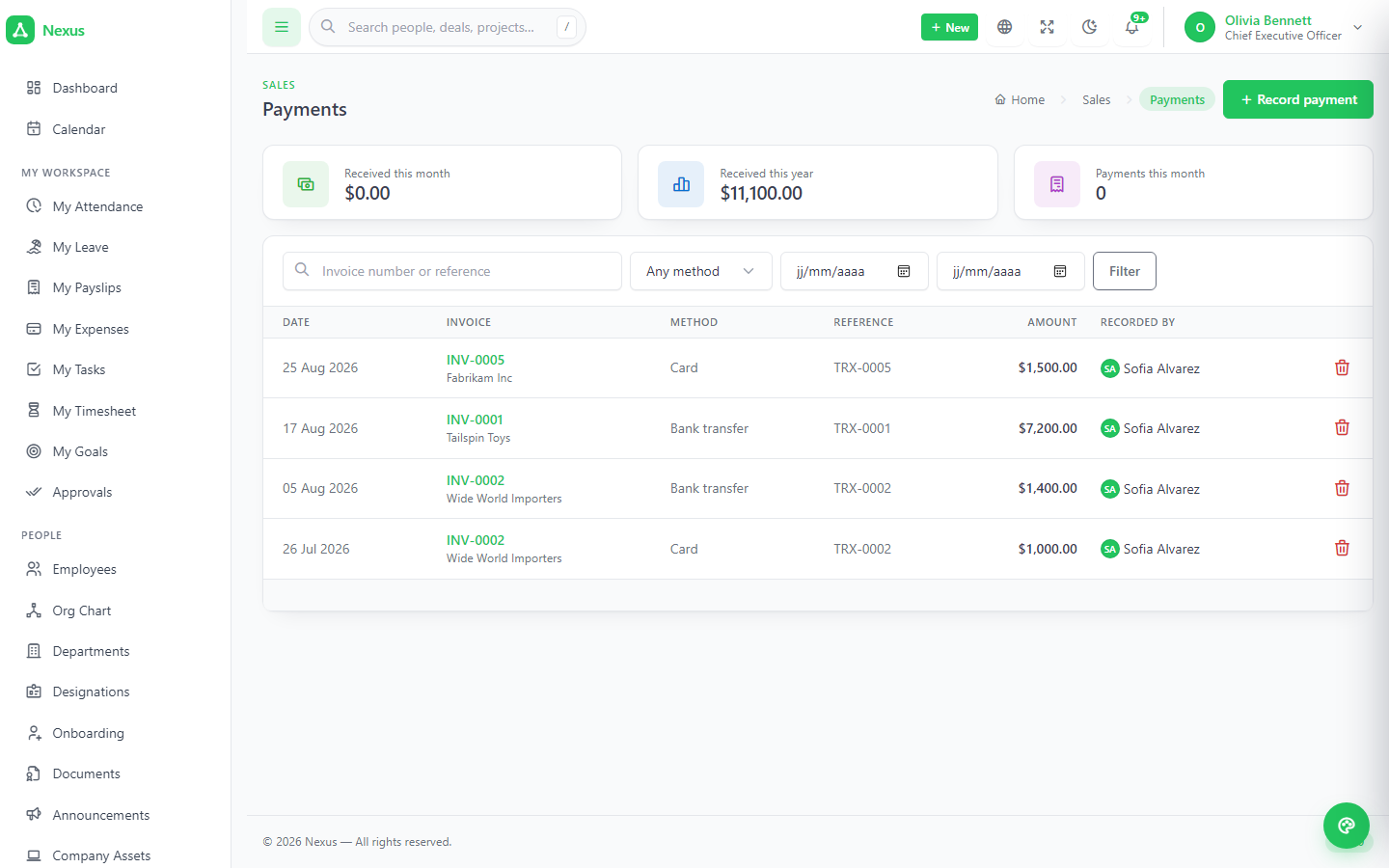
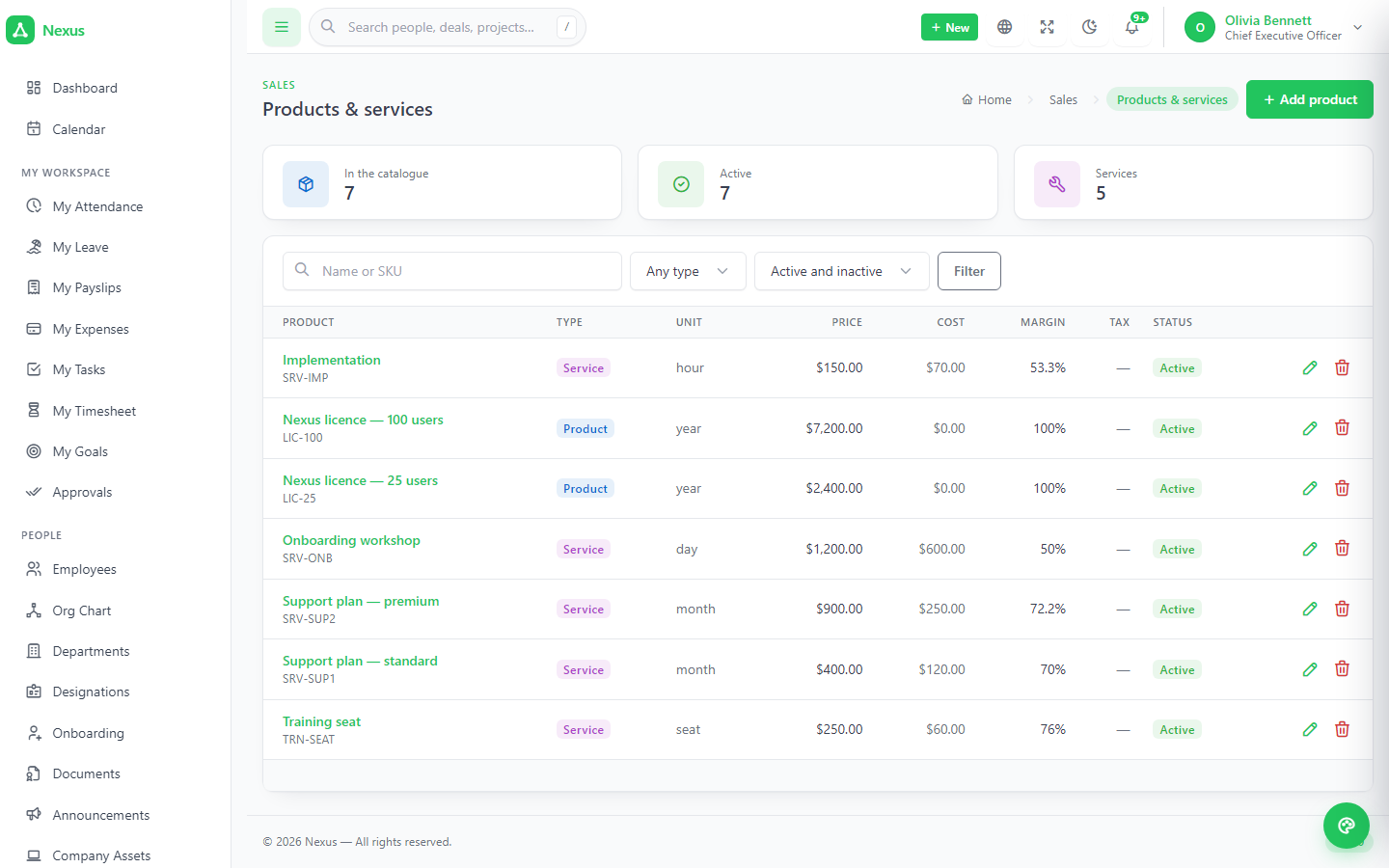
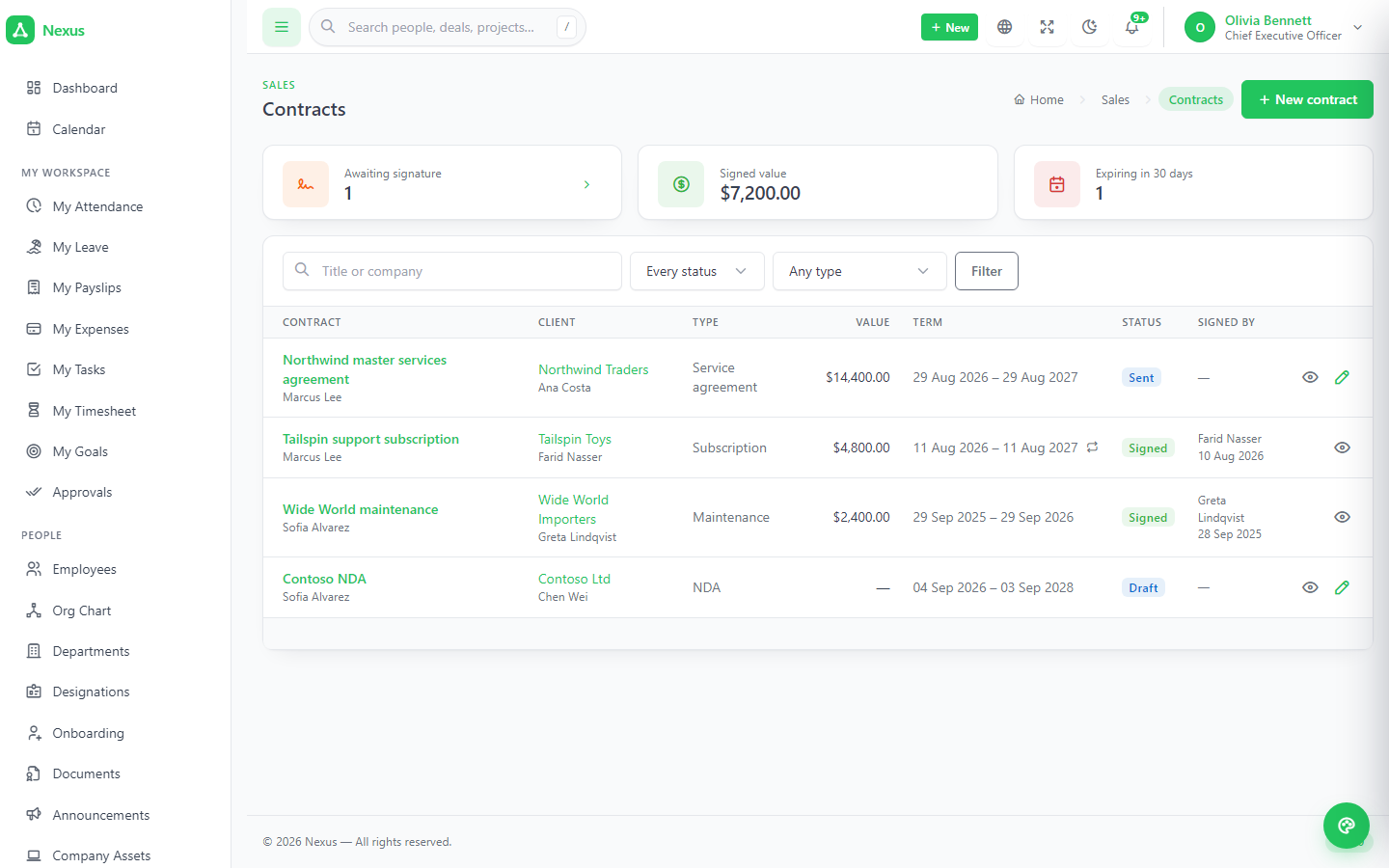
Products and services with price, cost and tax. Quantity, price, discount and tax per line plus a document-level discount spread pro rata — the running total you watch is computed exactly as the server computes it. Quotes go draft → sent → accepted; Convert to invoice copies everything. Invoices turn overdue on their own, partial the moment a payment arrives that does not cover the balance, and recurring ones wait for a button that is safe to press twice. Contracts are signed online with a typed name, a timestamp and an address.
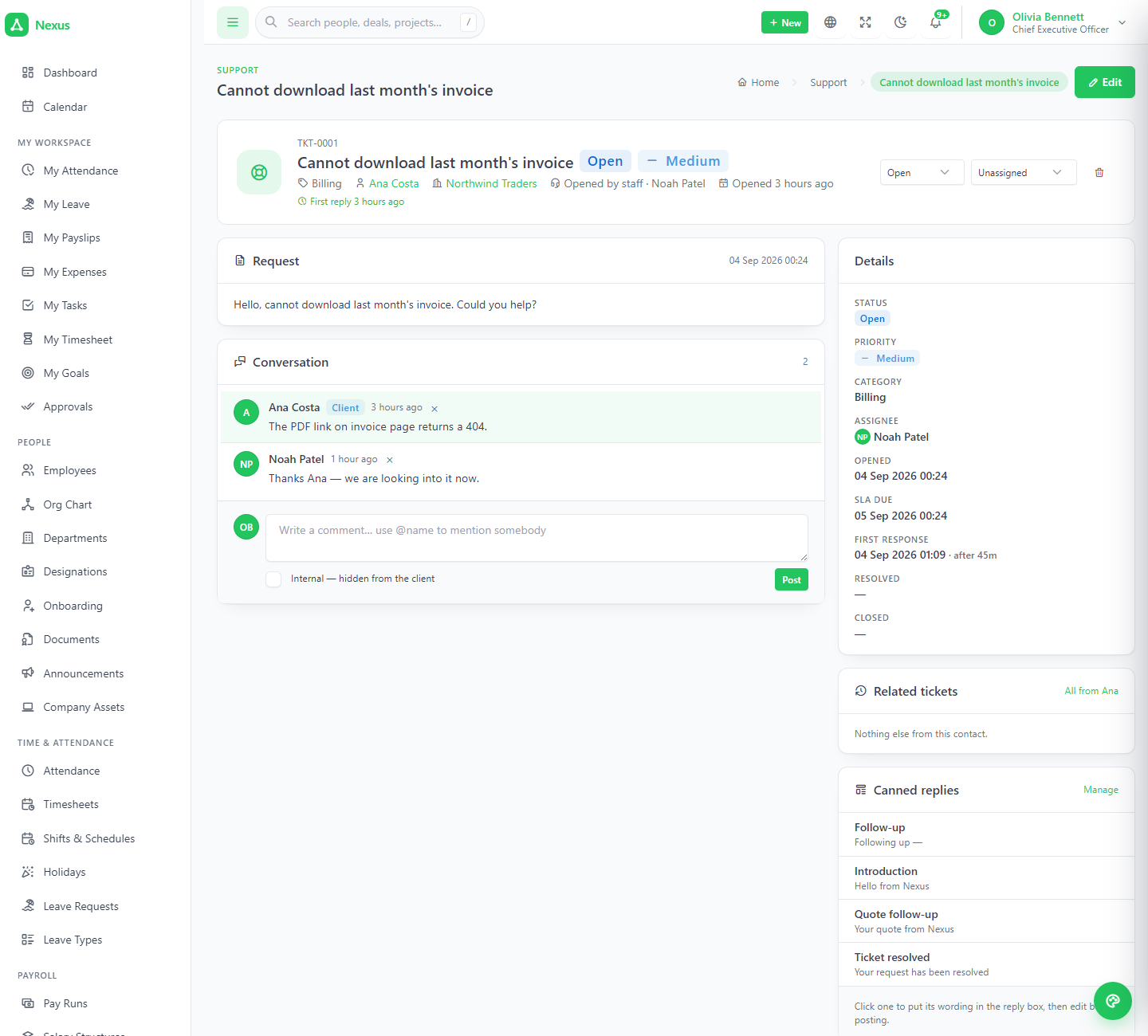
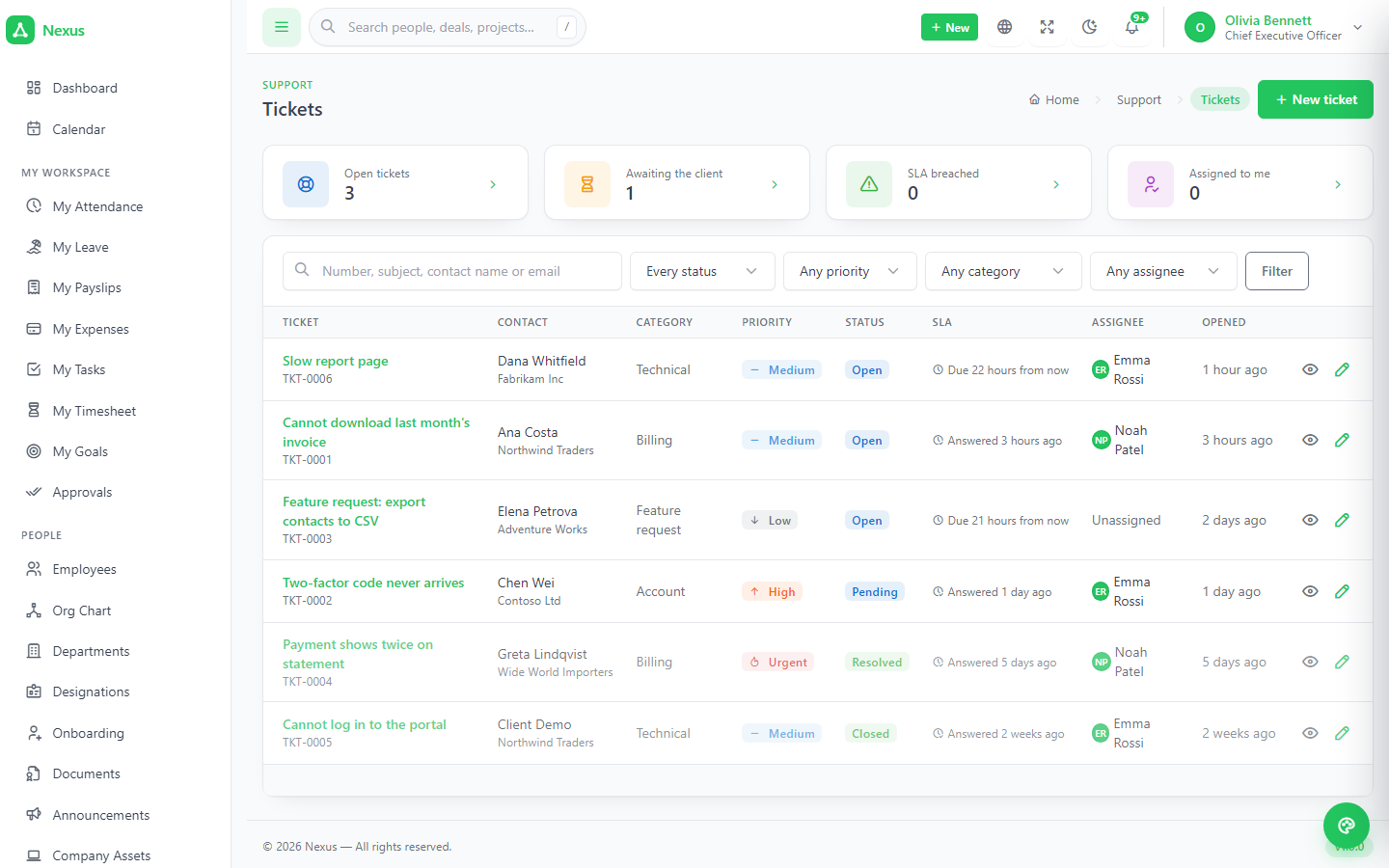
An SLA clock per priority, and a separate front door for clients.
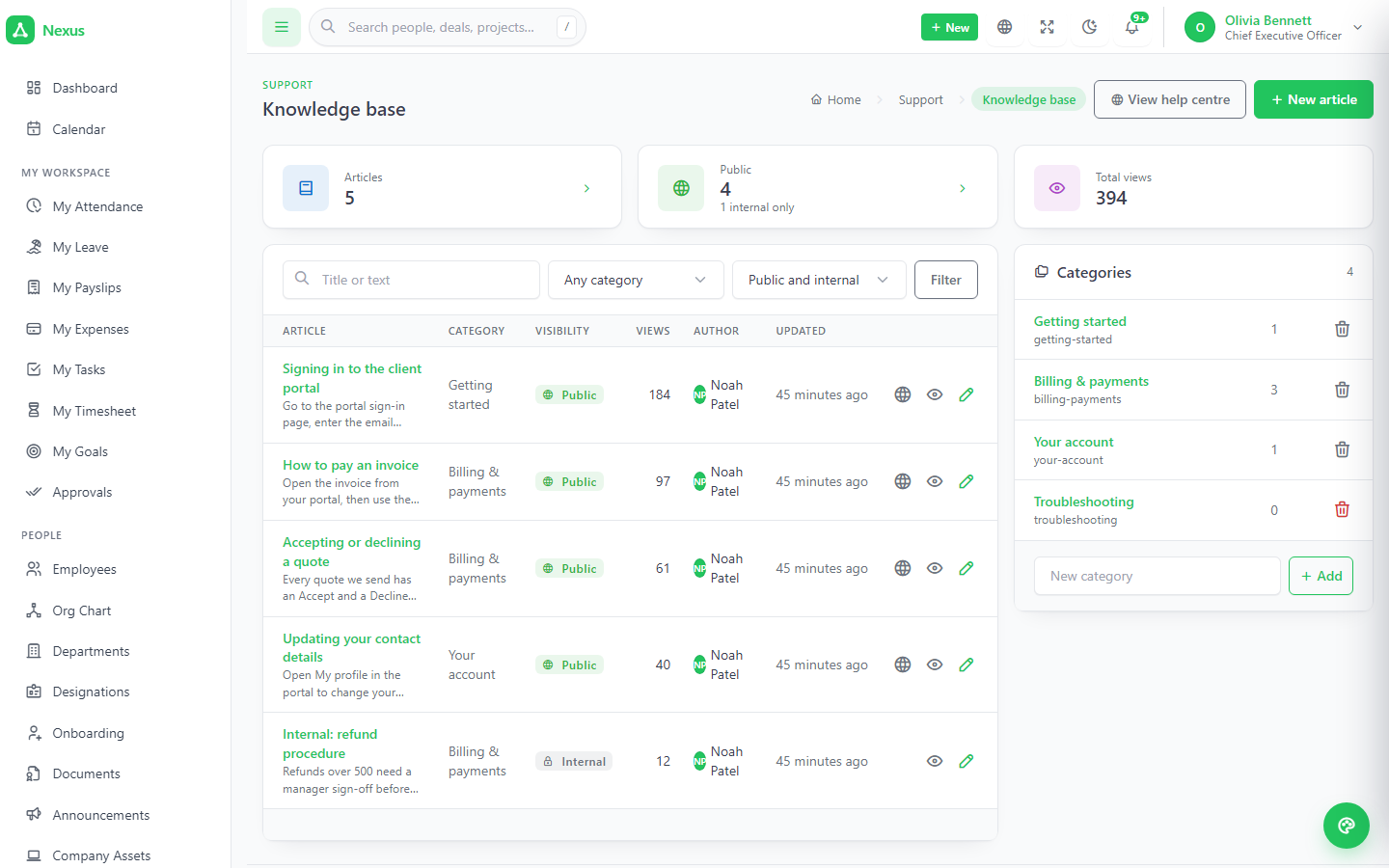
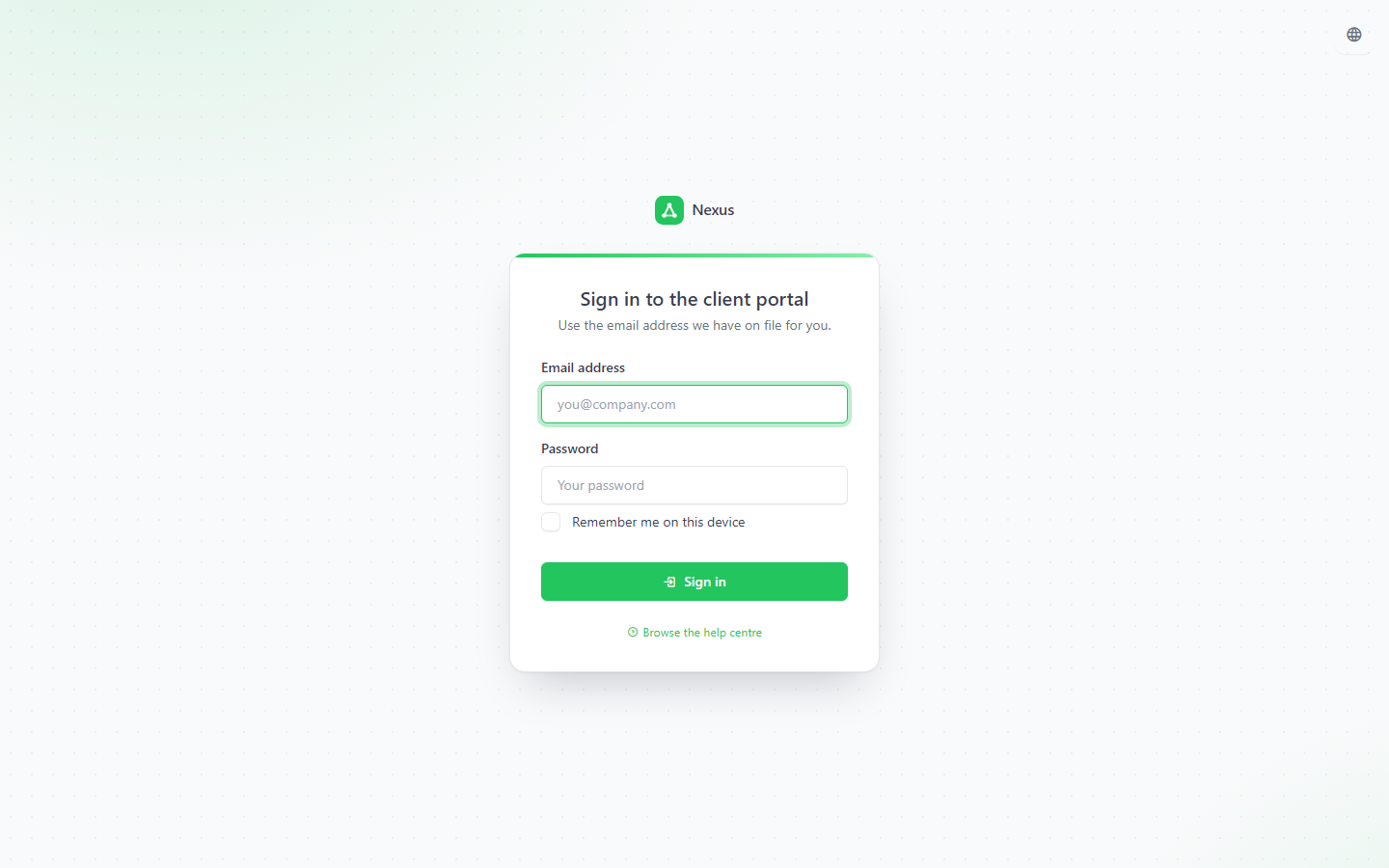
Numbered tickets, open → pending → resolved → closed, where a client reply on a pending ticket reopens it automatically. Public replies and internal notes on one thread; canned replies already merged for the contact. A knowledge base with public and internal articles. The portal is a different set of screens on a different login: quotes to accept, invoices to read and print, contracts to sign, tickets to raise.
3Plan it, track it, bill it.
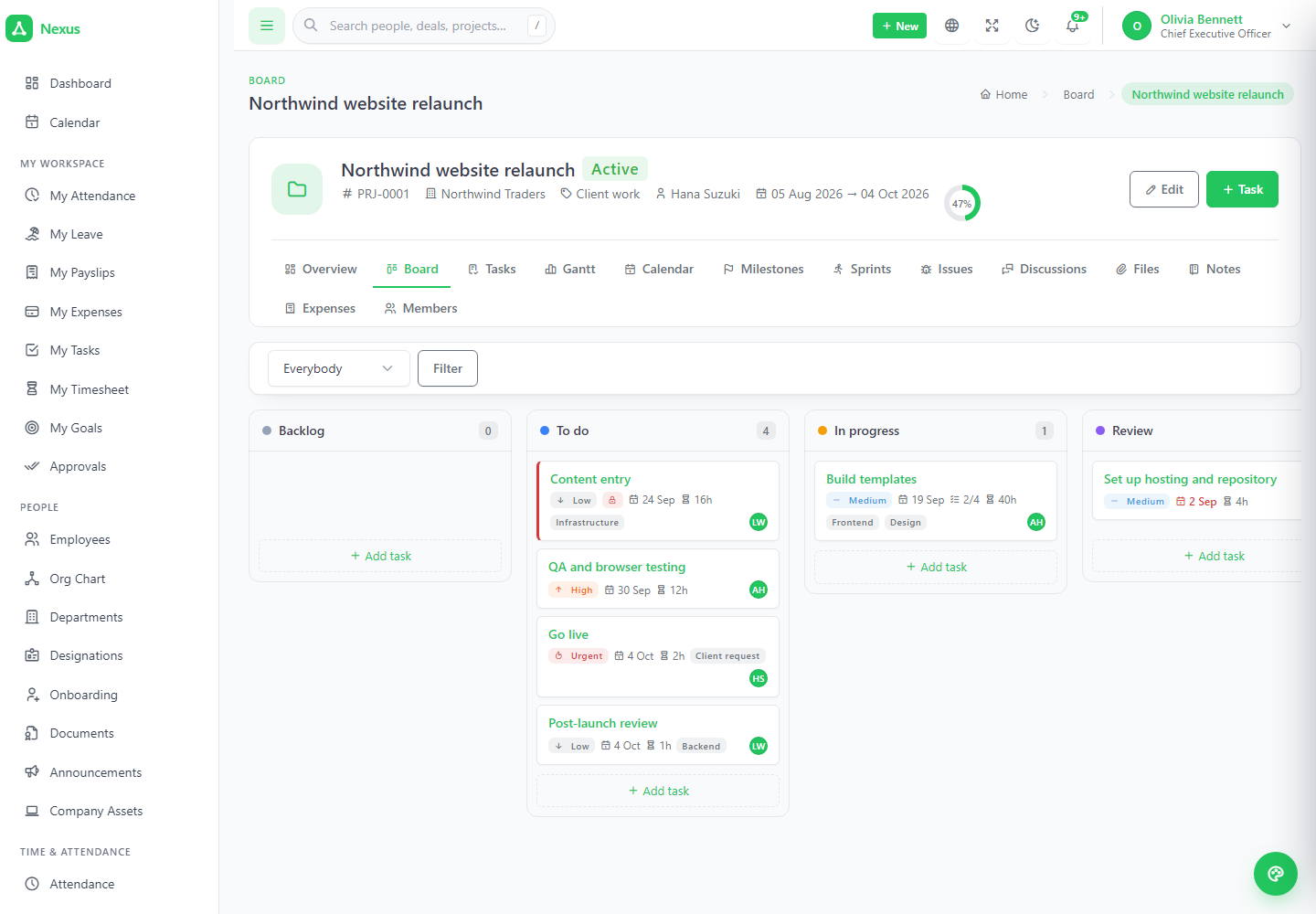
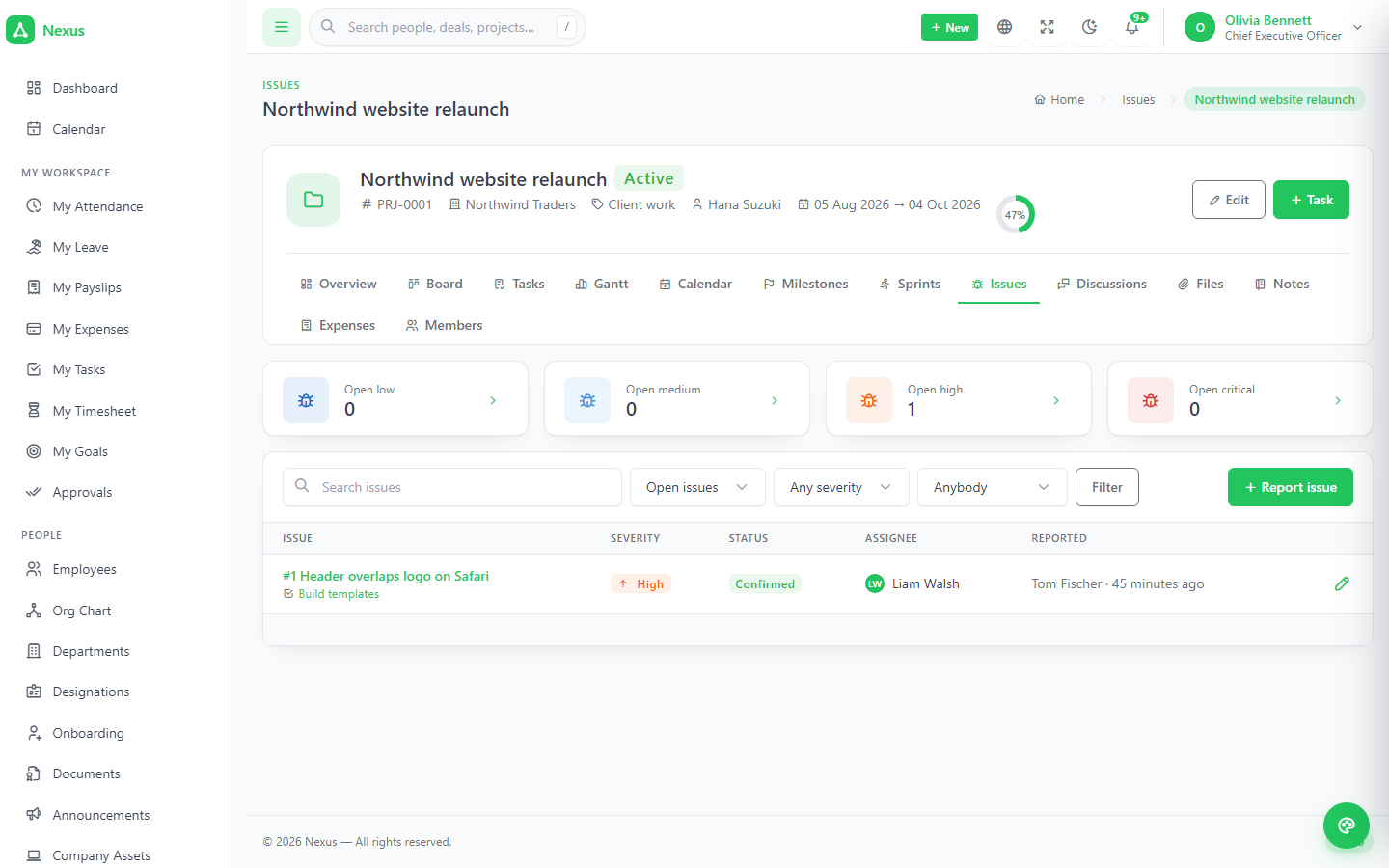
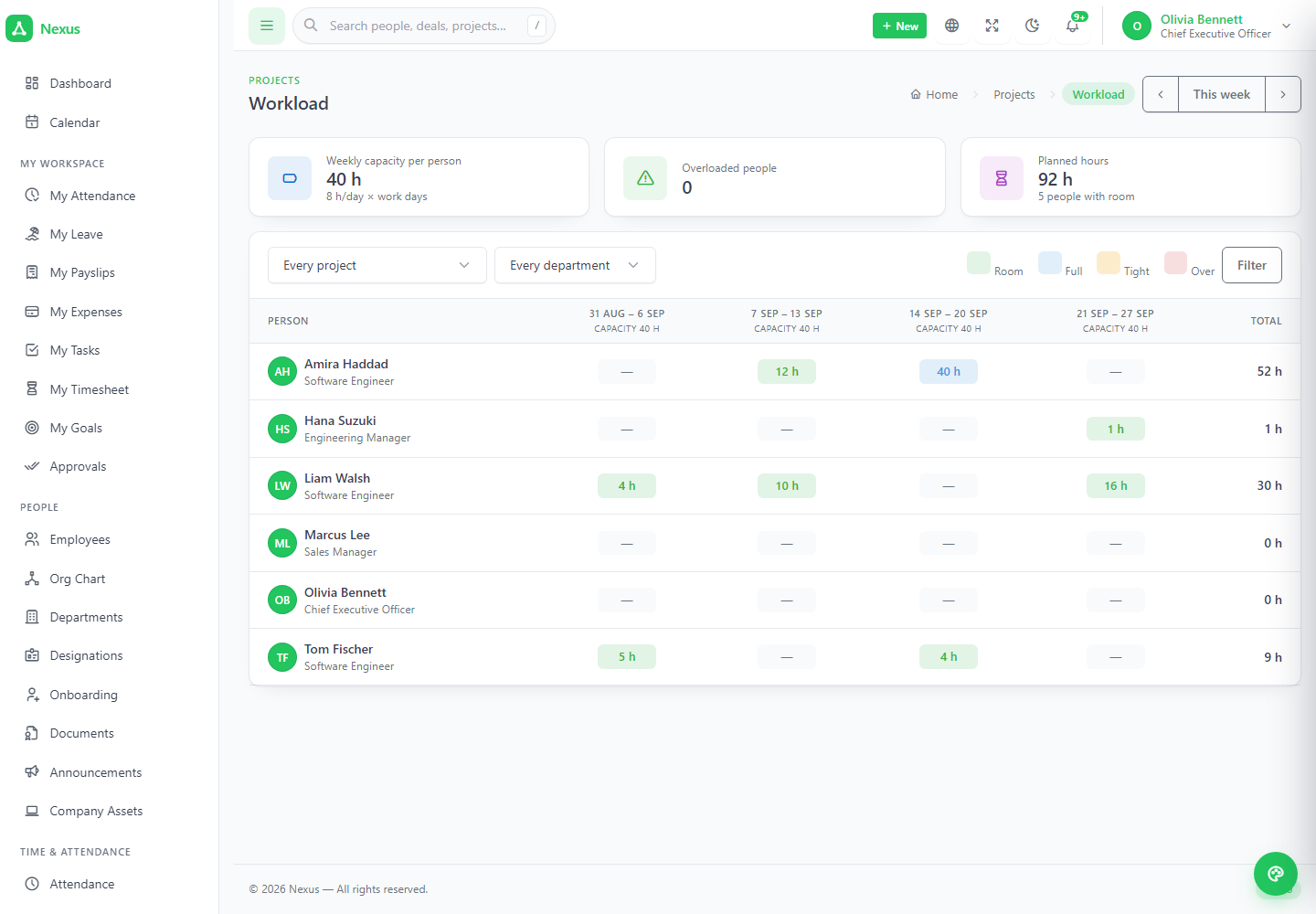
Projects with a client, a budget and a billing rate; tasks in four views of the same data; milestones, sprints with a burndown, issues kept apart from planned work; timers that round to a block; a workload grid to open before promising a date; and one button that turns approved time into a draft invoice.
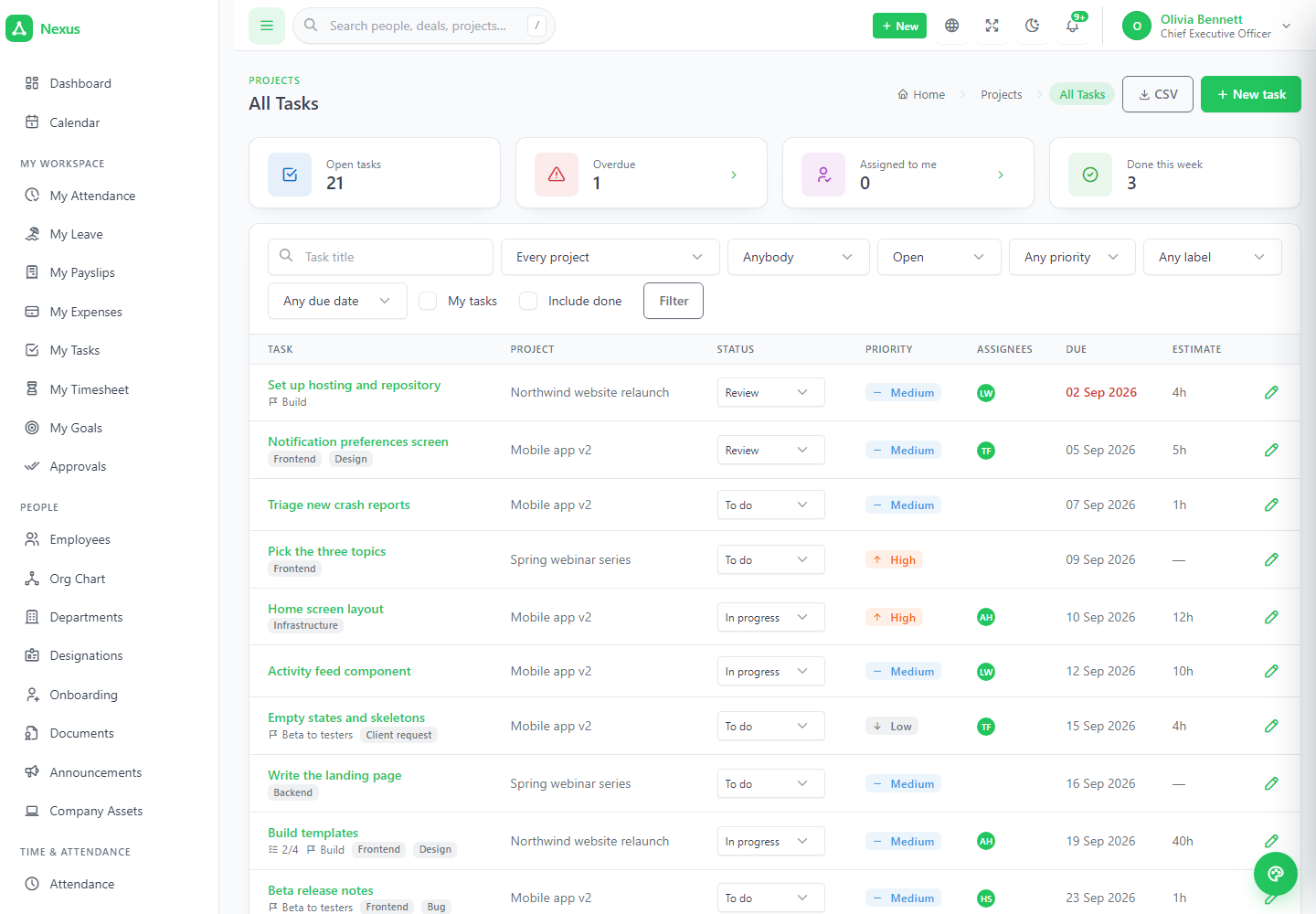
Four views of the same tasks.
List for filtering and bulk work, board for daily flow with your own statuses as columns, gantt for dates and dependencies, calendar for what is due when. Subtasks, labels, estimates, recurring tasks, and dependencies that are enforced: finishing a blocked task is refused, naming the blocker.
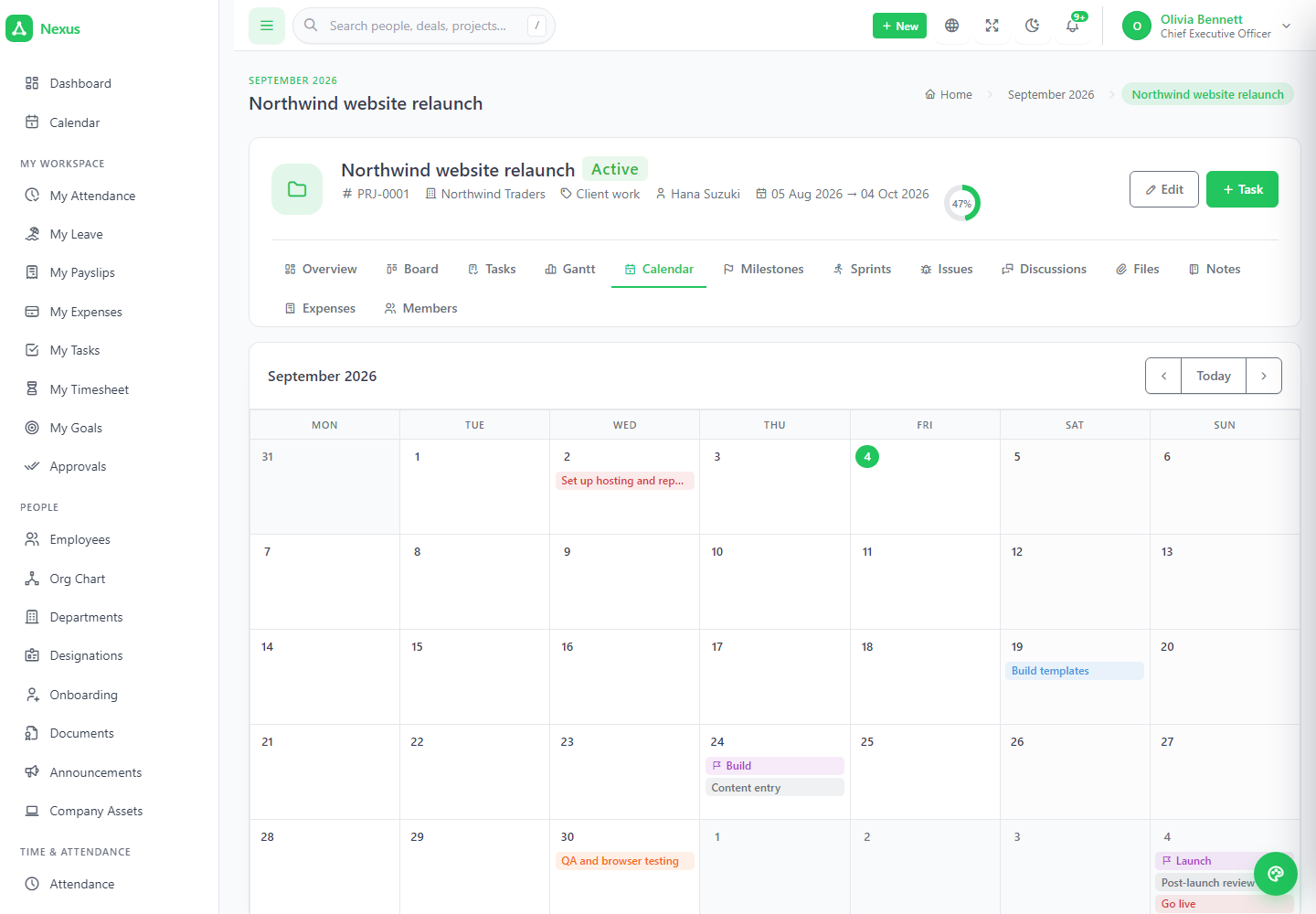
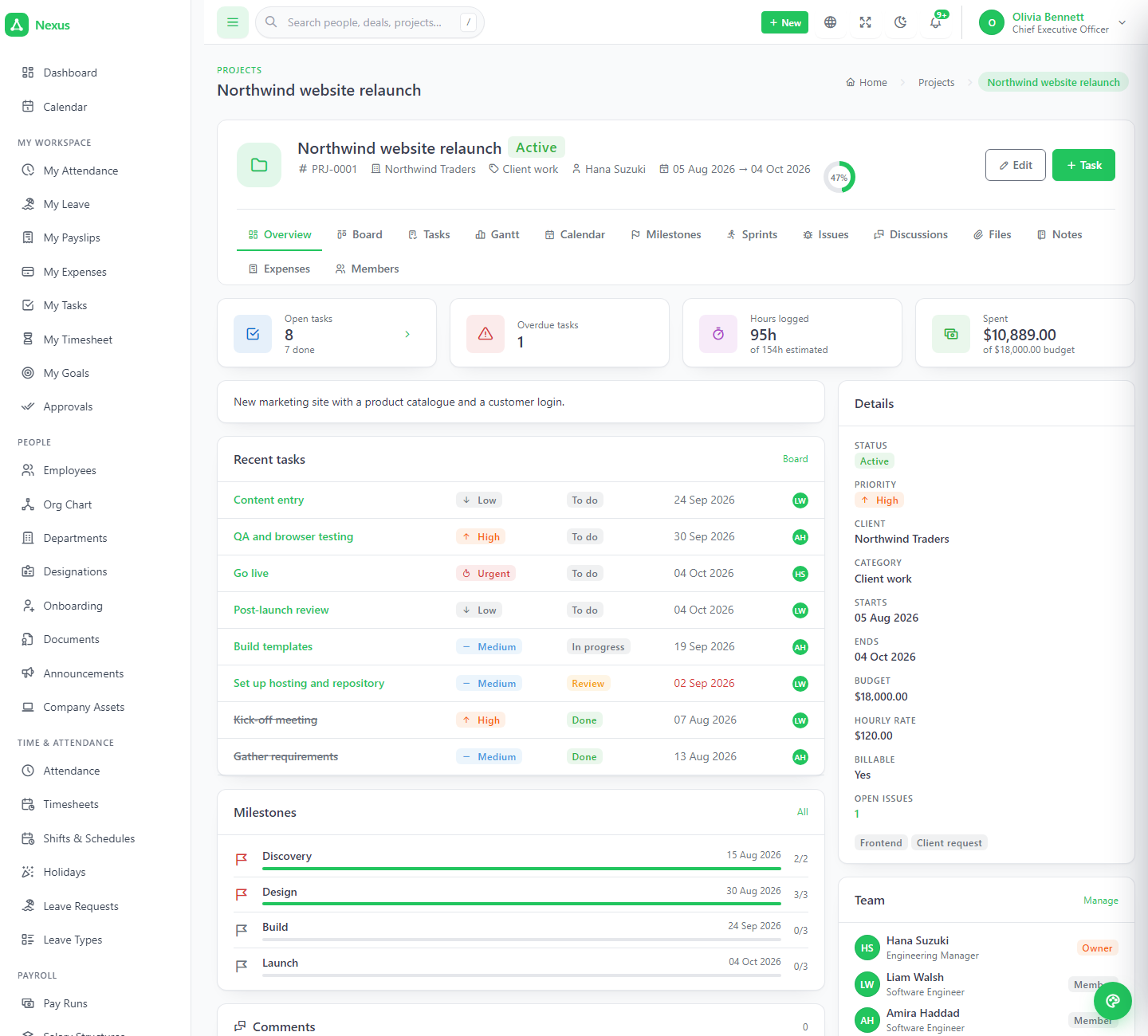
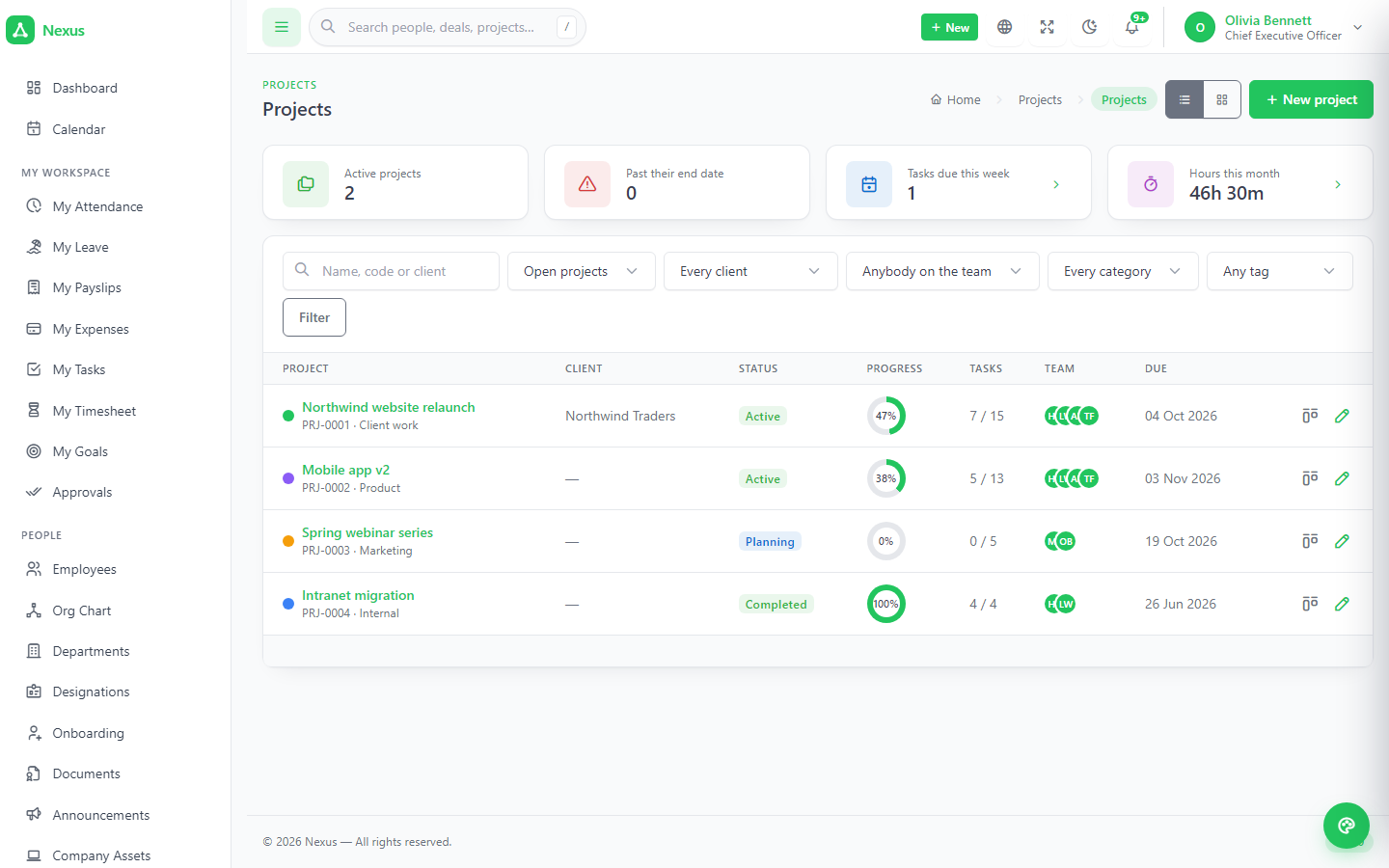
A burndown that stops at today, and hours that never bill twice.
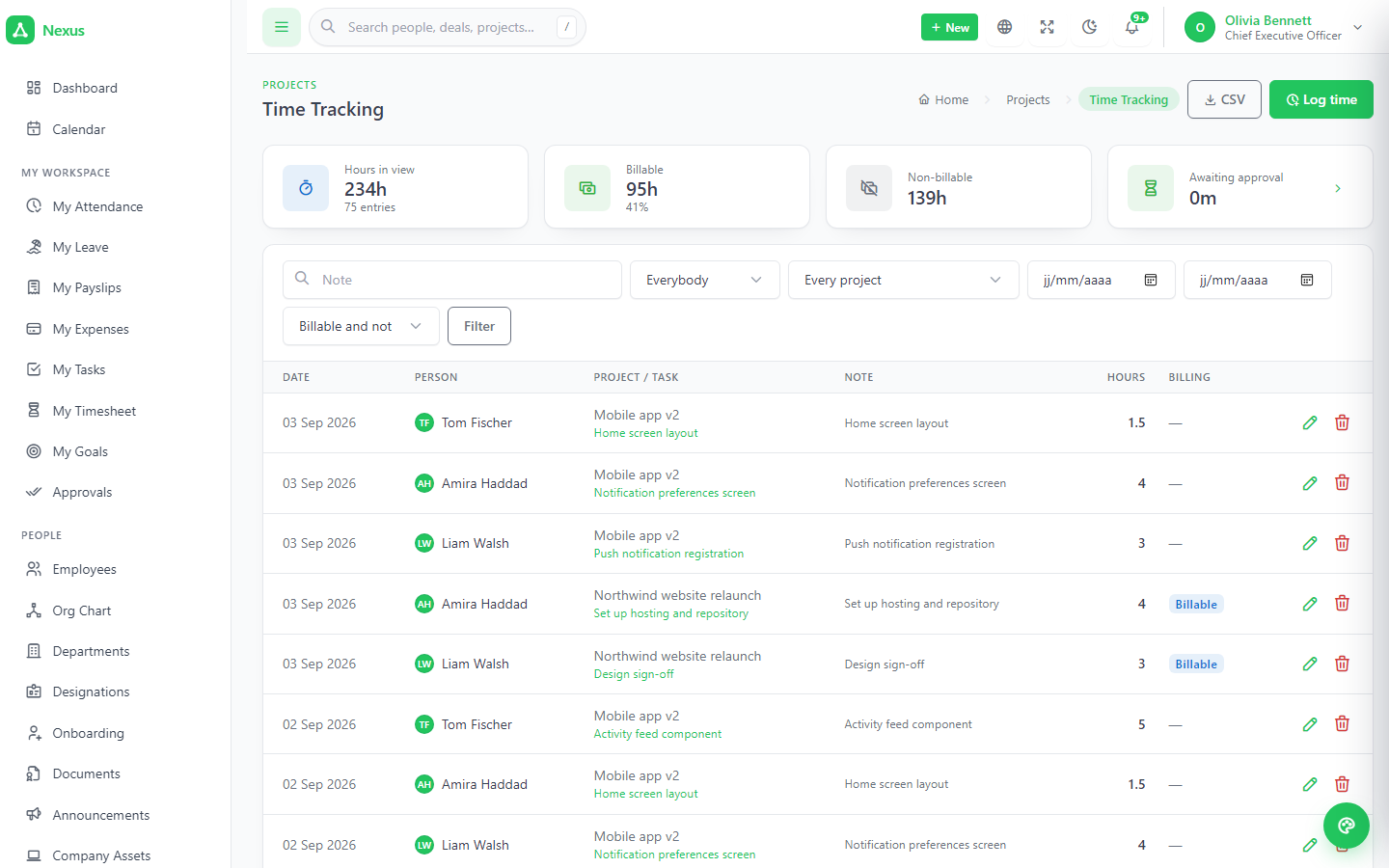
Sprints with a goal and a burndown drawn only for days that have happened. Issues with severity, kept off the board. Two ways to log time — a timer or a typed entry — rounded to the block from settings, billable or not, approvable before it can reach an invoice. Workload shows estimated hours per person per week against what the week can hold, with shared estimates split rather than counted twice.
- ✓Invoice time collects billable, approved, unbilled entries and expenses into a draft invoice — one line per person per task.
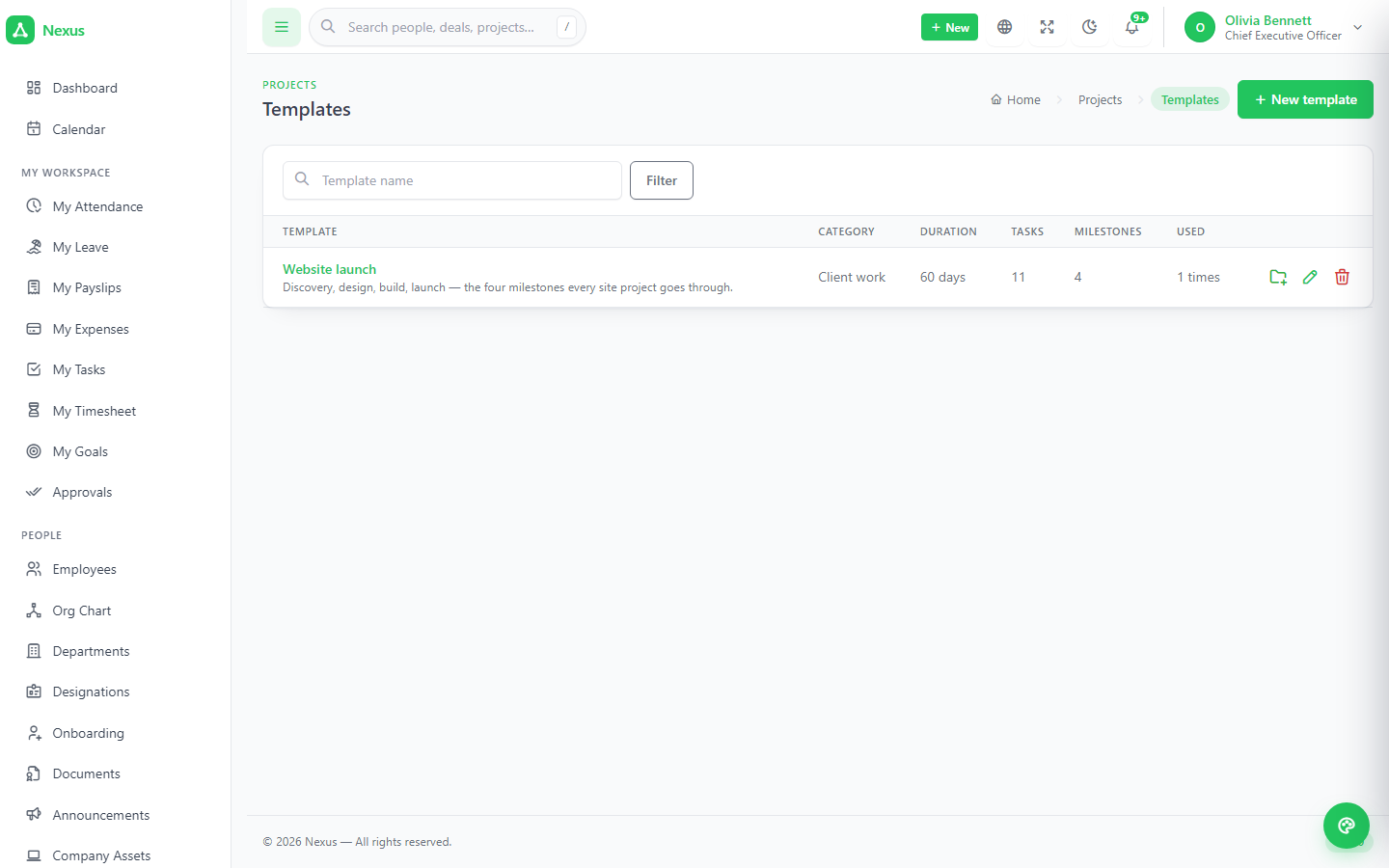
- ✓Templates carry milestones and tasks as day offsets; creating a project from one takes a minute.
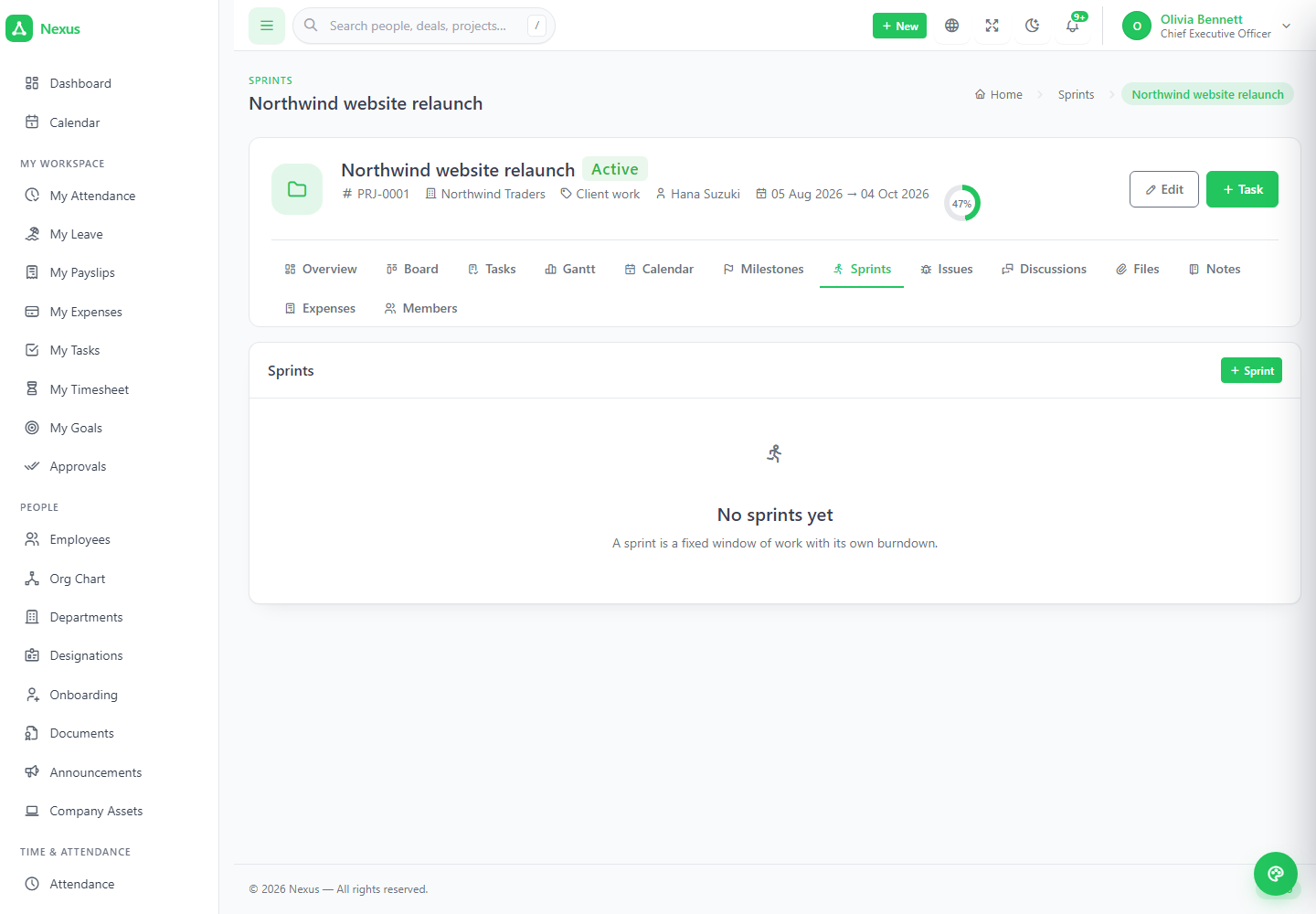
4The same numbers on screen, in the chart and in the file.
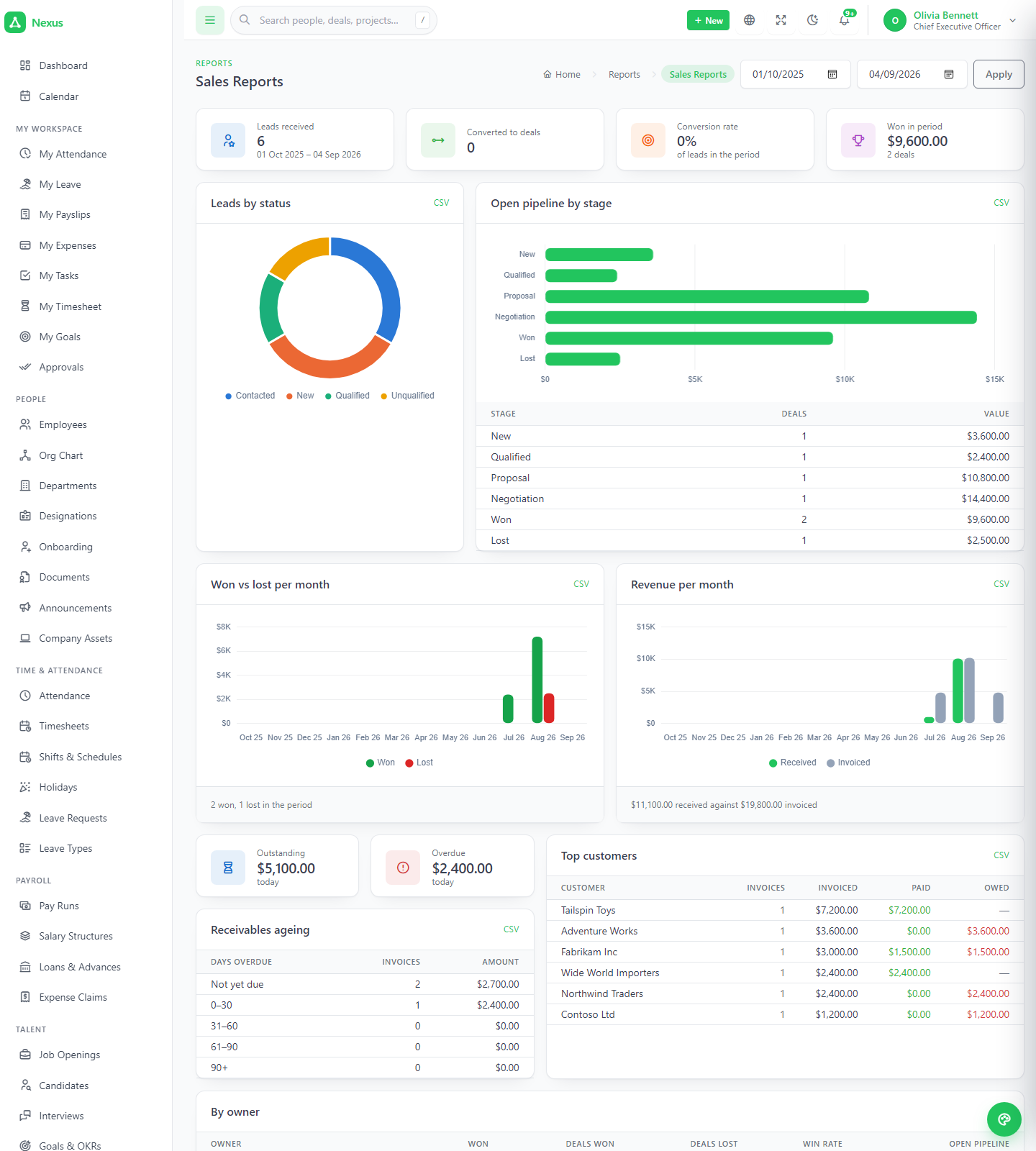
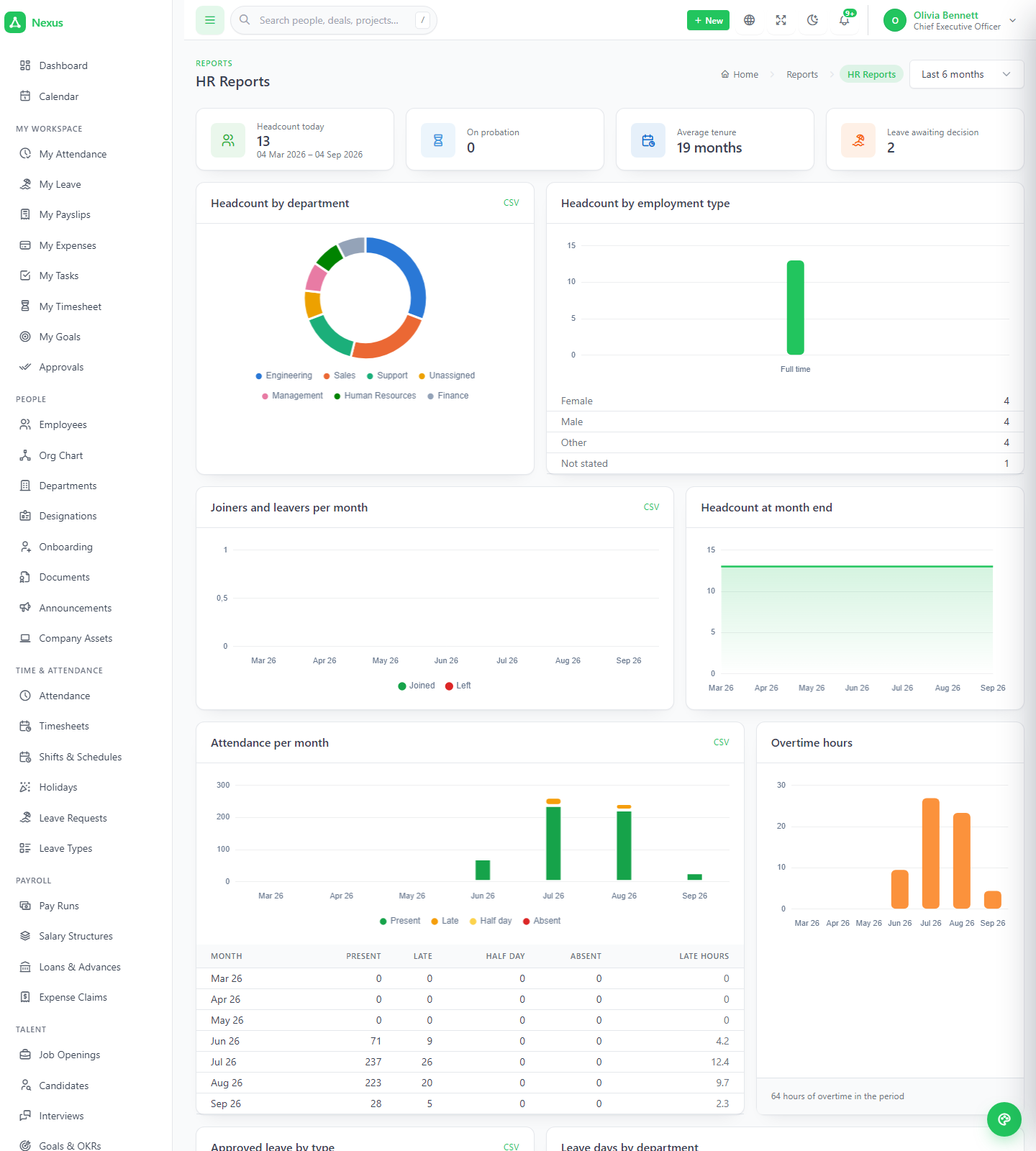
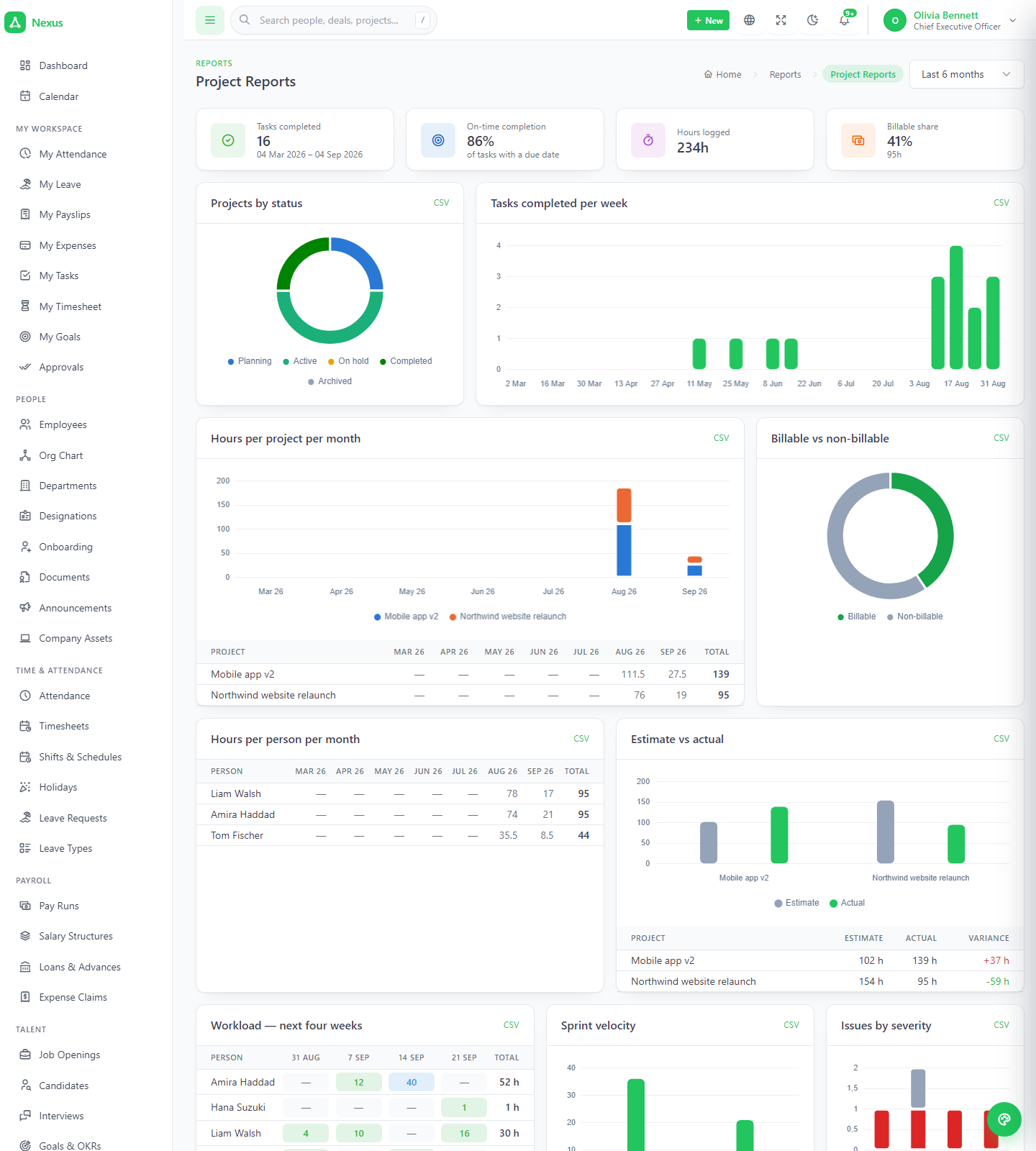
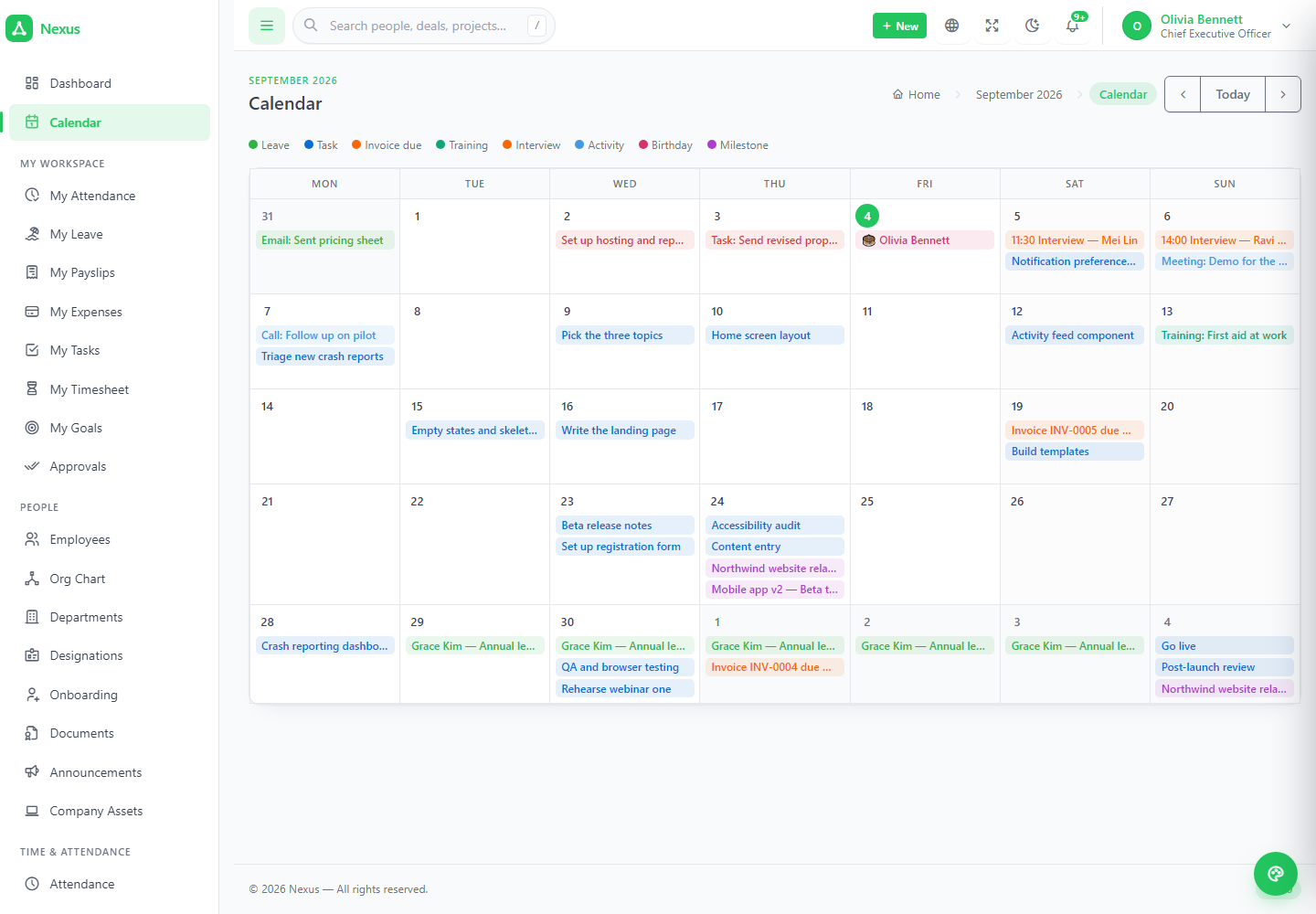
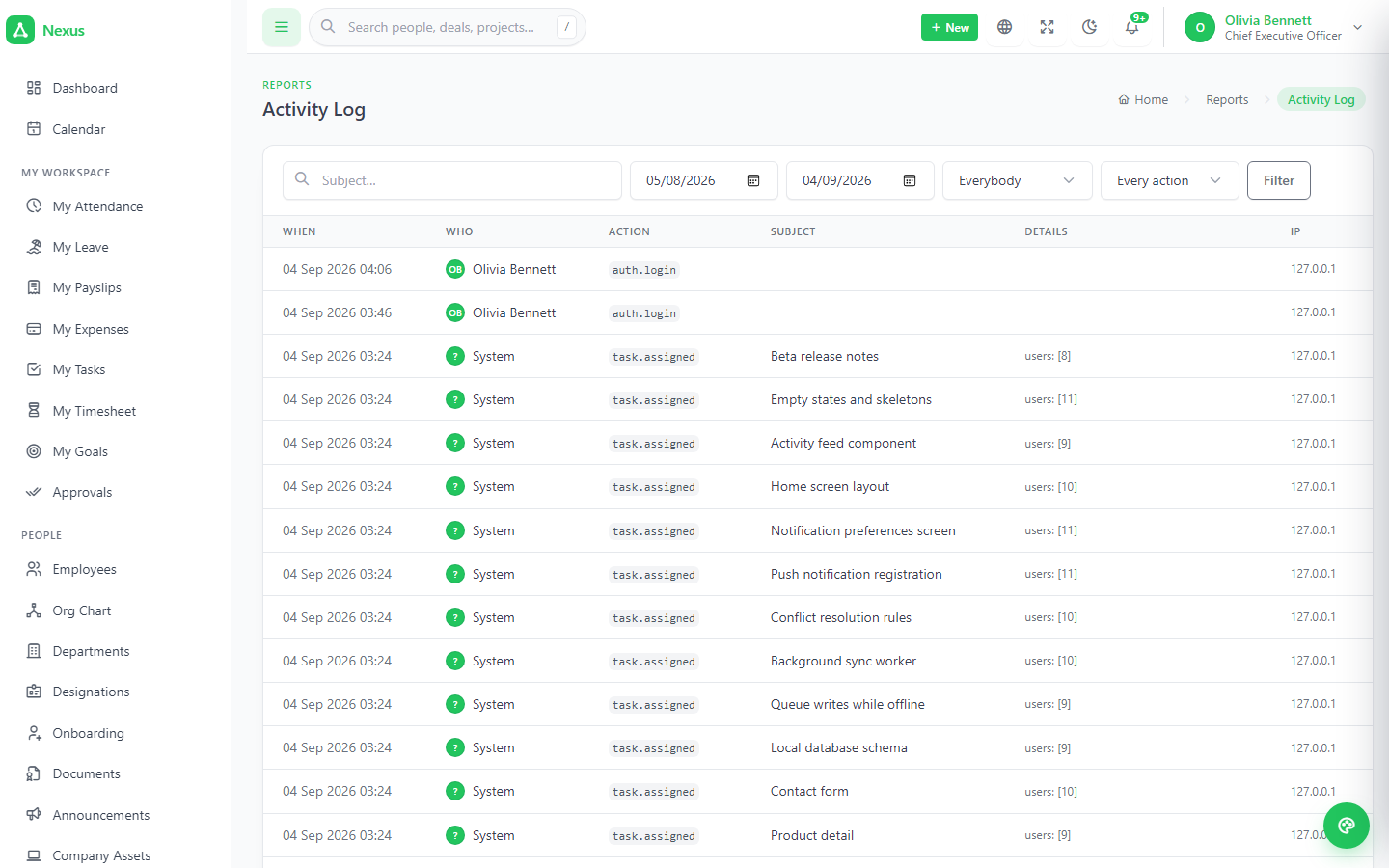
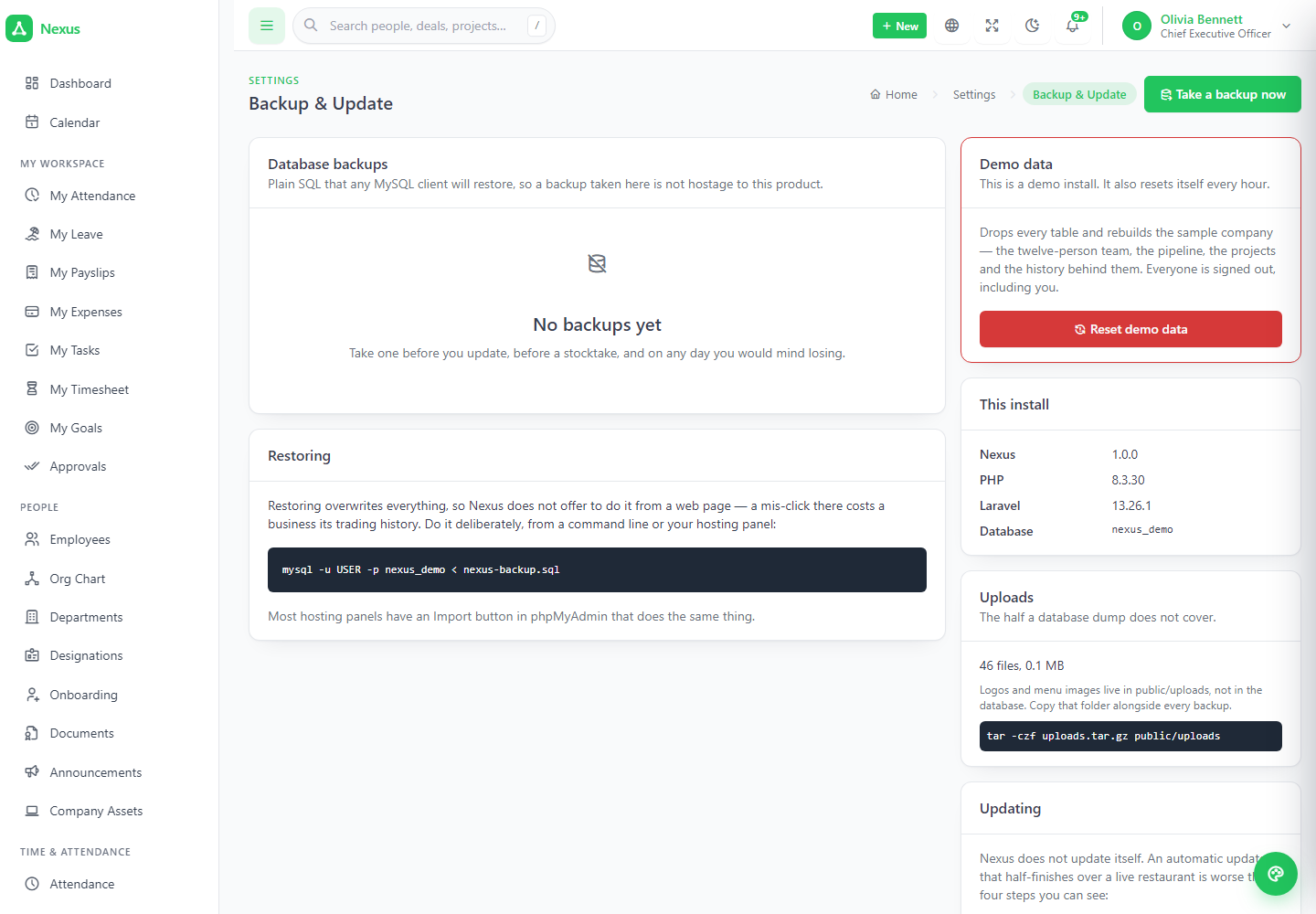
Three report screens with CSV beside every table, one shared calendar fed by every module, a global search filtered by what you may see, an activity log of every state change, and settings that keep mail, backups, languages and updates inside the panel.
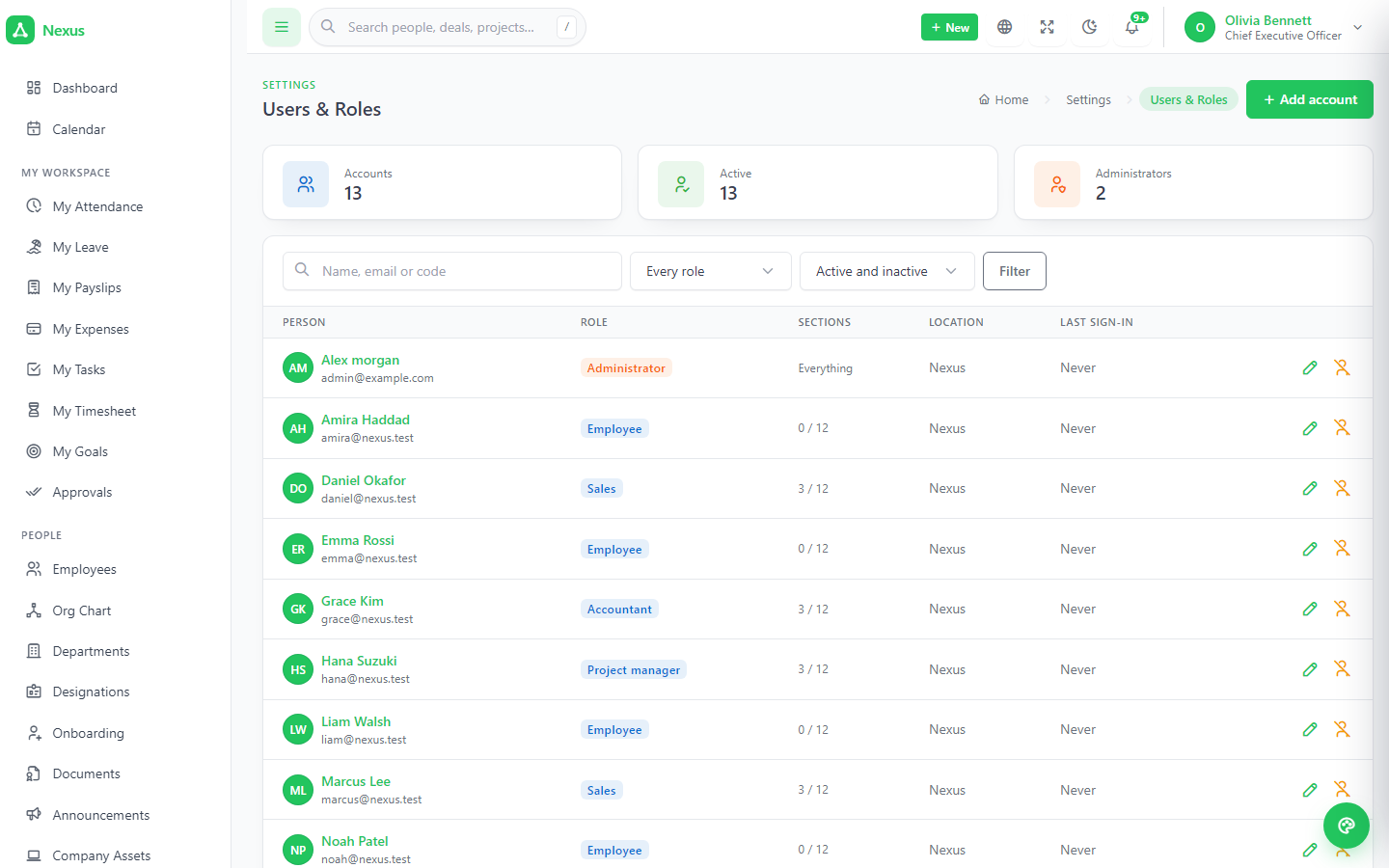
Users and roles, locations, mail, notifications, API tokens, languages, backups.
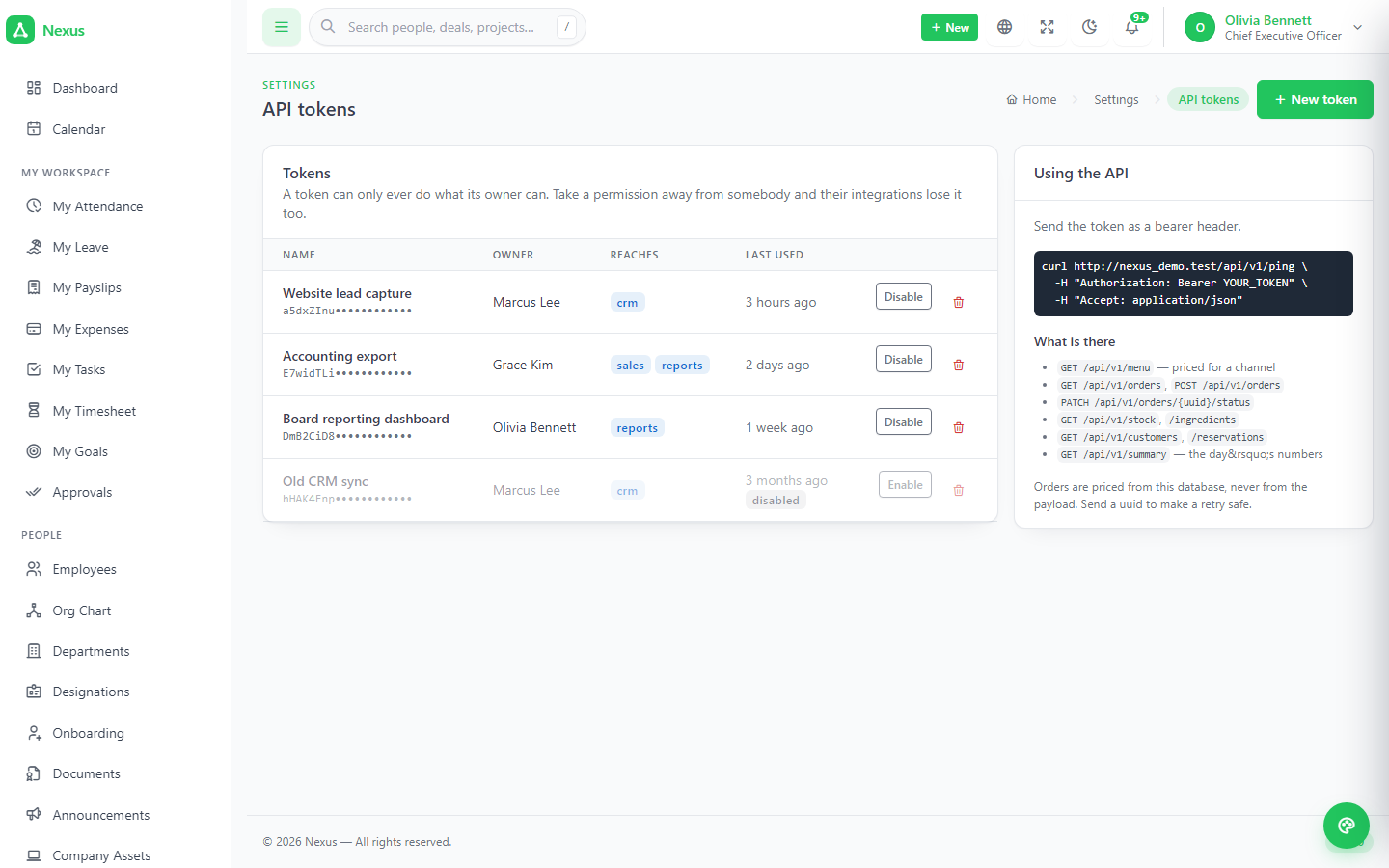
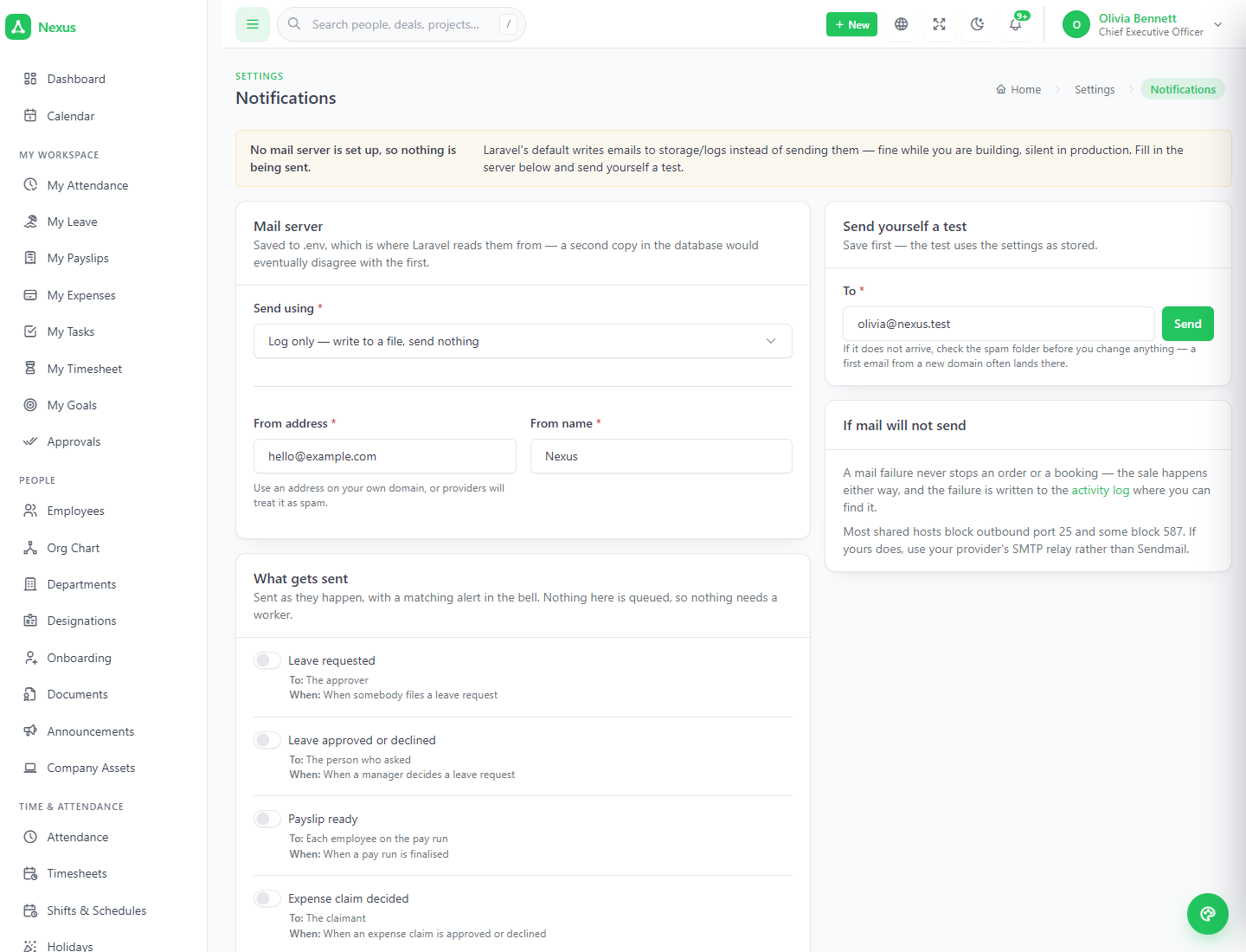
Mail settings with a Send test email button that writes to .env and re-binds immediately. Ten notification events, each raising the bell always and an email only if its switch is on. Scoped API tokens shown once. A translation editor that lists every string in the product. One-click database backups in pure PHP, because plenty of shared hosts disable exec().
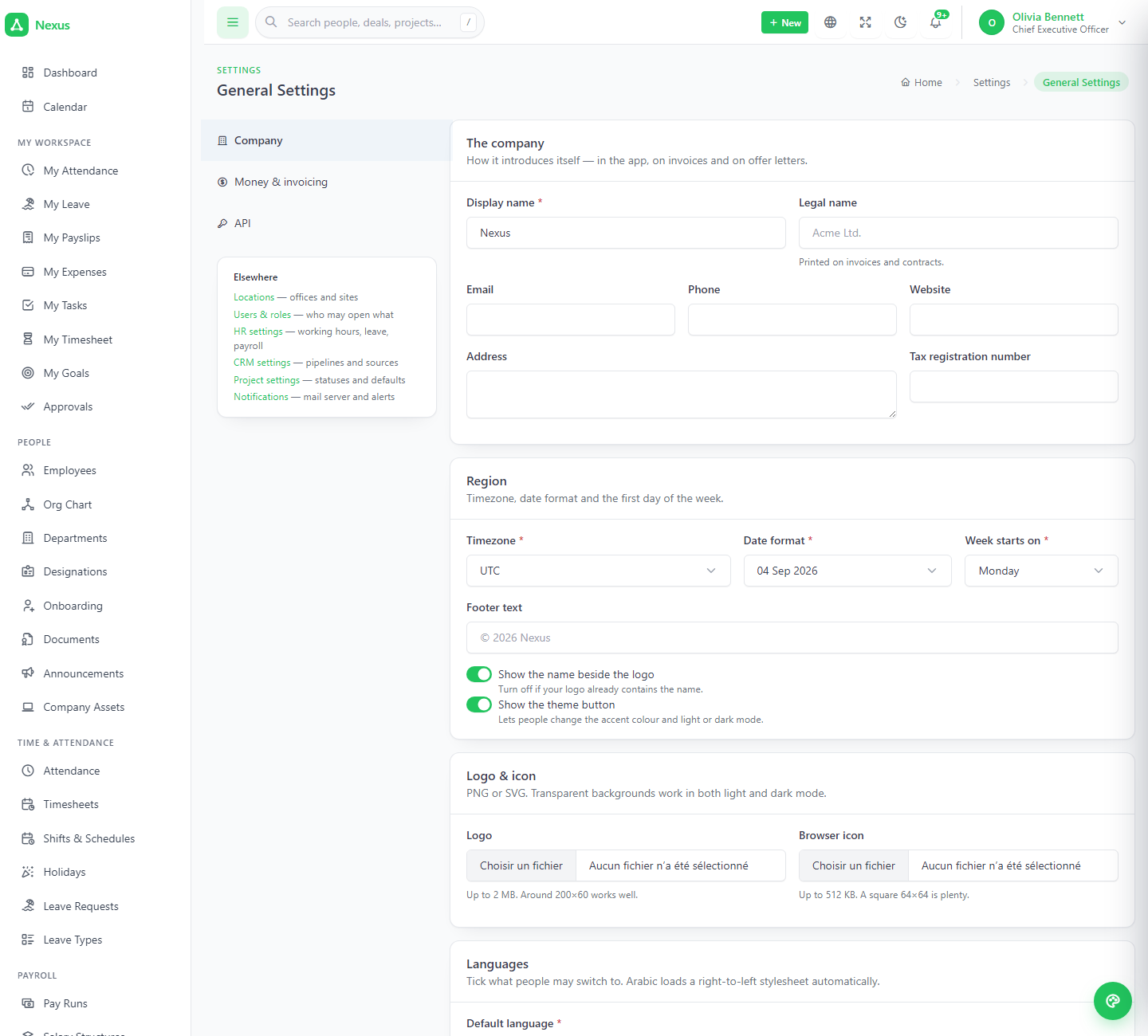
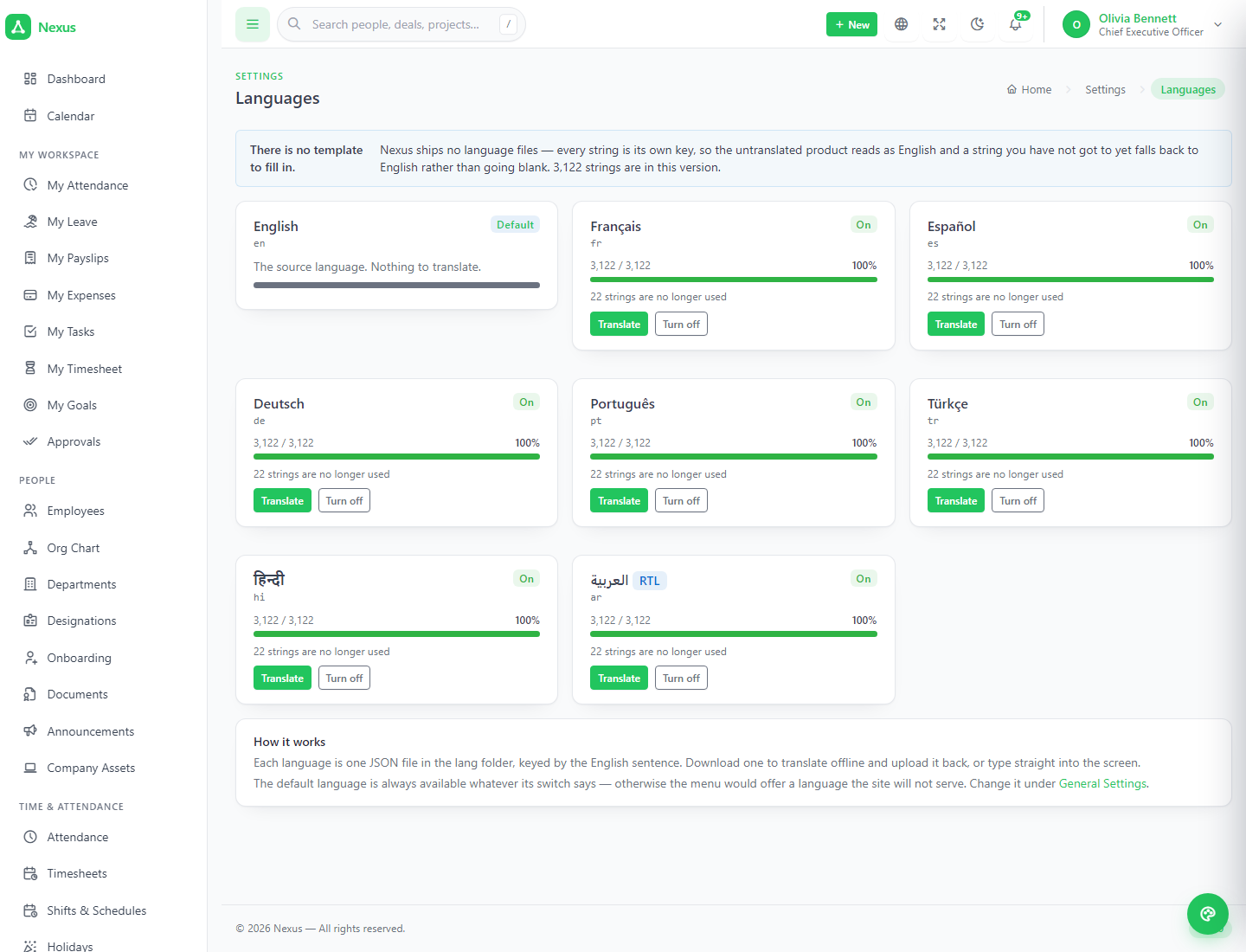
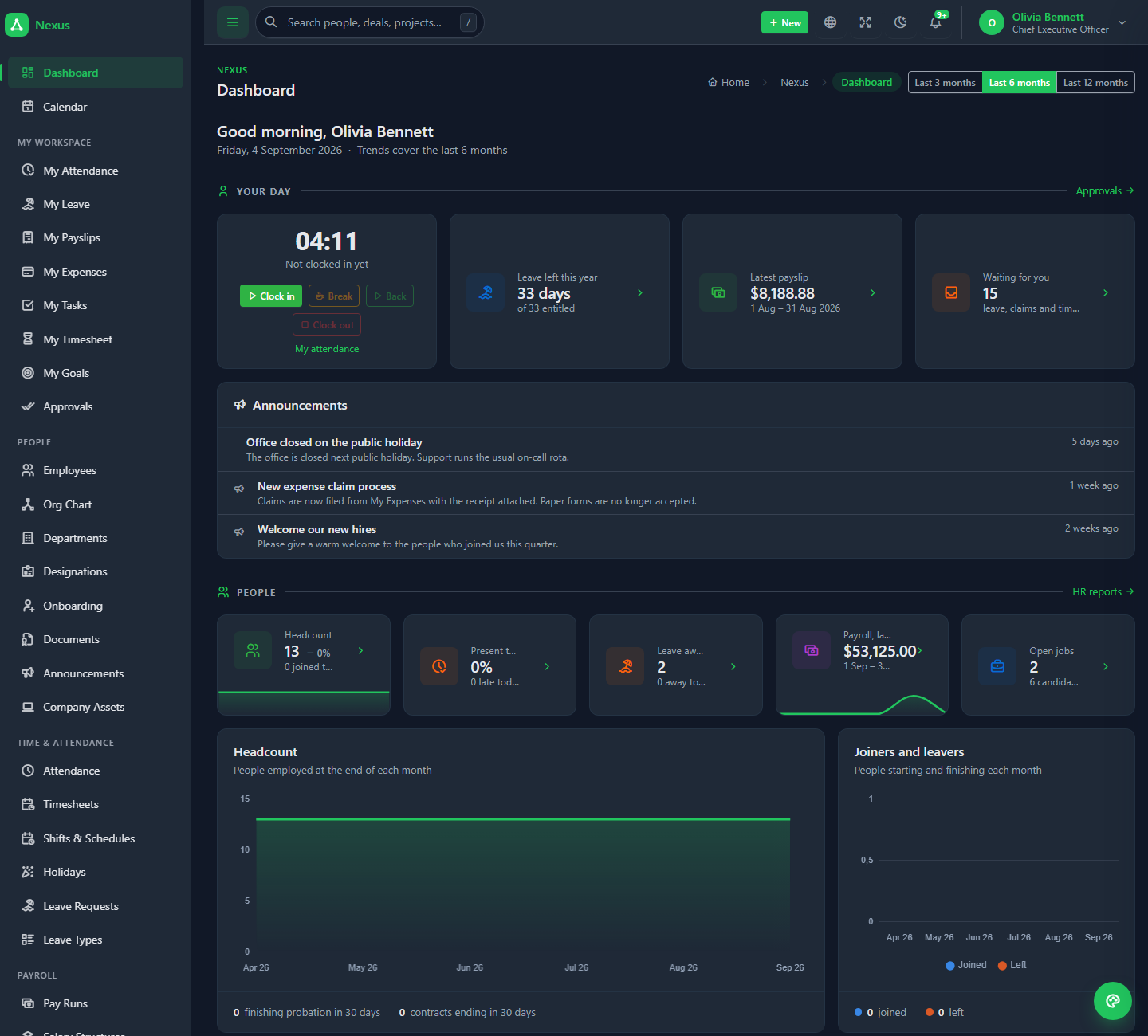
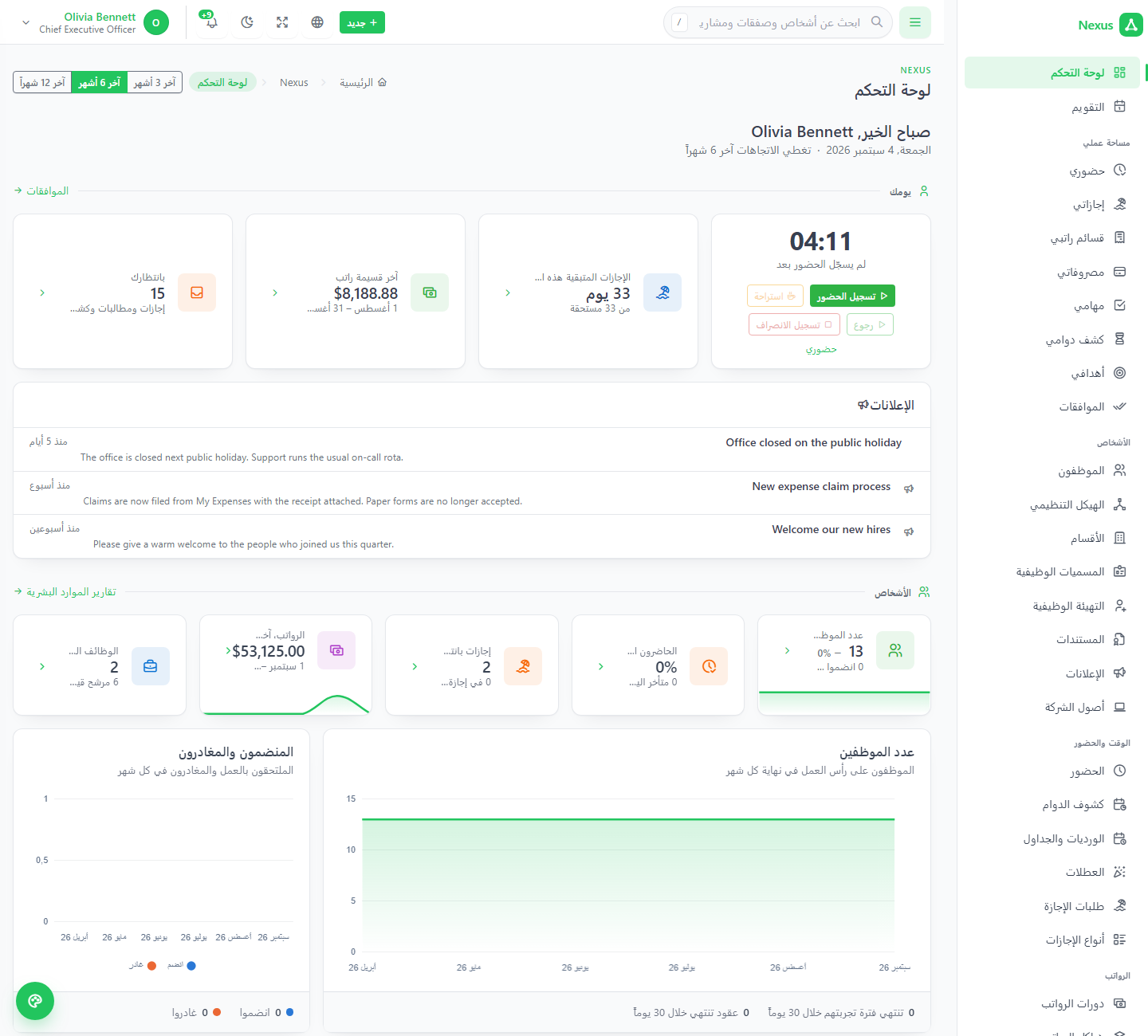
8 languages, Arabic in full right-to-left, and a dark theme.
English, French, Spanish, German, Portuguese, Turkish, Hindi and Arabic ship complete. No English language file exists, so a missing translation degrades to readable English rather than a key. Light, dark and system themes, accent colour and corner radius are chosen per person.
Versioned, scoped, rate-limited per token.
A mobile clock-in app, a website that files leads, a support mailbox that raises tickets, a status board of your own — every call runs as a real member of staff and appears in the activity log under their name.
One response shape
Payload under data, paging under meta, everywhere.
Resources
Employees, attendance, holidays, leave, leads, deals, contacts, companies, invoices, tickets, projects, tasks, time.
Scoped tokens
Same permission vocabulary as the back office; a token can never do more than its owner.
Shown once
Only a hash is stored. A 401 reads the same for missing, unknown and deactivated tokens.
5Built to run where you already host.
| Framework | Laravel 13, PHP 8.3+ (8.3 and 8.4 tested), MySQL 8.0+ / MariaDB 10.6+. |
|---|---|
| UI | Tabler 1.4 with Tabler Icons; Alpine.js 3, Chart.js 4, SweetAlert2 — no SPA framework. Vite 8, with compiled assets shipped in the package. |
| Architecture | One users table as the person; HR, CRM and Projects in their own namespaces, with the rules — accruals, payroll maths, pipeline weighting, task scheduling — in service classes rather than controllers. |
| Extras | Web installer, REST API with scoped tokens, CSV import and export, printable documents, public client links, careers page, client portal. |
| Deliberately not required | Cron, queue workers, Redis, websockets, Node on the server, exec() access, or a storage symlink. Uploads land in public/uploads/. |
| Tests | Feature test suite over the permission model, each state change, and the calculations. |
| Requirements | PHP 8.3+, MySQL 8.0+ or MariaDB 10.6+, Apache or Nginx with URL rewriting, the usual extensions, writable .env, storage/, bootstrap/cache/ and public/uploads/. The installer checks every one. |
Walk into a populated company.
A twelve-person demo company with a pipeline, invoices, tickets, projects and a year of history. The sign-in page offers one-click account tiles; the password is password for all of them.
What's included
- Full source, unencrypted and commented
- Compiled front-end assets
- Browser-based installer
- Demo data seeders
- 8 languages + translation editor
- Full HTML documentation
- Free lifetime updates, 6 months support
Server requirements
- PHP 8.3 or newer
- MySQL 8.0+ / MariaDB 10.6+
- Apache or Nginx, URL rewriting
- openssl, pdo_mysql, mbstring, gd, curl…
- Writable .env, storage, uploads
Ideal for
Small and mid-sized companies running HR on one system, sales on another and delivery on a spreadsheet; agencies and consultancies billing tracked time; IT services, construction and field teams; recruitment firms; clinics, NGOs, schools; startups putting their first back office in place.